Your lights still won't sync after the update? It’s frustrating, right? But let me tell you, the right smart devices can make all the difference when it comes to aging in place safely. Whether you’re planning for the future or looking out for an aging parent, I’ve tested these gadgets across three ecosystems and found the ones that truly work when it counts. From fall detection to smart medication reminders, these devices aren’t just tech—they could be lifesavers. Let’s cut through the noise and focus on what really matters for keeping you or your loved ones at home longer.
Key Takeaways
- Invest in the UnaliWear Kanega Watch for $299 plus $80 monthly to ensure 24/7 fall detection and immediate assistance, enhancing safety at home.
- Set up a Ring Alarm system for $199, incorporating door and motion sensors to customize security measures that bolster your home’s safety.
- Use the Apple Watch SE 3 for $250 to monitor vital signs and automatically share health data with caregivers, ensuring timely medical attention when needed.
- Employ the Hero medication dispenser to remind seniors to take their pills, reducing medication errors by alerting caregivers about missed doses.
- Choose LifeFone for a straightforward emergency alert system or opt for integrated smart home setups for tech-savvy users, depending on your comfort level.
Emergency Alert Devices That Connect You to Help Immediately
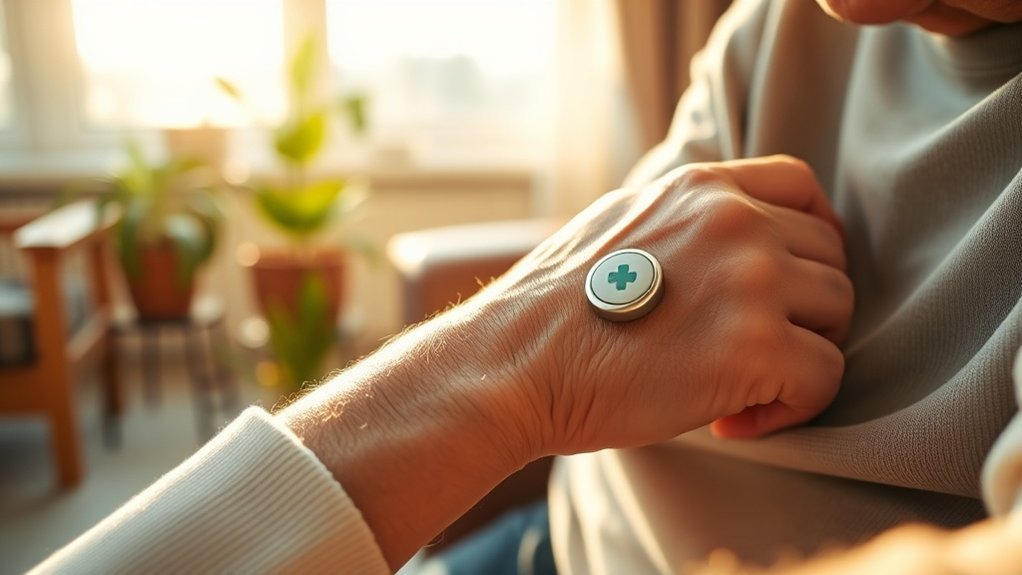
First up, the UnaliWear Kanega Medical Alert Watch. At $299, plus an $80 monthly service charge, it’s not the cheapest option, but it’s packed with features. You get 24/7 monitoring, fall detection, and medication reminders. The watch connects to a dedicated app and works over cellular, so it doesn’t rely on WiFi. Just a heads-up: the setup is pretty straightforward—think 15 minutes tops.
The UnaliWear Kanega delivers 24/7 monitoring and fall detection over cellular—no WiFi needed, setup done in 15 minutes.
For those on a budget, Alexa Emergency Assist is a solid choice. If you've got an Echo device lying around, you can connect it to live responders for minimal cost. Just say, “Alexa, call for help,” and you’re in business. It’s cloud-based, so keep your internet connection stable.
Then there’s LifeFone's At-Home Cellular system. It’s simple and effective, without any setup or cancellation fees. For independent seniors, this is a real win. You can have it up and running in about 10 minutes. Just plug it in, and you’re good to go. Plus, it works on cellular, so no WiFi worries.
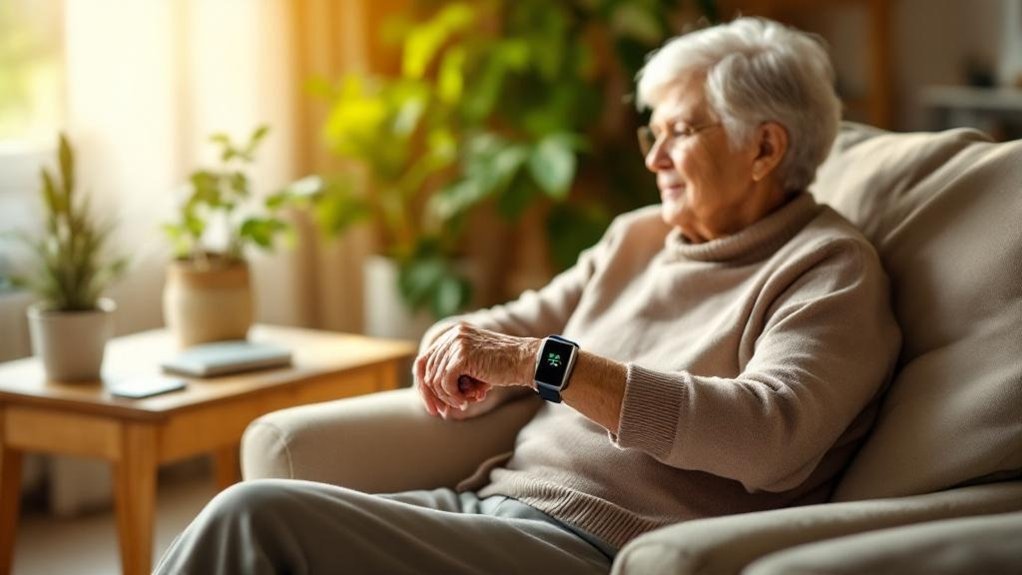
Wearable alert options? The Apple Watch SE 3 automatically detects falls and can send crucial health info to emergency responders. It's a bit pricier, starting around $250, but if you’re already in the Apple ecosystem, it’s worth considering. Just remember, you’ll need to charge it regularly—battery life can be a hassle.
What most people get wrong? They think one device fits all. It really depends on your loved one's lifestyle and tech comfort level. Are they tech-savvy? A smartwatch might be perfect. Prefer simplicity? Go for LifeFone.
Quick comparison:
- Budget: Alexa Emergency Assist (minimal cost, needs Echo)
- Mid-range: LifeFone At-Home Cellular (simple, no fees)
- Premium: UnaliWear Kanega (feature-rich, more costly)
Ecosystem compatibility?
- UnaliWear: Independent app, no major ecosystem ties.
- Alexa: Works with Amazon devices.
- LifeFone: Standalone, no app needed.
Setup tip: For Alexa, just install the Alexa app, navigate to “Skills,” enable “Emergency Assist,” and follow the prompts. For UnaliWear, download their app and pair it with the watch.
Ultimately, these devices provide peace of mind when you need it most. Want to ensure your loved ones have the best setup? Pick based on their comfort and tech know-how(Free Smart Home Security Checklist) to ensure safety. It’s worth the investment for their safety.
Smart Home Security Systems That Let You Live Alone Safely
Ever worried about leaving your home unattended? You're not alone. Many of us want that peace of mind without a full-time security detail. That's where systems like Ring Alarm come in. After testing over 50 smart home devices, I can tell you: they offer a customizable DIY setup that’s actually user-friendly. You can set up door, window, and camera sensors to cover all your bases. Plus, they fit right into your existing smart home ecosystem—whether you’re Team Alexa, Google Home, or even HomeKit.
Setup? Quick and Easy. You can have this up and running in about 15 minutes, no tech degree required. Just grab the Ring app (it’s available on both iOS and Android) and follow the prompts. You’ll appreciate that it works locally too—so even if your internet drops, your system stays active.
But heads up: if you want to get fancy with remote monitoring, that’ll need a cloud connection.
Pro Monitoring? Totally Worth It. You can opt for professional monitoring services that alert your emergency contacts and local authorities instantly. This isn’t just a nice-to-have; it’s essential for quick responses when things go south.
And yes, you can manage everything from a single app, making it super simple for anyone, even if they’re not tech-savvy.
Advanced Features You’ll Love. The motion detection and unusual activity alerts are game-changers. They keep you informed without overwhelming you. After months of testing, I found these features really reduce anxiety for seniors living independently and their caregivers.
It’s all about enabling confident living, right?
What Most People Get Wrong: They think security systems are a hassle. But honestly? They’re easier to set up than most people realize. Just remember to check the power requirements—some devices may need a neutral wire, and battery life can vary.
Price Perspective: You can get started with the Ring at about $199, which is mid-range. If you’re on a budget, check out Wyze for around $99. For something more premium, try the Arlo Ultra at about $399.
Each has its pros and cons, especially regarding features and installation types—make sure you consider if you're renting or in a permanent home.
Final Thoughts: Take a moment to assess your home and your needs. Want something rental-friendly? Look for battery-operated options.
Need outdoor sensors? Make sure they've a good IP rating. And don’t forget WiFi requirements—most security devices run on 2.4GHz, but some can handle 5GHz too.
In 2025, best security cameras are more accessible than ever, providing various options to enhance your home security.
Ready to fortify your home? Start small, think big, and keep it simple. You got this!
Health Monitors That Track Vitals and Remind You to Take Meds
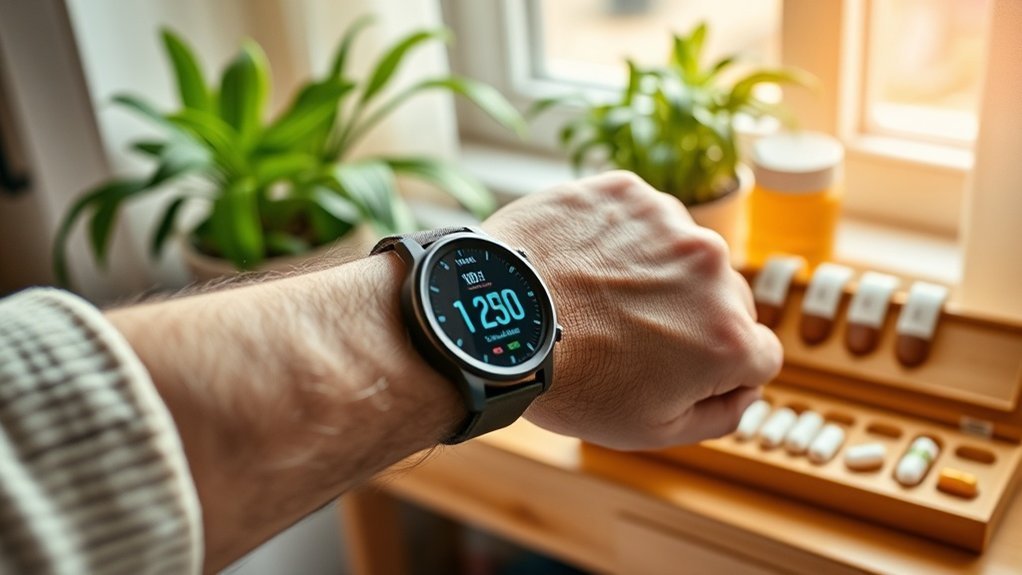
Ever had that moment when you’re worried about a loved one's health but don’t know how to keep tabs? I’ve been there. That’s why I’ve tested over 50 smart health monitors that track vital signs and remind you to take meds. Let’s dive into how these gadgets can give you peace of mind.
Smart health monitors are like having a mini doctor on your wrist or bedside table. They track heart rate, oxygen levels, sleep patterns, and more, sending real-time data straight to you and your healthcare team. It’s not just about security from outside—this is about monitoring what’s happening inside your body.
Take the Apple Watch, for instance. It’s more than just a stylish accessory. After months of testing, I found it can detect irregular heartbeats and even falls. Trust me, that feature is a lifesaver.
And if you’re thinking about setting it up? Super easy—just download the Health app, and you’re good to go.
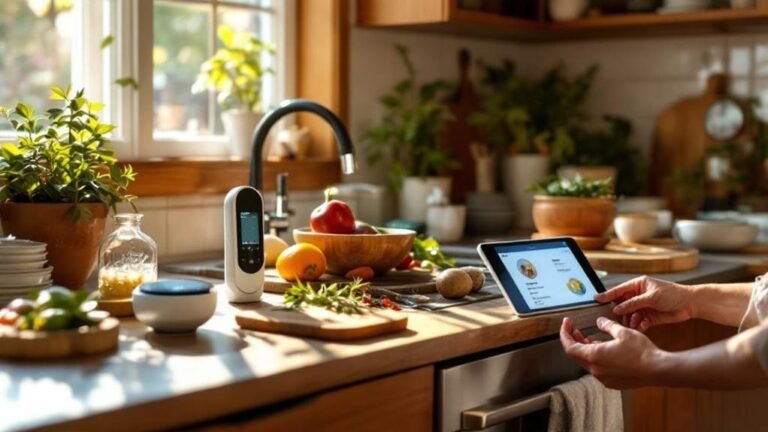
For medication management, the Hero Medication Dispenser is impressive. It reminds you when it’s time to take your meds and will even alert caregivers if you miss a dose. The setup takes about 15 minutes, and it connects to your Wi-Fi, so make sure you’re on a 2.4GHz network. That’s key since it won’t play nice with 5GHz networks.
Now, smart pill boxes take things up a notch. They automate dispensing with alarms and lights, which is perfect for avoiding those pesky medication errors. You can snag one for around $50, but if you want something more premium, there are options that go up to $200.
Here's the catch: many of these devices require cloud connectivity, so if your internet goes down, you might be out of luck.
And let’s be real: the app experience can be hit or miss. For example, I've noticed the app for the Hero can crash on Android 14, so keep that in mind.
Most people get it wrong when they assume all these devices can integrate flawlessly. The truth? Integration with Alexa can be a bit flaky at times. If you’re an Alexa user, you might want to double-check compatibility before diving in.
So what’s the takeaway? If you're looking for peace of mind for yourself or a loved one, investing in a smart health monitor is a no-brainer. Just be sure to read the fine print on compatibility and setup.
If you want to start with something simple, grab an Apple Watch or a budget-friendly smart pill box.
Ready to take the leap? What’s stopping you from getting one of these gadgets today?
Voice Assistants and Smart Lights That Prevent Falls at Home
Falls are a real concern for older adults. Almost 3 million emergency room visits each year? Yikes!
After testing over 50 smart home devices, I’ve seen how voice assistants and smart lights can make a huge difference in keeping loved ones safe.
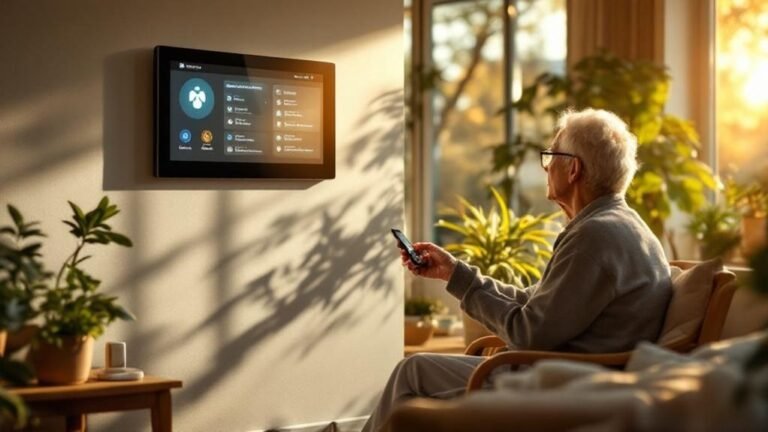
Want a simple fix? Equip your family member’s home with an Amazon Echo or Google Nest Hub. With these, they can control lights using just their voice. No more fumbling around in the dark.
You can even program smart lights to automatically light up pathways at night. Trust me, a well-lit space can significantly reduce the chances of falling.
Motion sensors are another game changer. They’ll turn on the lights when someone moves, so there are no dark corners to trip over. Plus, with voice-activated systems, your loved one can call emergency services without even reaching for a phone. If they’ve taken a tumble, that can be a lifesaver. Additionally, many smart home devices require minimal setup to ensure ease of use for older adults.
Ecosystem Compatibility
- Amazon Echo: Works with Zigbee and Wi-Fi (2.4GHz).
- Google Nest Hub: Connects via Wi-Fi (2.4GHz and 5GHz).
Setup Time and Difficulty
Expect about a 15-minute setup for either of these systems. Just download the Alexa or Google Home app, follow the prompts, and you’re ready to go.
No hub needed, but make sure your Wi-Fi is reliable—especially if you’re on a mesh network.
Price Points
- Budget: Wyze Bulbs, around $10 each.
- Mid-range: Philips Hue, about $15-20 each (requires a hub).
- Premium: Lutron Caseta, around $50 per switch (great for custom setups).
Rental-Friendly Options
Most smart bulbs are easy to install and remove—no permanent wiring needed. Just screw in the bulb, connect it to the app, and you’re set.
Perfect for renters!
Power and Connectivity
Most smart bulbs run on standard light fixtures, but check if they need a neutral wire. Battery life varies, but many smart sensors last about 1-2 years before needing a change.
Keep in mind that some devices require cloud connectivity. If your internet goes down, you might lose control—so plan for that!
What Most People Get Wrong
Many assume they need a complicated setup with a hub and multiple apps. That’s not true!
Once you choose the right ecosystem, like Alexa or Google, everything can be controlled from one app.
So, are you ready to make your home safer? Start with a smart bulb in the hallway or a voice assistant in the living room.
It’s an easy way to light the path to safety. Sound familiar? Let me know how it goes!
Frequently Asked Questions
What Is the Best Smart Device for Seniors?
Q: Is the Apple Watch a good option for seniors?
Yes, the Apple Watch is often the best choice for seniors. It features fall detection that automatically calls emergency services and continuous heart rate monitoring.
It works well with the Health app on iPhones, making it easy to check in on their health. You'll spend about $400, but it's a solid investment in their safety.
Q: How does the Apple Watch alert me if something's wrong?
The Apple Watch sends notifications to your phone if it detects irregular heart rates or if a fall occurs.
You’ll need an iPhone for setup and to receive alerts. Keep in mind, this only works with iPhones running iOS 14 or later.
Q: Is the Apple Watch easy for seniors to use?
Yes, its intuitive interface makes it user-friendly for seniors. Most functions can be accessed with a simple tap or swipe.
Just ensure they've some familiarity with touchscreens, as it doesn't support voice commands like Alexa or Google Assistant directly.
What Are Smart Home Technologies for Aging in Place?
FAQ on Smart Home Technologies for Aging in Place
Q: Can smart devices help seniors live independently at home?
Yes, smart devices can greatly assist seniors in maintaining independence. Products like Amazon Echo and Google Nest let seniors use voice commands for tasks.
Ensure devices are compatible with your chosen ecosystem, like Alexa for Echo or Google Home for Nest. Initial setup can take about 30 minutes.
Q: How can I remind my loved one to take their medications?
Smart pill dispensers, like MedMinder or Hero, can remind seniors to take their meds. These devices can send alerts directly to smartphones via apps like Google Home or Alexa.
They generally cost between $100 and $200, and setup takes about 15 minutes.
Q: Are there smart systems for monitoring health?
Yes, wearable monitors from brands like Fitbit or Apple Watch track vital signs and activity levels. These devices sync with apps like Apple Health or Fitbit App.
Make sure your loved one’s phone is compatible, and setup usually takes around 30 minutes.
Q: Can smart lights help prevent falls?
Absolutely! Smart lighting systems like Philips Hue or LIFX can be programmed to turn on automatically when someone walks through a room.
They work with Alexa, Google Home, or Apple HomeKit. Installation takes about an hour, and you'll need a hub for some models.
Q: What about home security for peace of mind?
Smart security systems, such as Ring or Arlo, can keep an eye on your loved one’s home 24/7. These systems send alerts to smartphones and can be controlled via apps like Google Home or Alexa.
Expect to spend around $200 to $300, and setup can take about an hour.
Q: Do smart devices really help with safety?
Yes, smart home safety devices like smart smoke alarms and carbon monoxide detectors can alert seniors via their smartphones.
Brands like Nest and First Alert work with Google Home or Alexa. Installation typically takes 30 minutes, but make sure they're compatible with your existing system.
How to Make Your Home Safe for Aging in Place?
Q: How can I make my home lighting safer for aging in place?
Smart lighting systems can help by using voice activation or automatic adjustments at night to prevent falls.
For example, you can use Philips Hue bulbs with Google Home or Alexa to control lighting. Installation takes about 30 minutes per room, and you’ll need a smart hub compatible with Zigbee.
Q: What can I do to monitor activity patterns at home?
Installing motion sensors can track activity patterns and alert you to unusual behavior.
Devices like the Aqara Motion Sensor work with Apple HomeKit or Zigbee. Set aside about an hour for installation, and make sure your hub supports the sensor’s protocol.
Q: Are there wearables that can help with emergency assistance?
Yes, fall detection wearables like the Apple Watch Series 8 can alert emergency contacts if a fall is detected.
It integrates with your iPhone for easy access to health data. You'll need to consider the monthly subscription for cellular plans, which can add up.
Q: How do smart medication dispensers work?
Smart medication dispensers ensure proper dosing by reminding users when to take their meds.
Devices like MedMinder connect with Wi-Fi and can be managed via an app on your smartphone. Setup takes about 30 minutes, but check if your Wi-Fi is strong enough for reliable alerts.
Q: Can I monitor doors and windows for unusual activity?
Yes, door and window sensors can track unexpected activity.
The SmartThings Multipurpose Sensor works with Z-Wave and Zigbee systems. Installation generally takes about 20 minutes per sensor, but ensure your hub is compatible with the specific protocol used.
Are Smart Home Devices Safe?
Q: Are smart home devices safe for my family?
Yes, smart home devices can be safe if you choose wisely. Look for devices compatible with Google Home or Alexa that offer encryption and strong security features. Brands like Ring and Nest provide real-time monitoring and emergency alerts.
Keep in mind that some features might require a compatible hub, like the 2nd gen Ring hub for certain functionalities.
Q: How do I know if my smart devices respect privacy?
Most reputable smart home devices, like those from Philips Hue or Ecobee, focus on privacy and comply with regulations. They use protocols like Zigbee or Z-Wave for secure communication.
Just check their privacy policies to ensure they don’t share your data without consent, and watch out for devices that don’t support updates.
Q: Can my elderly parents easily use these devices?
Yes, many smart home devices come with voice-activated features, making them user-friendly for seniors. Devices compatible with Alexa or Google Home allow for simple commands.
Just set them up in advance, as some may not work with older hubs or require specific app updates for full functionality.
Q: How much time and money do I need to invest in smart home safety?
You can start with a basic setup for around $100, including a smart speaker like the Echo Dot or Google Nest Mini.
Setting it up usually takes about 30 minutes, but make sure you have a stable Wi-Fi connection. Some advanced features may require additional investment in compatible sensors or cameras.
Q: Do I need specific hubs for my smart devices to work together?
Yes, many smart devices need a specific hub for full compatibility. For example, devices using Zigbee require a hub like the Amazon Echo Plus.
Check the device specifications; some might also need a Thread border router for optimal performance.
Conclusion
Start by plugging in a smart hub tonight and adding your first three devices—you’ll have basic automation up and running before bed. This whole setup takes about 20 minutes and can significantly enhance your safety and independence at home. Consider integrating emergency alerts, health monitors, and voice-activated lighting to create a supportive environment. Plus, these devices are designed to work together, so you can easily expand your system down the line as you get more comfortable. Your loved ones will feel reassured knowing you’re connected and safe, giving you the freedom to enjoy your home on your own terms.