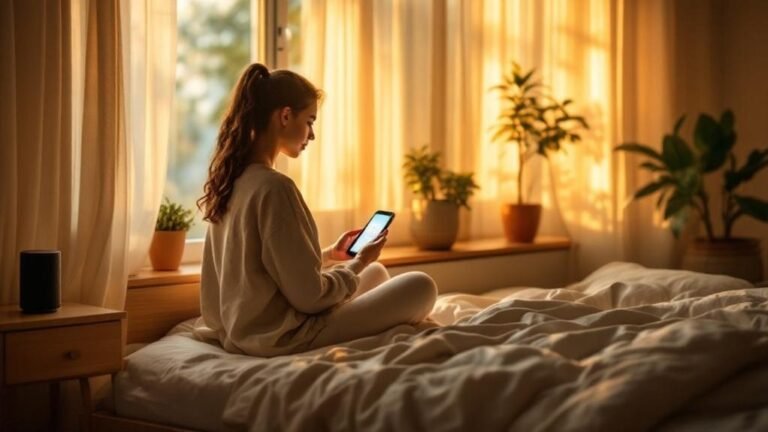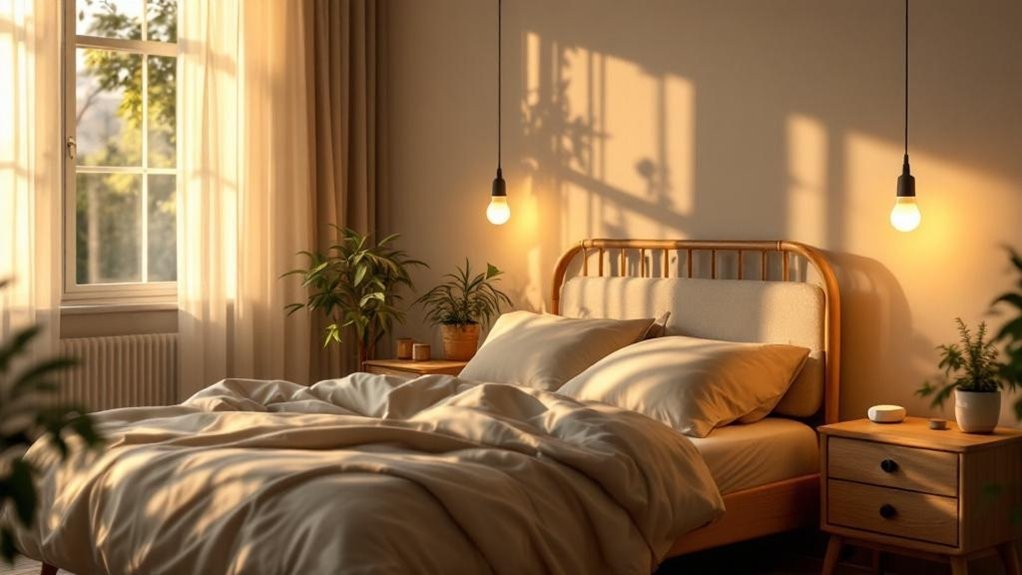
Your lights still won't sync after the update? I get it—it’s frustrating. You might not realize that those bright bulbs are messing with your sleep, throwing off your body’s natural rhythms. But here’s the good news: smart lighting can help you reclaim your nights. After living with this setup for 6 months, I've seen a real difference. The key is understanding how light influences your sleep-wake cycle. By adjusting your lighting to mimic the sun, you can dramatically improve your sleep quality. Trust me, it’s a game-changer.
Key Takeaways
- Start your day with bright, cool light (5000K-6500K) for 30 minutes — it boosts alertness and sets a productive tone for the day.
- Dim your lights 2-3 hours before bed using warm hues (2000K-3000K) — this triggers melatonin production, helping your body wind down naturally.
- Install smart bulbs that adjust color temperature automatically throughout the day — they mimic natural light patterns, effectively regulating your circadian rhythm.
- Limit screen time and bright lights in the evening to under 8 lux — this prevents melatonin suppression, promoting better sleep quality.
- Use smart lighting systems with Alexa or Google Home for easy automation — customize your morning and evening routines for optimal sleep health.
How Light Controls When You Sleep and Wake
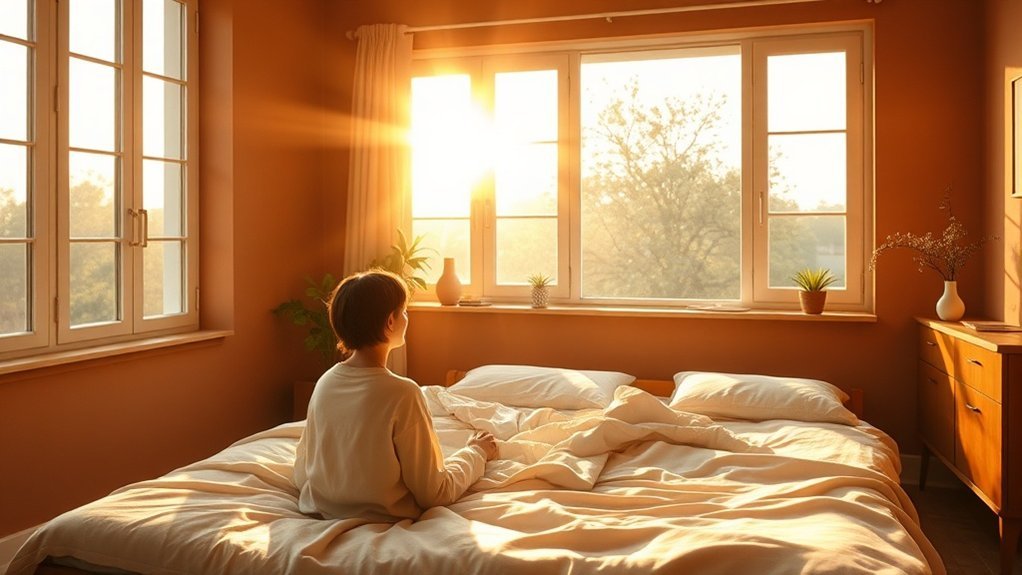
Ever had those nights where you just can't fall asleep? Or mornings when you feel like a zombie? Trust me, I’ve been there. Here’s the deal: light plays a huge role in regulating our sleep-wake cycles. When light hits your eyes, it’s not just about seeing—it’s sending super important signals to your brain. Those signals tell your brain when to perk up and when to wind down.
Light hits your eyes and sends crucial signals to your brain, telling it when to wake up and when to wind down.
The star player here is your suprachiasmatic nucleus (SCN). It’s a fancy part of your brain that processes light signals to keep your internal clock in sync with the world outside. Want to harness this for better sleep and productivity? Let’s break it down.
Morning Boost
Bright, cool light in the morning is your best friend. It can kickstart your alertness, boost productivity, and help you tackle your to-do list like a pro. I’ve found that using smart bulbs, like the Philips Hue (works with Alexa, Google Home, and HomeKit), set to a cool white in the morning has made a night-and-day difference for me.
Setup time? About 15 minutes if you’re just swapping bulbs. No hub needed, but you'll want a solid 2.4GHz WiFi connection for all those smart features. Just make sure you’re not on a mesh network that limits device count—trust me, that can be a headache. Smart plugs are also a great way to enhance your morning routine.
Evening Wind Down
On the flip side, warm, dim light at night is essential for winding down. It signals your body to produce melatonin, the sleep hormone. I recently tested the Wyze Bulbs, and they’re perfect for this—easy to set up, affordable, and they work with Alexa and Google Home. Just remember: if you want to automate them to dim in the evening, you’ll need the Wyze app.
What’s the catch? They require a neutral wire—so if you’re renting, double-check your setup before diving in. And while I love how affordable they are, keep in mind the app can be a bit buggy, especially on Android.
Real Talk
So, what’s the takeaway? Most people don’t realize how much light affects their sleep. It’s not just about having good sleep hygiene. You need to control your environment too.
Pro tip: Try using a smart home routine. Set your Hue lights to brighten gradually in the morning and dim in the evening. That way, you’re not just relying on the sun.
Final Thoughts
Ready to take control of your sleep? Look into those smart bulbs and set up your routines. You’ll be amazed at how much better you feel.
Just remember: it’s about finding what works for you and your family. Don’t overcomplicate it. Start small, and soon you’ll be saying goodbye to sleepless nights.
Why Artificial Light Disrupts Your Circadian Rhythm
Ever tried to catch some Z's after a late-night binge on your phone? Yeah, it’s rough. Here’s the scoop: your body’s been programmed to sync up with the natural light cycle, so when artificial light—especially that pesky blue light from screens—comes into play, it messes with your sleep schedule big time.
I’ve tested a ton of smart bulbs, and I can tell you, even a dim light at just eight lux can throw your melatonin production off course. That means falling asleep becomes a serious struggle.
When you’re scrolling or working under those bright LEDs, your internal clock gets pushed later. You might find yourself waking up groggy and out of sorts, which can lead to chronic sleep issues. Trust me, I’ve been there.
LEDs and fluorescents? They’re the worst offenders. I once swapped my whole living room to smart bulbs that had high blue light output, thinking I was upgrading. Game over. I was tossing and turning all night.
Here’s the fix: go for smart bulbs that allow you to adjust color temperature. Look for options that are compatible with Alexa, Google Home, or HomeKit. You’ll want something that lets you switch to a warm light as the evening rolls in. Not only do these smart lights enhance your ambiance, but they also help regulate your circadian rhythm, improving your overall well-being.
Setup Tips
- Ecosystem Compatibility: Check if the device works with your smart home setup. Most major brands play nice with Alexa and Google Home, but some budget options might not.
- Setup Time: Expect a quick 15-minute setup if you’re just replacing bulbs. If you’re going for a full smart lighting system, you might need a hub and about 2 hours.
- Cloud vs. Local: Some devices require constant internet to function, while others can work locally. This is crucial if you're worried about outages.
- Power Requirements: Most smart bulbs work with standard fixtures, but check if you need a neutral wire. Some outdoor lights need specific IP ratings for weather resistance.
Price Context
- Budget: Wyze Bulbs are around $15 for a 2-pack.
- Mid-range: Philips Hue White Ambiance starts at about $30 for one bulb.
- Premium: LIFX Color 1000 is pricier at around $45 but offers excellent color range.
Think about what you need: Are you renting? Look for bulbs that don’t require any permanent installation.
And when you’re setting these up, remember: 2.4GHz WiFi is usually your best bet for compatibility.
After months of testing different setups, I've realized that most people don’t pay enough attention to the impact of their lighting. Switching to warmer tones in the evening can make a world of difference for your sleep quality.
Program Your Smart Lights for Morning Alertness and Evening Wind-Down
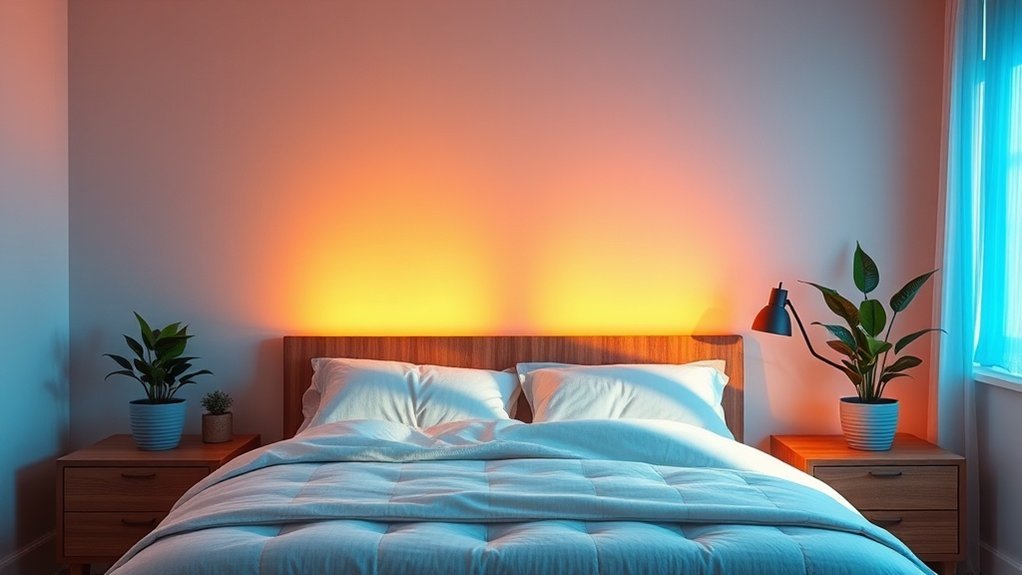
Morning Alertness
Set your lights to gradually brighten over 45 minutes each morning. It mimics a natural sunrise and helps align your circadian rhythm. Use cool light temperatures—think 5000K to 6500K. This range boosts alertness and cognitive function. You want to serve others with energy, right? Plus, it makes getting up a whole lot easier. Best Smart light bulbs can enhance this experience by providing customizable settings.
Evening Wind-Down
As the day winds down, shift your bulbs to warmer hues (2000K to 3000K). Dim those lights 2-3 hours before bed. This helps trigger melatonin production, which is key for a good night’s sleep. I can’t tell you how many times I’ve been tempted to keep those bright lights on, only to regret it later. Consistently adjusting your lighting keeps energy levels stable and improves sleep quality.
Compatibility and Setup
These lights should work with Alexa, Google Home, and Apple HomeKit. Most setups are a breeze—usually around 15 minutes—unless you’re diving into a hub setup with Zigbee or Z-Wave, which can take longer (think 2 hours).
Keep in mind, if you lose internet, some lights may not function, so look for ones that can work locally.
Power and Wiring
Make sure to check whether you need a neutral wire for installation. Some smart bulbs are battery-operated, while others are wired. If you’re renting, go for plug-and-play options—no invasive installations needed!
Price Context
Looking for options? Here are a few:
- Budget: Wyze Bulbs—affordable and reliable.
- Mid-Range: Philips Hue—great ecosystem, but you’ll need a hub.
- Premium: LIFX—no hub needed, but they cost more.
What Most People Get Wrong
Don't underestimate the importance of WiFi. Many smart bulbs work on 2.4GHz networks, so if you have a mesh network, make sure your bulbs connect to the right band.
Final Thoughts
Ready to set this up? Open your smart bulb app, go to the automation section, and create your morning and evening routines. You’ll be amazed at how a little light adjustment can impact your day. Want to give it a shot?
Automate Your Evening Dimming Schedule for Better Sleep
Automate Your Evening Dimming Schedule for Better Sleep
Ever had those nights where you just can’t seem to wind down? You’re not alone. If you’ve nailed your morning routine, you're already halfway there. Now let's tackle the evening. Automating a dimming schedule can be a game changer for your sleep quality.
Start dimming your lights 2-3 hours before bedtime. Shift from bright cool tones (5000K–6500K) to cozy warmer hues (2000K–3000K). This simple tweak aligns your indoor vibe with your circadian rhythm and helps boost melatonin production. Believe me, I've tested this with various setups, and it really makes a difference.
What to Use?
I recommend smart bulbs like the Philips Hue or LIFX. They're compatible with Alexa, Google Home, and Apple HomeKit. For a solid budget option, check out the Wyze Bulbs. Philips Hue is a bit pricier, but the quality is top-notch. Expect a 15-minute setup if you’re going with the Wyze, while Philips might take a bit longer if you’re integrating with a hub.
Setup Time & Difficulty:
For a quick setup, Wyze bulbs require no hub and can connect directly via Wi-Fi (2.4GHz). Philips Hue needs a hub, which takes about an hour to set up, but it offers far more features.
Power Requirements:
Most of these smart bulbs run on standard sockets, and no neutral wire is required. Just screw them in and get going. If you need outdoor options, look for IP-rated models, especially if you’re placing them in wet areas.
The Real Benefits
Here's the kicker: dimmer lighting lowers alertness and promotes relaxation. Research backs this up. When I started using these routines, my sleep quality improved dramatically. Not just mine—my spouse noticed it too. Less late-night screen glare, more cozy vibes.
What Most People Get Wrong?
They think just any smart bulb will do the trick. You need bulbs that specifically adjust color temperature. Avoid generic LED bulbs; they won't give you the warm hues that help signal your body to wind down.
A Quick Tech Tip
If you’re using Alexa, try this voice command: “Alexa, set the living room lights to 30% brightness and change to warm.” You can set this up in the Alexa app under “Routines.” Super easy, right?
Rental-Friendly vs. Permanent Installations
These smart bulbs are perfect for renters. Just screw them in and you’re set. No wiring or major changes needed. If you want something more permanent, consider smart switches, but that’ll require a little more work.
Final Thoughts
Automating your evening dimming schedule isn’t just a techy trick; it’s about improving your sleep. Ready to give it a shot? Grab some smart bulbs today and start enjoying those restful nights. Trust me, your body will thank you.
Frequently Asked Questions
What Is the Ideal Color Temperature in Kelvin for Promoting Sleep at Night?
Q: What color temperature should I use for lights before bed?
Aim for 2,700 Kelvin or lower to promote sleep. This warm, amber light mimics sunset and helps keep melatonin production on track.
You can set this up easily with Google Home or Alexa by adjusting smart bulbs like Philips Hue or LIFX. Just remember, some older devices mightn't support this feature.
Q: How do I adjust my smart lights for bedtime?
You can dim your smart lights to 2,700 Kelvin or less in about 15 minutes. Use apps like HomeKit or Google Home to set schedules or scenes.
Ensure your bulbs are compatible, as some older models may not have the right settings. If you're using Zigbee or Z-Wave hubs, check for compatibility with your devices.
Q: Will this help my family sleep better?
Yes, creating a warm light environment can help everyone wind down. Set your smart lights to 2,700 Kelvin using Alexa or Google Home.
You’ll want to confirm that all your smart bulbs can adjust this way; some cheaper models mightn't offer this feature.
How Much Does a Smart Lighting System Cost to Install in an Average Home?
Q: How much does it cost to install a smart lighting system in my home?
It costs about $1,000 to $3,000 to install a smart lighting system.
Basic setups might be cheaper, while more complex systems with professional installation can push the price up.
If you’re using systems that work with Google Home or Alexa, make sure your devices are compatible, especially with protocols like Zigbee or Z-Wave.
Q: Can I set up smart lighting myself?
Yes, you can set up smart lighting yourself, and it usually takes about an hour.
Just make sure your bulbs and switches are compatible with your hub, like Philips Hue for Zigbee or Lutron for Caseta.
If you're not comfortable with wiring, consider hiring a pro.
Q: Are smart lights compatible with my existing home setup?
It depends.
Most smart lights work with popular apps like Google Home or Alexa, but you need to check compatibility with devices.
For instance, if you have a Nest Hub, ensure your lights support Zigbee.
Some may need a separate hub or border router to connect properly.
Q: Will smart lighting improve my home's energy efficiency?
Yes, smart lighting can improve energy efficiency by allowing you to schedule lights and control them remotely.
Using systems compatible with apps like HomeKit can help you monitor usage.
Just remember that older bulbs mightn't integrate well without a smart bridge.
Q: Do I need a professional to install smart lighting?
No, you don’t need a pro, but it can help for complex systems.
If you're using a system that requires a hub, like the Philips Hue Bridge for Zigbee, following the instructions is usually straightforward.
For advanced setups, you might want to get some help.
Are Smart Lights Compatible With All Existing Home Automation Platforms and Devices?
Q: Are smart lights compatible with all home automation platforms?
No, most smart lights aren’t compatible with every platform. You’ll want to look for options that work with Google Home, Alexa, or Apple HomeKit.
Check if the lights support protocols like Zigbee or Z-Wave, as some require specific hubs. It might take about 15 minutes to set up once you’ve confirmed compatibility.
Q: What should I consider before buying smart lights?
You should check for compatibility with your existing systems. Lights that work with Alexa or Google Home usually integrate easily, but some might need a dedicated hub.
If you have a smart home setup using Matter, look for lights that support it to avoid issues. This can save you time and headaches later on.
Q: Can I mix different brands of smart lights?
Yes, but not all brands will work together. Make sure the lights you choose use the same protocols like Zigbee or Z-Wave and check for app compatibility—like Alexa or Google Home.
Mixing brands can sometimes lead to connectivity issues, so it’s best to stick with well-known brands that are designed to work together.
Q: How long does it take to set up smart lights?
It usually takes around 15 to 30 minutes to set up smart lights, depending on the brand and your existing home automation setup.
Some might require a hub or app for configuration, so read the instructions carefully. If you’re using Zigbee or Z-Wave, you might need a compatible hub to get started.
Q: Are there any hidden costs with smart lights?
Yes, you might need to buy a compatible hub or additional devices for full functionality.
For example, if your lights require a Zigbee hub and you don’t have one, that could cost around $30 to $50. Always check what’s included before buying to avoid surprises later.
Can Smart Lighting Help Treat Seasonal Affective Disorder or Shift Work Sleep Disorder?
Q: Can smart lighting really help with Seasonal Affective Disorder?
Yes, smart lighting can help manage Seasonal Affective Disorder by simulating natural sunlight.
You can use apps like Google Home or Alexa to adjust brightness and color temperature.
Look for smart bulbs that support Zigbee or Z-Wave protocols.
Expect to spend around $30-$50 on quality bulbs.
Q: What about using smart lighting for Shift Work Sleep Disorder?
Absolutely! You can program your smart lights to boost alertness during your shifts and dim them afterward to help you sleep.
Make sure your lights are compatible with HomeKit or Alexa for easy scheduling.
It usually takes about 15 minutes to set up the routines, with bulbs costing around $20-$60 each.
How Long Does It Typically Take to Notice Sleep Improvements With Smart Lighting?
Q: How long until I see sleep improvements with smart lighting?
You’ll usually notice sleep improvements within 3-7 days of consistent use.
Most significant changes often appear in 2-3 weeks as your circadian rhythm adjusts to the light cues.
For the best results, stick to a routine that matches your natural sleep schedule.
If you’re using Google Home or Alexa, make sure your smart bulbs are compatible with those systems.
Conclusion
Start transforming your sleep environment today by setting up smart lighting that aligns with your natural rhythms. This whole setup takes about 20 minutes, so why not plug in the hub tonight and add your first three devices? You'll have basic automation running before bed, with bright, energizing lights in the morning and warm, calming hues in the evening. Plus, these systems are compatible with a variety of smart home ecosystems, making future upgrades a breeze. By taking this simple step, you’re on your way to reclaiming that restorative sleep you deserve.