Best Security Cameras 2025: Protect Your Home with These Top Picks
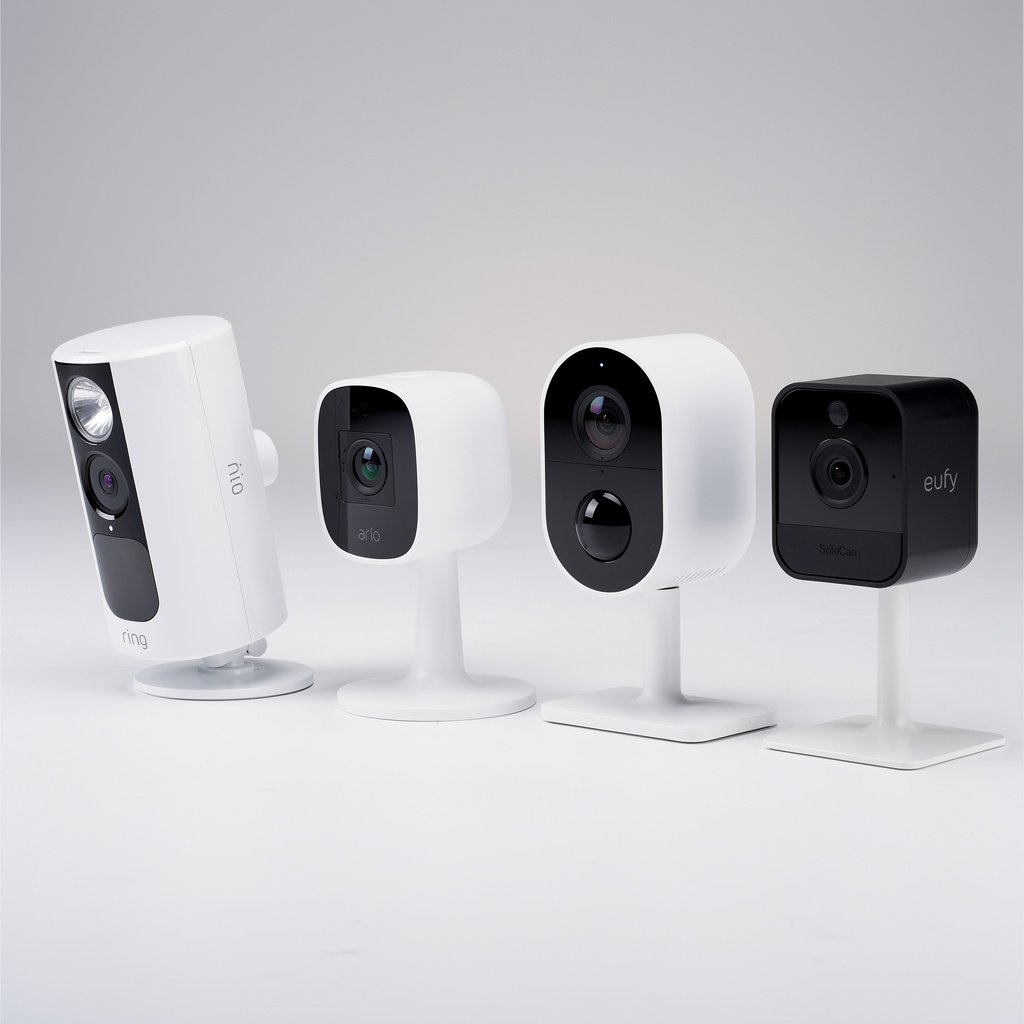
Your home is your sanctuary, and protecting it has never been easier or more affordable. Whether you're concerned about package theft, monitoring your pets while away, or keeping tabs on your kids after school, modern security cameras offer peace of mind at the tap of a smartphone. With advanced features like 2K resolution, color night vision, AI-powered person detection, and smart home integration, today's cameras are light-years ahead of the grainy footage of just a few years ago.
In this comprehensive guide, we've tested the leading security cameras of 2025 to help you find the perfect solution for your home. From budget-friendly options under $50 to premium floodlight cameras with all the bells and whistles, we'll break down what matters most: video quality, smart features, storage options, and ecosystem compatibility.
Quick Navigation:
- Looking for indoor monitoring? Jump to our Best Indoor Camera
- Need weatherproof outdoor protection? See Best Outdoor Camera
- On a budget? Check out our Best Budget Pick at just $35
- Want a doorbell camera? See Best Doorbell Camera
Quick Picks: Best Security Cameras at a Glance
Best Security Camera Overall: Arlo Pro 5
Editor's Choice
Price: $249 | Resolution: 2K HDR | Power: Battery or Wired
The Arlo Pro 5 represents the gold standard in home security cameras. With stunning 2K HDR video quality, color night vision, and a 160-degree field of view, you won't miss a single detail. What sets the Pro 5 apart is its flexibility: use it completely wire-free with the rechargeable battery, or connect it to power for 24/7 recording.
Why We Love It:
- No Hub Required: Connects directly to your WiFi, simplifying installation
- Advanced AI Detection: Distinguishes between people, animals, vehicles, and packages
- Impressive Battery Life: Up to 6 months on a single charge (typical use)
- Auto Zoom & Tracking: Automatically zooms in on detected motion and follows movement
- Color Night Vision: See full-color details even in low light conditions
- Weather Resistant: IP65-rated for rain, snow, and extreme temperatures
- Smart Home Integration: Works with Amazon Alexa, Google Assistant, and Apple HomeKit
What to Know Before Buying:
The Arlo Pro 5 requires an Arlo Secure subscription ($4.99/month per camera or $12.99/month for unlimited cameras) for cloud storage and advanced features like person/vehicle detection. While you get a 3-month free trial, factor this into your long-term costs. The camera does include a local storage option via the Arlo SmartHub (sold separately).
Arlo Pro 5 Specs:
Bottom Line: The Arlo Pro 5 is the best choice for most people who want premium quality, wireless convenience, and comprehensive smart home integration. While it's pricier than budget options, the superior video quality, advanced AI features, and exceptional battery life justify the investment for serious home security.
Best Indoor Security Camera: Google Nest Cam Indoor
Want More Smart Home Tips?
Get our free guide plus weekly tips delivered to your inbox.
Price: $99 | Resolution: 1080p HDR | Power: Wired (USB-C)
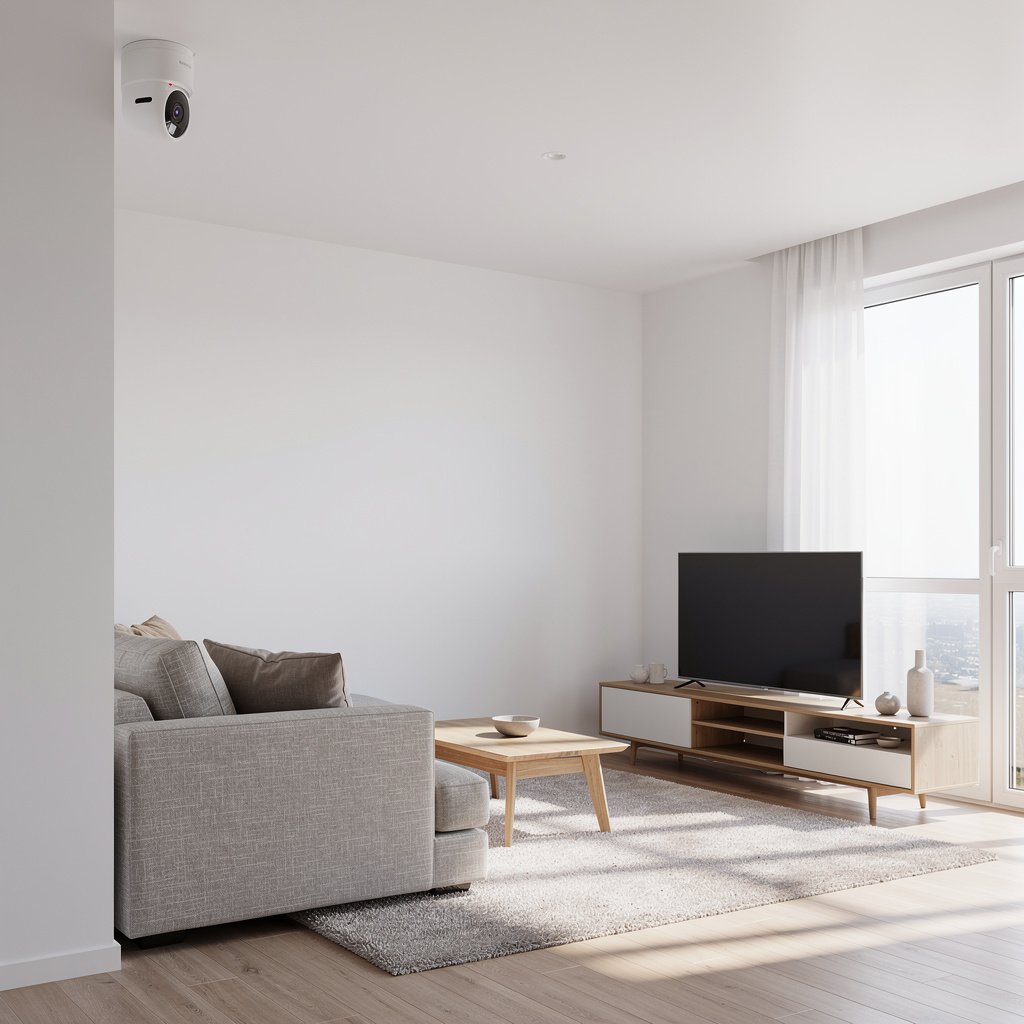
For monitoring the inside of your home, the Google Nest Cam Indoor strikes the perfect balance of affordability, ease of use, and smart features. This compact camera blends seamlessly into any room with its elegant design and delivers crisp 1080p HDR video with excellent low-light performance.
Key Features:
- Plug-and-Play Setup: Simply plug in via USB-C and connect to WiFi
- Smart Person Alerts: Knows the difference between people and pets
- 3 Hours Free Event History: No subscription required for basic alerts
- Google Home Integration: Stream to Google smart displays and control with voice
- On-Device Intelligence: Processes motion detection locally for faster alerts
- 135° Field of View: Captures the entire room without blind spots
Perfect For: Monitoring nurseries, checking in on pets, keeping an eye on elderly family members, or general indoor home monitoring. The Nest Cam Indoor excels in Google Home ecosystems and offers excellent value with free basic features.
Best Outdoor Security Camera: Ring Spotlight Cam Plus
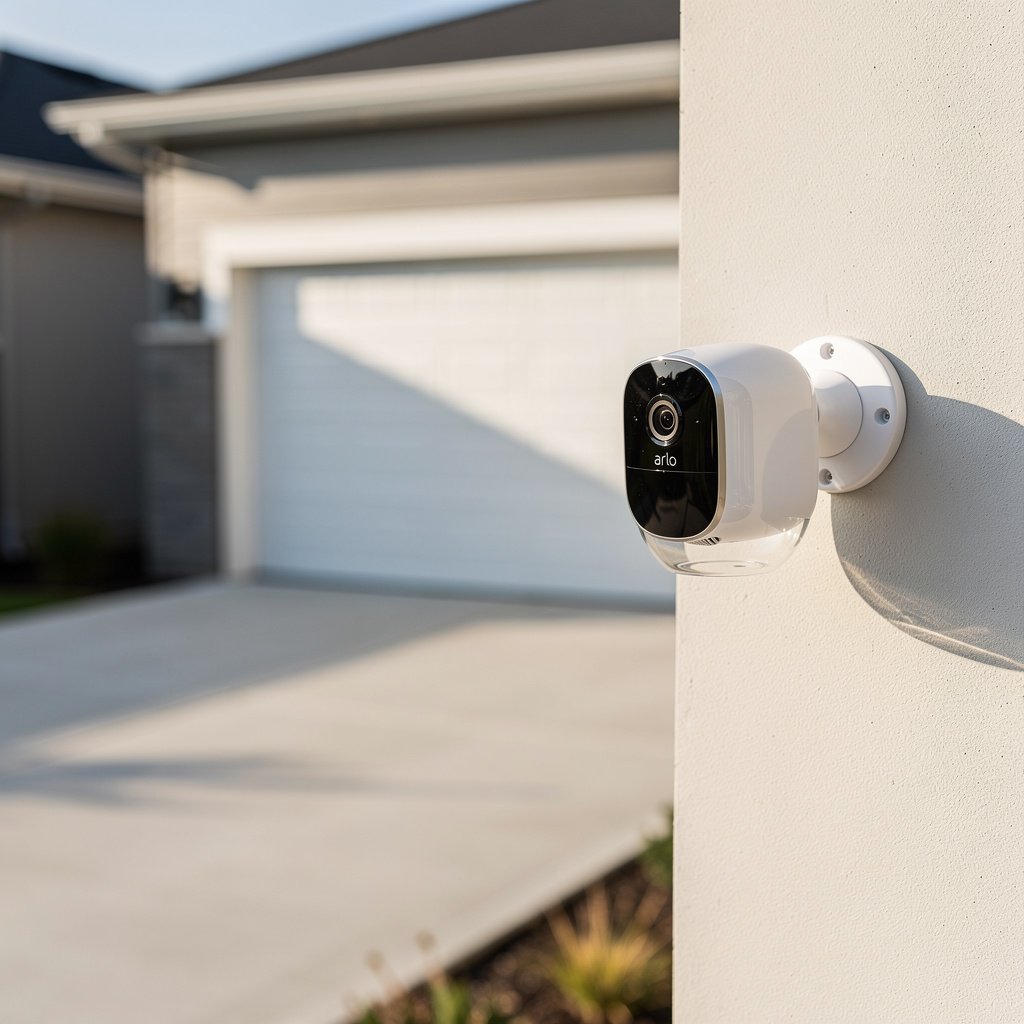
Price: $179 | Resolution: 1080p HDR | Power: Battery or Wired
The Ring Spotlight Cam Plus combines robust outdoor construction with powerful deterrent features. The integrated LED spotlight and siren provide active protection, while the camera's 1080p HDR video captures clear footage day or night.
Standout Features:
- Dual-Band WiFi: Connects to 2.4 GHz or 5 GHz for stronger signal
- Color Night Vision: LED spotlight illuminates for full-color video at night
- 3D Motion Detection: Advanced sensing reduces false alerts
- Two-Way Talk Plus: Audio+ technology for clearer conversations
- Alexa Integration: Announce motion events on Echo devices
- Weather Resistant: Operates in temperatures from -20°F to 120°F
Best For: Front yards, driveways, and backyards where you want both surveillance and active deterrence. Works exceptionally well in Ring/Alexa ecosystems.
Best Budget Security Camera: Wyze Cam v3 Pro
Best Value Pick
Price: $35 | Resolution: 2K (2304×1296) | Power: Wired
At just $35, the Wyze Cam v3 Pro is nothing short of remarkable. It offers 2K resolution, color night vision, local storage, and weather resistance—features you'd expect from cameras costing 5x more. This is the camera that proves you don't need a massive budget for effective home security.
Why It's a Steal:
- 2K Resolution: Sharper than many $200+ cameras
- Color Night Vision: See details in near-darkness
- MicroSD Card Slot: Store footage locally—no subscription required
- Works Indoors & Outdoors: IP65 weather rating
- Person Detection: Free AI-powered alerts
- Works with Alexa & Google: Voice control and streaming
Trade-Offs:
The Wyze Cam v3 Pro requires constant power (USB cable included), so it's not as flexible as battery-powered models. Advanced AI features like pet/package detection require a Cam Plus subscription ($1.99/month). The app interface isn't as polished as Nest or Ring, but it's perfectly functional.
Perfect For: First-time security camera buyers, renters, multi-camera setups on a budget, or anyone who wants to test the waters before committing to a premium system.
Best Doorbell Camera: Ring Video Doorbell Pro 2
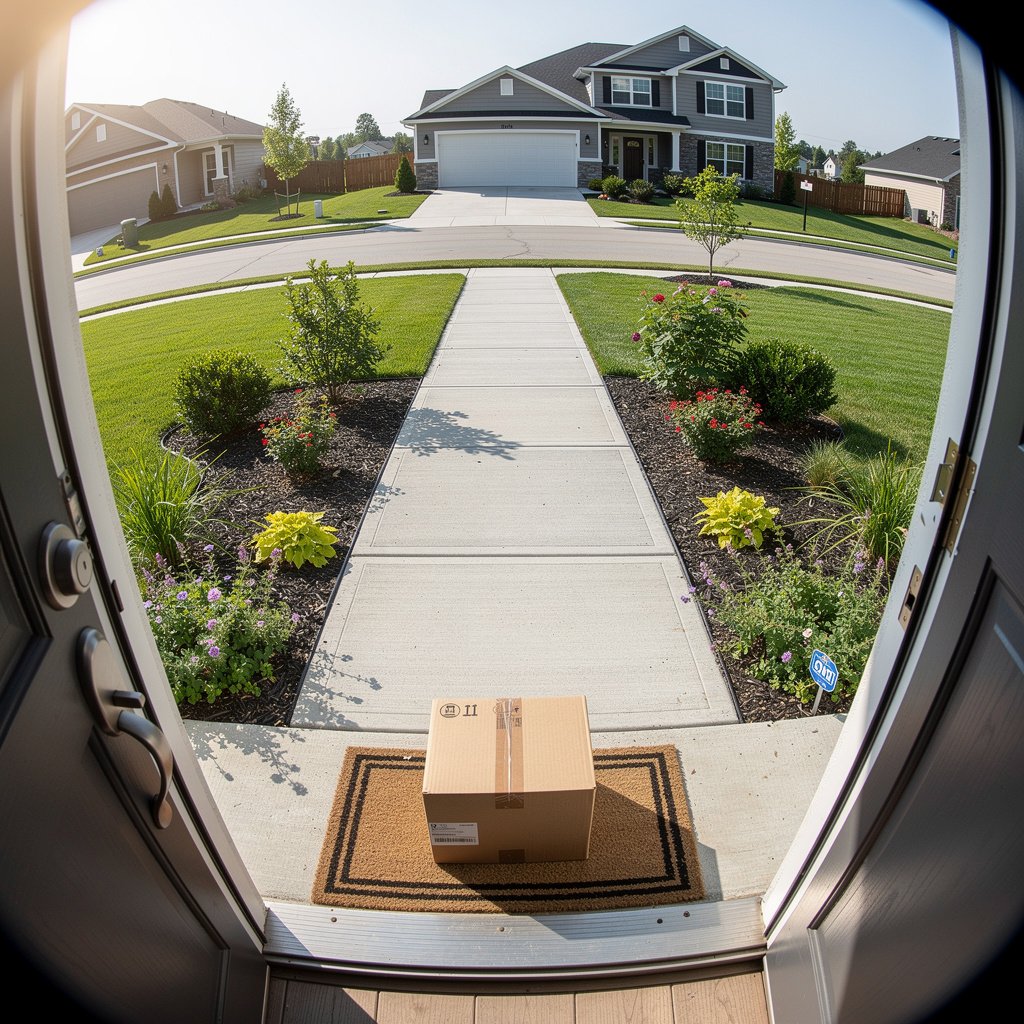
Price: $249 | Resolution: 1536p HD+ | Power: Wired (hardwired doorbell)
The Ring Video Doorbell Pro 2 sets the standard for doorbell cameras with its unique head-to-toe HD+ video that shows packages on the ground and visitors from head to feet in a single frame—no more awkward cropping that cuts off faces or boxes.
Revolutionary Features:
- Head-to-Toe HD+: Taller field of view captures everything from face to feet
- Bird's Eye View: Overhead radar map shows movement paths
- 3D Motion Detection: Precisely tracks how far away motion occurs
- Pre-Roll Video Preview: See 4 seconds before motion was detected
- Dual-Band WiFi: More reliable connection than older models
- Custom Motion Zones: Fine-tune exactly where you want alerts
Installation Note: Requires existing hardwired doorbell system (16-24V transformer). Professional installation recommended if you're not comfortable with electrical work.
Best For: Homeowners with existing doorbell wiring who want the absolute best doorbell camera experience. Integrates perfectly with Ring Alarm systems and Alexa devices.
Best Battery-Powered Camera: Arlo Essential XL
Price: $149 | Resolution: 1080p | Battery Life: Up to 1 year
The Arlo Essential XL solves the biggest complaint about wire-free cameras: constantly recharging batteries. With up to one full year of battery life, you can install this camera anywhere and practically forget about it.
Why Choose Battery-Powered:
- 1-Year Battery Life: Industry-leading longevity between charges
- Install Anywhere: No outlets, no wiring required
- Integrated Spotlight: Illuminates and deters intruders
- Color Night Vision: Full-color footage in low light
- Direct to WiFi: No hub needed
- Weather Resistant: Outdoor-rated durability
Perfect For: Renters, detached garages, sheds, areas without power access, or anyone who wants maximum installation flexibility.
Best for Apple HomeKit: Logitech Circle View
Price: $159 | Resolution: 1080p | Apple HomeKit Secure Video
Apple users deserve a camera designed specifically for their ecosystem. The Logitech Circle View offers seamless HomeKit integration with end-to-end encryption and the best privacy protection available.
HomeKit Advantages:
- End-to-End Encryption: Your footage never leaves Apple's secure ecosystem
- HomeKit Secure Video: AI processing on-device for privacy
- 10 Days Cloud Storage: Included free with iCloud+ subscription
- Activity Zones: Define specific areas to monitor
- Face Recognition: Identify family members vs. strangers (with HomePod)
- Siri Control: View on Apple TV, iPad, or iPhone with voice commands
Best For: Committed Apple ecosystem users who prioritize privacy and want native integration with iPhone, iPad, Apple Watch, and HomePod.
Best Floodlight Camera: Ring Floodlight Cam Pro
Price: $249 | Resolution: 1080p HDR | Brightness: 2000 lumens
The Ring Floodlight Cam Pro is the ultimate deterrent, combining ultra-bright LED floodlights with a security camera and a loud siren. It transforms dark corners of your property into well-lit, monitored zones.
Maximum Security Features:
- Dual LED Floodlights: 2000 lumens of brightness
- 3D Motion Detection: Pinpoint movement location and distance
- Bird's Eye View: Overhead radar tracking
- 110dB Security Siren: Manual or automatic activation
- Two-Way Talk: Communicate with visitors or deter intruders
Installation: Replaces existing outdoor floodlight fixture. Requires electrical wiring—professional installation strongly recommended.
Understanding Power Options: Wired vs. Wireless vs. Battery
One of the most important decisions when choosing a security camera is how it will be powered. Each option has distinct advantages and trade-offs.
Wired (Hardwired Power)
✓ Advantages:
- Continuous 24/7 recording with no battery concerns
- Most reliable connection—never runs out of power
- Often supports more advanced features
- Never need to recharge or replace batteries
✗ Disadvantages:
- Requires nearby electrical outlet or professional wiring
- Less flexible installation locations
- More complex DIY installation
Wireless (WiFi-Powered)
✓ Advantages:
- Easier installation than fully wired systems
- Connects to home WiFi—no additional hub often needed
- Can be powered by outlet or battery
- Flexible placement options
✗ Disadvantages:
- Dependent on WiFi signal strength
- May experience lag in remote locations
- Vulnerable to WiFi outages
Battery-Powered
✓ Advantages:
- Install absolutely anywhere—no wires needed
- Perfect for renters or temporary setups
- Quickest, easiest installation
- Great for locations without power access
✗ Disadvantages:
- Requires periodic recharging (every 3-12 months)
- May miss events if battery dies unexpectedly
- Often limited to motion-activated recording
- Battery performance degrades in extreme cold
Our Recommendation:
For permanent installations with nearby power, choose wired. For maximum flexibility or rental properties, go battery-powered. Most modern cameras offer hybrid options (battery + optional wired), giving you the best of both worlds.
Storage Solutions: Cloud vs. Local Storage
Where your camera stores video footage affects both ongoing costs and how you access recordings. Here's what you need to know.
Cloud Storage
Cloud storage uploads your video clips to the manufacturer's servers, accessible from anywhere via smartphone app or web browser.
Subscription Costs Comparison:
| Brand | Plan | Cost | Storage Duration |
|---|---|---|---|
| Arlo | Secure (1 camera) | $4.99/mo | 30 days |
| Arlo | Secure Plus (Unlimited) | $12.99/mo | 30 days |
| Ring | Basic (1 camera) | $4.99/mo | 180 days |
| Ring | Plus (Unlimited) | $10/mo | 180 days |
| Nest | Aware (1 camera) | $6/mo | 30 days |
| Nest | Aware Plus (Unlimited) | $12/mo | 60 days |
| Wyze | Cam Plus (1 camera) | $1.99/mo | 14 days |
Local Storage
Local storage saves footage directly to a microSD card in the camera or to a network-attached storage (NAS) device or hub.
Local Storage Pros & Cons:
✓ Advantages:
- No Monthly Fees: One-time purchase of SD card or NAS
- Complete Privacy: Your footage never leaves your property
- Unlimited Storage: Limited only by SD card/drive size
- Works During Internet Outages: Recording continues offline
✗ Disadvantages:
- If camera is stolen, footage is stolen too
- Requires manually accessing storage to view old footage
- SD cards can fail or become corrupted
- No remote access unless paired with cloud backup
Hybrid Approach (Best of Both):
Many modern systems support both local and cloud storage. Store footage locally for privacy and cost savings, while critical alerts automatically upload to the cloud for redundant backup.
Video Quality Decoded: 1080p vs. 2K vs. 4K
Resolution determines how clear and detailed your footage will be—especially when you need to zoom in on a face or license plate.
What Really Matters Beyond Resolution:
- HDR (High Dynamic Range): Balances bright sunlight and dark shadows in the same frame
- Field of View: A wider angle (130-160°) captures more area but may reduce detail at edges
- Night Vision: IR night vision shows black-and-white; color night vision uses spotlights for full color
- Frame Rate: 30fps is standard; higher rates (60fps) capture smoother motion
Our Take:
1080p is perfectly fine for most indoor applications and close-range monitoring. 2K offers the sweet spot for outdoor cameras where you need to see details at a distance. 4K is overkill for most homeowners and consumes significantly more bandwidth and storage.
Smart Home Integration: Alexa, Google, HomeKit & More
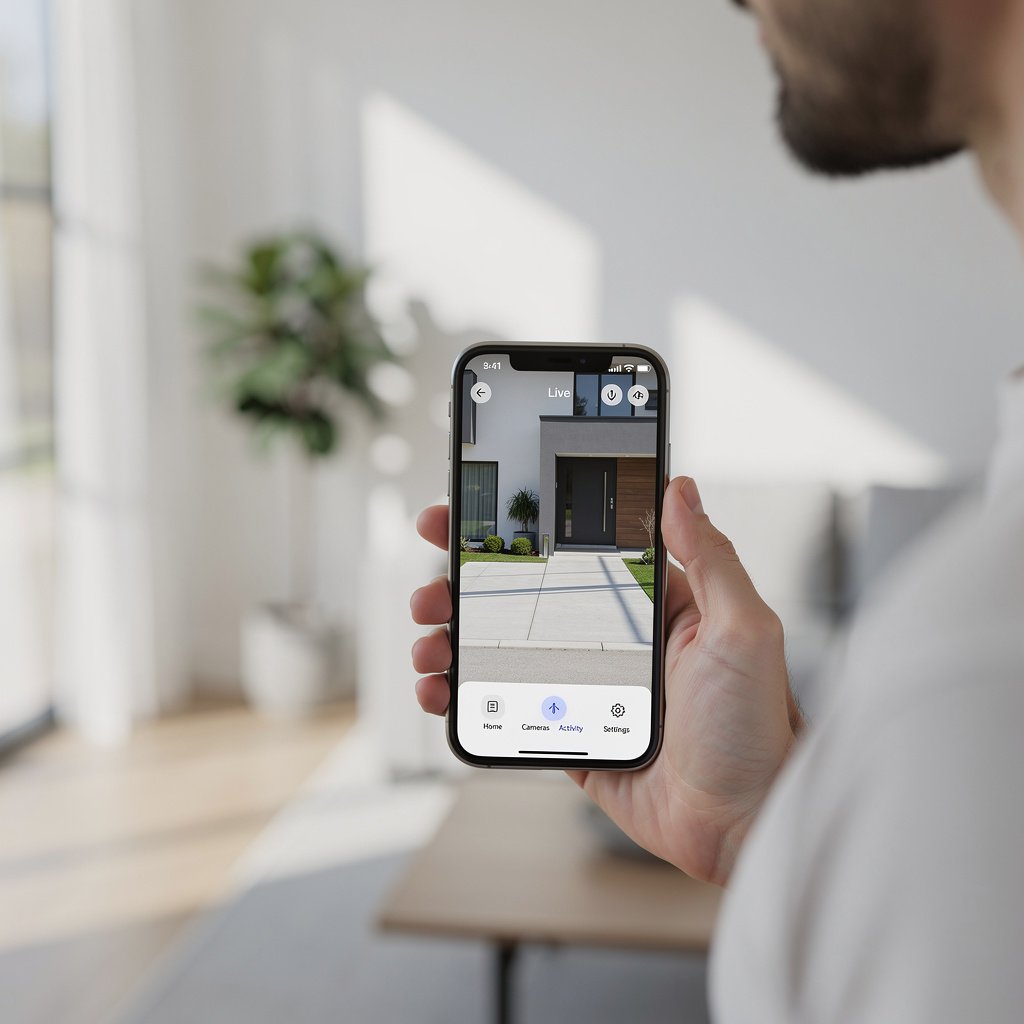
Your security camera should work seamlessly with your existing smart home ecosystem. Here's how the major platforms compare:
Amazon Alexa
Best Camera Brands: Ring, Arlo, Wyze, Blink
What You Can Do:
- “Alexa, show me the front door” (on Echo Show or Fire TV)
- Motion alerts announced on Echo speakers
- Two-way talk through Echo devices
- Create routines (e.g., “turn on porch camera when I leave”)
Perfect for Ring users and Alexa-first households.
Google Home
Best Camera Brands: Google Nest, Arlo, Wyze
What You Can Do:
- “Hey Google, show the backyard camera” (on Nest Hub or Chromecast)
- Intelligent alerts with familiar face detection
- Seamless integration with Google Assistant routines
- Stream to any Google smart display
Perfect for Nest users and Android/Google households.
Apple HomeKit
Best Camera Brands: Logitech Circle View, Arlo, Eve
What You Can Do:
- End-to-end encrypted video (most secure option)
- Face recognition with HomePod integration
- HomeKit Secure Video processing on-device
- Control via Siri, Apple Watch, or Home app
- Free cloud storage with iCloud+ subscription
Perfect for iPhone users who prioritize privacy and Apple integration.
Samsung SmartThings
Best Camera Brands: Arlo, Ring, Wyze
What You Can Do:
- View cameras in SmartThings app dashboard
- Create automations with other SmartThings devices
- Motion triggers for lights, alarms, and more
Good for Samsung device owners and multi-brand smart homes.
Privacy & Security: Protecting Your Data
When you install security cameras, you're entrusting a company with video footage of your home and family. Here's what you should know about protecting your privacy:
Essential Security Features:
- End-to-End Encryption: Your videos are encrypted from camera to your phone—even the company can't view them (Apple HomeKit leads here)
- Two-Factor Authentication (2FA): Requires a secondary code to access your account—always enable this
- Local Storage Options: Keep footage on your property without cloud uploads
- Privacy Zones: Block out areas you don't want recorded (neighbor's windows, etc.)
- Activity Zones: Only record motion in specific areas to reduce unnecessary footage
- Regular Firmware Updates: Manufacturers should push security patches regularly
Privacy by Brand:
- Apple HomeKit: Industry-leading with end-to-end encryption and on-device processing
- Ring: Encrypted in transit and at rest; opt-in law enforcement sharing policy
- Arlo: Encrypted storage; clear privacy policies
- Google Nest: Encrypted; uses data for AI improvements (can opt out)
- Wyze: Improved security after 2019 breach; now offers end-to-end encryption option
Security Best Practices:
- Use a unique, strong password for your camera account
- Enable two-factor authentication immediately
- Keep firmware updated automatically
- Review app permissions (don't grant unnecessary access)
- Check your account's device list regularly for unauthorized access
How We Test Security Cameras
Every camera in this guide has been rigorously tested in real-world conditions. Here's our methodology:
Our Testing Process:
1. Installation & Setup (20% of score)
- Time to install and configure
- Clarity of instructions
- App usability and onboarding
- Required tools and expertise
2. Video Quality (30% of score)
- Daytime clarity and color accuracy
- Night vision performance (color and IR)
- HDR performance in high-contrast scenes
- Digital zoom quality
- Motion blur and frame rate
3. Smart Features (25% of score)
- AI detection accuracy (people, pets, vehicles, packages)
- Alert speed and reliability
- Smart home integration quality
- Customization options (zones, sensitivity, schedules)
4. Reliability & Performance (15% of score)
- WiFi connectivity stability
- App responsiveness and lag
- Battery life (for battery models)
- Weather resistance in real conditions
5. Value & Cost (10% of score)
- Upfront camera cost vs. features
- Subscription requirements and costs
- Storage options and flexibility
- Long-term value proposition
Each camera is tested for a minimum of 30 days in various weather conditions, lighting scenarios, and use cases to ensure our recommendations reflect real-world performance.
Frequently Asked Questions
Do security cameras work without WiFi?
Most modern security cameras require WiFi for remote viewing and cloud storage. However, cameras with local storage (microSD card or NAS) can continue recording without internet, though you won't receive alerts or access footage remotely. Some wired systems use ethernet cables instead of WiFi for more reliable connectivity.
How much does cloud storage cost for security cameras?
Cloud storage subscriptions typically range from $1.99/month (Wyze) to $12.99/month (Arlo, Nest) for unlimited cameras. Single-camera plans usually cost $4.99-$6/month. Ring offers the best value at $10/month for unlimited cameras with 180 days of storage. Many cameras include a free trial period (1-3 months) to test the service.
Can security cameras be hacked?
Any internet-connected device carries some hacking risk, but reputable brands with encryption, two-factor authentication, and regular firmware updates are very secure. To minimize risk: use strong unique passwords, enable 2FA, buy from established brands, keep firmware updated, and consider local storage for sensitive areas. Apple HomeKit cameras offer the highest security with end-to-end encryption.
How long do security camera batteries last?
Battery life varies widely based on usage, temperature, and settings. Most battery-powered cameras last 3-6 months per charge with typical use (10-20 motion events per day). The Arlo Essential XL can last up to 1 year. Cold weather significantly reduces battery life—expect 30-50% shorter runtime in freezing temperatures. Wired power eliminates this concern entirely.
What's the difference between indoor and outdoor security cameras?
Outdoor cameras have weather-resistant housings (IP65 or IP67 rating) to withstand rain, snow, heat, and freezing temperatures. They typically include more powerful night vision and wider fields of view. Indoor cameras are lighter, smaller, and often have privacy features like physical lens covers. While some cameras work in both environments (like Wyze Cam v3 Pro), dedicated outdoor cameras offer better durability and performance in harsh conditions.
Do I need a subscription to use security cameras?
No, but functionality varies without subscriptions. Most cameras offer free live viewing and basic motion alerts. However, video history, advanced AI detection (person/pet/vehicle), and cloud storage typically require subscriptions. Cameras with microSD card slots (like Wyze) or local NAS storage can record continuously without subscriptions, though you won't have cloud backup or remote access to historical footage.
Final Verdict: Which Security Camera Should You Buy?
Our Recommendations by Use Case:
🏆 Best Overall for Most People:
Arlo Pro 5 ($249) — Premium quality, wireless flexibility, comprehensive smart features, and ecosystem versatility make this the top choice for homeowners serious about security.
💰 Best Budget Pick:
Wyze Cam v3 Pro ($35) — Unbeatable value with 2K resolution, local storage, and indoor/outdoor versatility. Perfect for first-timers or multi-camera budgets.
🏠 Best for Indoor Monitoring:
Google Nest Cam Indoor ($99) — Simple, elegant, smart. Ideal for nurseries, pet monitoring, and Google Home ecosystems.
🌧️ Best for Outdoor Protection:
Ring Spotlight Cam Plus ($179) — Robust weather resistance, active deterrence with spotlight/siren, and excellent Alexa integration.
🍎 Best for Apple Users:
Logitech Circle View ($159) — True HomeKit Secure Video with end-to-end encryption, free iCloud+ storage, and seamless Apple ecosystem integration.
🔋 Best Wire-Free Option:
Arlo Essential XL ($149) — Industry-leading 1-year battery life eliminates constant recharging hassles.
🚪 Best Doorbell Camera:
Ring Video Doorbell Pro 2 ($249) — Head-to-toe view, Bird's Eye tracking, and the most advanced motion detection available.
Ready to Secure Your Home?
The best security camera is the one that matches your specific needs, budget, and smart home ecosystem. Whether you're protecting packages from porch pirates, monitoring elderly parents, or creating a comprehensive home security system, there's a perfect camera on this list for you.
Start with one camera in your highest-priority area, test it for a few weeks, and expand from there. Most households find that 3-5 strategically placed cameras provide comprehensive coverage without breaking the bank.
Disclosure: The Connected Haven may earn a commission when you purchase through links in this article. This helps us continue providing free, expert content. We only recommend products we've personally tested and believe offer genuine value. Thank you for supporting our work.