- Choosing the Right Devices and Protocols
- Setting Up Your Connected Home Entertainment System
- Step 1: Plan Your Setup
- Step 2: Pair and Configure Devices
- Optimizing Your Connected Home Entertainment Setup
- Frequently Asked Questions
- Q: What is the best hub for a connected home entertainment setup?
- Q: Can I integrate my existing devices into a connected home entertainment setup?
- Q: How do I ensure seamless control of my connected home entertainment setup?
- Related Reading
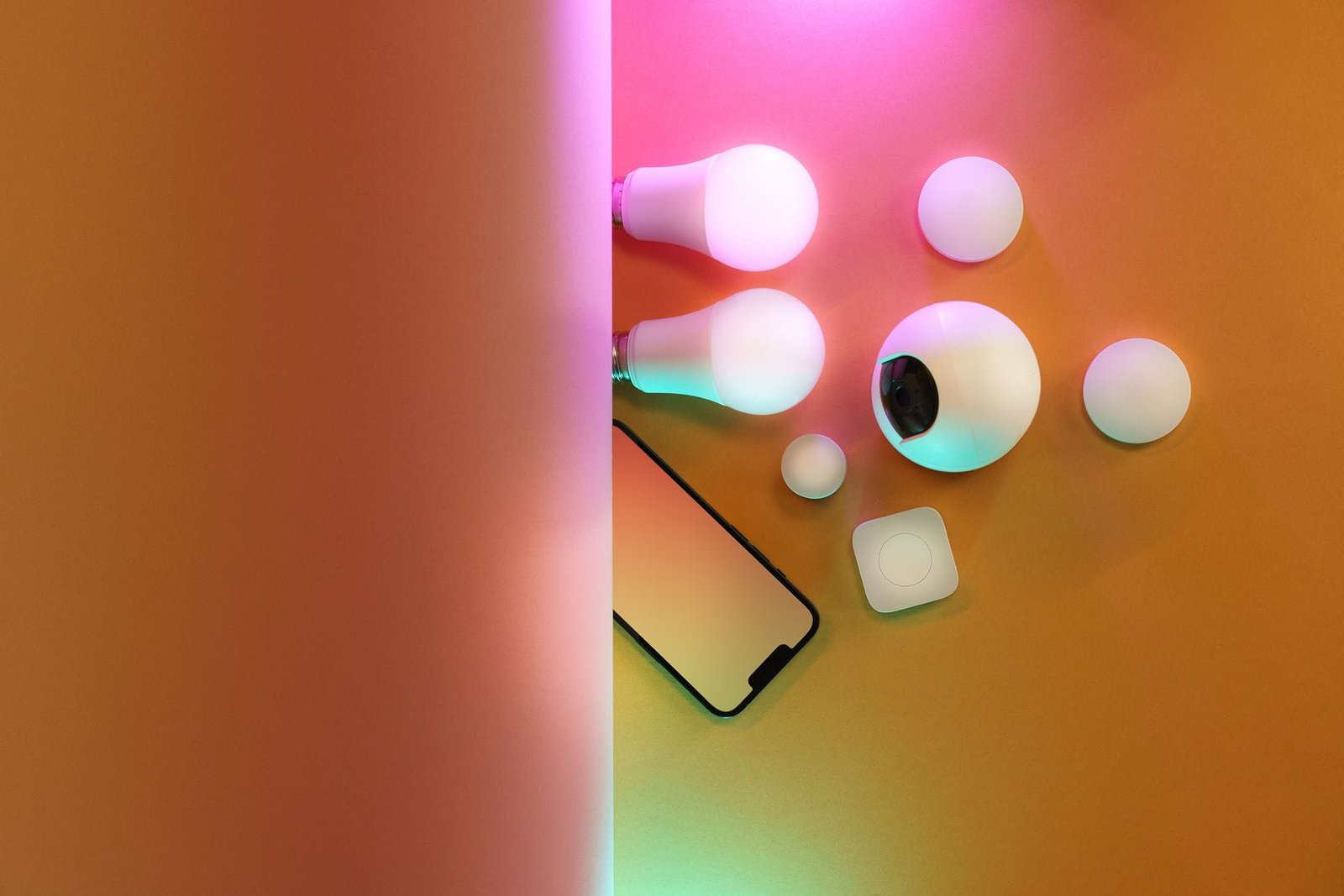
As a tech enthusiast, I’m excited to share my expertise on setting up a connected home entertainment system that integrates with your smart home devices. A well-designed setup can elevate your viewing experience, provide seamless control, and even increase your home’s value. In this article, I’ll walk you through the essential components, protocols, and steps to create a connected home entertainment setup that works in harmony with your existing smart home ecosystem.
Choosing the Right Devices and Protocols
When building a connected home entertainment setup, it’s essential to select devices that communicate with each other efficiently. Popular protocols like Zigbee, Z-Wave, and Thread enable seamless integration between devices. For a robust setup, consider devices that support Wi-Fi 6, the latest wireless standard offering faster speeds and better performance. Matter, an emerging standard, aims to unify smart home devices under a single protocol, making it easier to integrate products from different manufacturers.
For a connected home entertainment setup, you’ll need a hub to tie everything together. Options like Samsung SmartThings, Apple HomeKit, and Google Home (with Alexa compatibility) offer robust ecosystems. When selecting a hub, consider compatibility with your existing devices and the protocols they support. For instance, if you have a Zigbee-enabled sensor or thermostat, ensure your hub supports this protocol.
Setting Up Your Connected Home Entertainment System
To create a connected home entertainment setup, follow these steps:
Plan Your Setup
Assess your entertainment space and identify the devices you want to integrate. Consider a smart TV, soundbar, streaming devices (like Roku or Chromecast), and smart lighting. Ensure your devices support your chosen protocol (e.g., Zigbee, Z-Wave, or Wi-Fi 6). If you’re using a hub like SmartThings, pair it with your devices according to the manufacturer’s instructions. For example, if you’re using a SmartThings hub, you can pair it with your Zigbee-enabled devices for seamless integration.
Pair and Configure Devices
Once you’ve planned your setup, it’s time to pair and configure your devices. If you’re using a SmartThings hub, download the SmartThings app and follow the pairing process. For a Google Home setup, use the Google Home app to link your devices. When pairing devices, ensure they’re on the same mesh network to guarantee smooth communication. After pairing, configure your devices according to your preferences, such as setting up voice control with Alexa or Google Assistant. For instance, you can use Alexa to control your smart lighting and thermostat with simple voice commands.
Optimizing Your Connected Home Entertainment Setup
To optimize your connected home entertainment setup, consider the following tips:
Regularly update your device firmware to ensure you have the latest features and security patches. For example, if you’re using a smart TV, ensure it’s running the latest firmware to support the latest streaming apps. Use a high-quality router to support your mesh network, ensuring fast and reliable connectivity. Consider integrating your setup with other smart home devices, like thermostats or security systems, for a more comprehensive smart home experience. For instance, you can use your smart thermostat to adjust the temperature based on your viewing schedule.
For more information on smart home devices and protocols, check out our SmartThings ecosystem guide or our Amazon Echo review. If you’re looking to expand your smart home setup, explore our guide to must-have smart home devices.
Frequently Asked Questions
Q: What is the best hub for a connected home entertainment setup?
A: The best hub for a connected home entertainment setup depends on your existing devices and ecosystem. Options like Samsung SmartThings, Apple HomeKit, and Google Home (with Alexa compatibility) offer robust ecosystems.
Q: Can I integrate my existing devices into a connected home entertainment setup?
A: Yes, you can integrate existing devices into a connected home entertainment setup. Ensure your devices support your chosen protocol (e.g., Zigbee, Z-Wave, or Wi-Fi 6) and follow the pairing process for your hub.
Q: How do I ensure seamless control of my connected home entertainment setup?
A: To ensure seamless control, use a voice assistant like Alexa or Google Assistant, or a dedicated app for your hub. Regularly update your device firmware and ensure your devices are on the same mesh network.
🔗 Related From Our Network
- Smart Plugs: Complete Guide to Automated Home Control
- Aqara M3 Hub Review: The Best Matter Hub for Advanced Automations?
- Smart Home Devices for Beginners: Complete Setup Guide
🔌 Editor’s Pick
Editor’s Pick: A smart home controller as your starter kit’s core.
Make Your Home Smarter
Device reviews, automations, and the deals worth grabbing.
Enjoyed this article?
Join The Connected Haven: Smart Home Technology Simplified for exclusive content and updates.
Subscribe Free