- Smart Living Room Essentials
- 1. Voice Controller / Smart Speaker
- 2. Smart Lighting
- 3. Smart TV or Streaming Device
- 4. Smart Plugs
- Upgrade: Smart Living Room Entertainment
- Smart Soundbar / Audio System
- Universal Remote / Smart Remote
- Gaming Integration
- Upgrade: Comfort and Climate
- Smart Thermostat Control
- Smart Fan
- Smart Blinds / Shades
- Living Room Scenes and Automations
- Essential Scenes to Create
- Automated Triggers
- Sample Living Room Setup by Budget
- Starter ($100-200)
- Mid-Range ($300-500)
- Premium ($1000+)
- Living Room Smart Home Tips
- WiFi Considerations
- Cable Management
- Guest Mode
- Troubleshooting Common Issues
- Next Steps
- Related Reading
- What’s the best voice controller for a smart living room?
- Why is smart lighting essential for a modern living room?
- How do I integrate a smart TV with my home automation?
- Where should I place my smart speaker for optimal performance?
- Related Reading
Philips Hue White & Color Starter Kit
16 million colours with instant voice or app control.
Check Price on AmazonRing Video Doorbell (2nd Gen)
See and speak to visitors from anywhere with 1080p HD video.
Check Price on Amazon* As an Amazon Associate we earn from qualifying purchases. Prices and availability may vary.
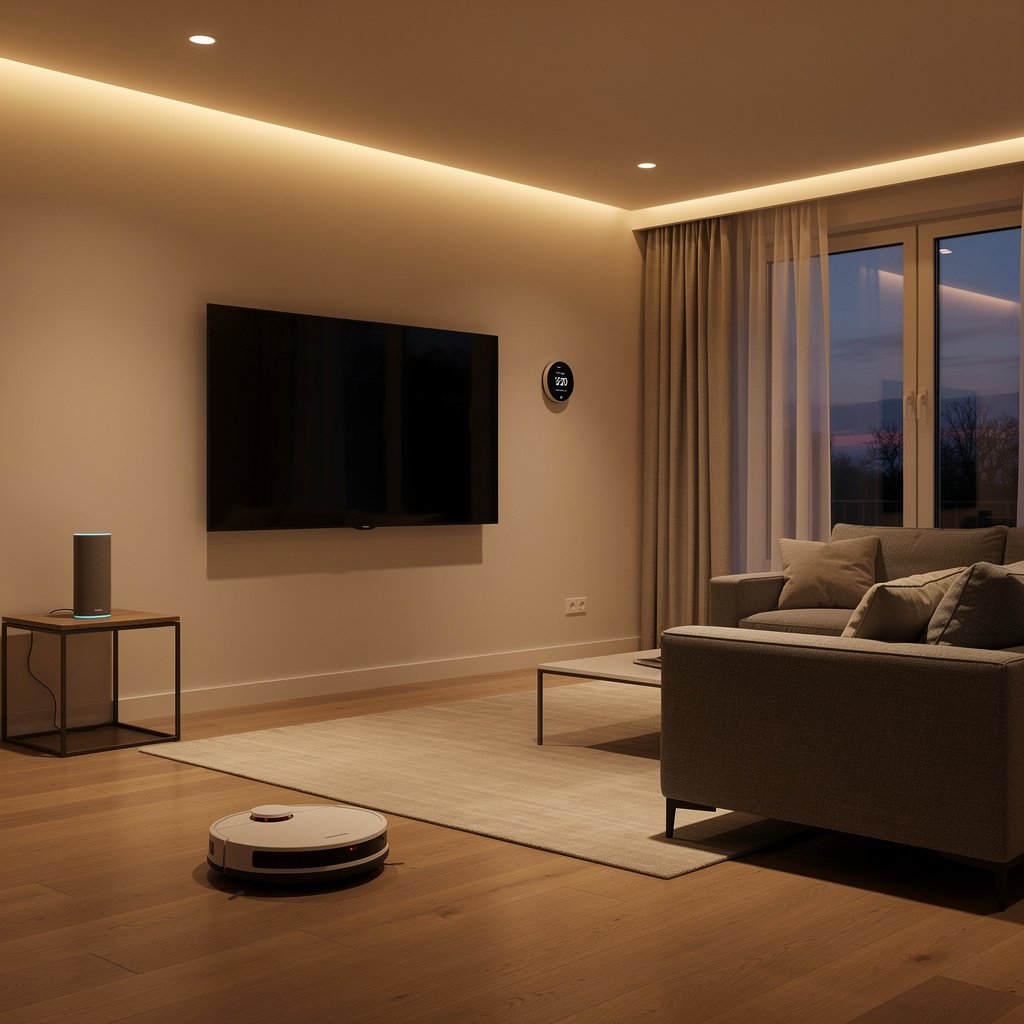
The living room is the heart of most smart homes—and usually where people start building their connected home. It’s where families gather, guests are entertained, and movie nights happen. A well-designed smart living room combines voice control, ambient lighting, entertainment automation, and climate comfort into a seamless experience.
This guide walks you through everything you need to transform your living room into a modern smart space, from essential devices to advanced automations.
Smart Living Room Essentials
Start with these core devices that make the biggest impact:
1. Voice Controller / Smart Speaker
Your command center for hands-free control of everything else.
Top Picks:
- Amazon Echo (4th Gen): $100 – Best overall for Alexa households
- Google Nest Audio: $100 – Best for Google Home ecosystems
- Apple HomePod Mini: $99 – Best for all-Apple households
- Sonos Era 100: $249 – Best audio quality, multi-platform
Placement tip: Position at head height for optimal voice recognition, away from the TV to prevent false triggers during shows.
2. Smart Lighting
Lighting transforms living room ambiance more than any other upgrade.
What you need:
- Overhead bulbs (2-4): Smart bulbs in existing ceiling fixtures
- Bias lighting: LED strip behind TV to reduce eye strain
- Accent lamps: Smart bulbs in floor/table lamps for ambient glow
- Optional: Dimmer switch for hardwired fixtures
Top Picks:
- Philips Hue White & Color: Premium quality, best ecosystem
- LIFX: No hub required, vibrant colors
- Govee RGBIC: Budget TV bias lighting
- Lutron Caseta: Best smart dimmer switches
3. Smart TV or Streaming Device
Control your entertainment with voice and integrate with whole-home automation.
Options:
- Smart TV with built-in assistant: Most new TVs have Alexa/Google built-in
- Apple TV 4K: Best for HomeKit, excellent interface
- Fire TV Stick 4K Max: Best Alexa integration, affordable
- Chromecast with Google TV: Best for Google ecosystems
- Roku Ultra: Platform-neutral, simple interface
Voice control examples:
- “Alexa, turn on the TV”
- “Hey Google, play Stranger Things on Netflix”
- “Alexa, pause” / “Alexa, skip forward 30 seconds”
4. Smart Plugs
Add smarts to “dumb” devices like floor lamps, fans, and holiday decorations.
Living room uses:
- Control floor lamps without smart bulbs
- Turn on/off fans with voice
- Holiday lights and decorations
- Power monitoring for entertainment center
Top Picks:
- TP-Link Kasa Smart Plug Mini: $10 – Reliable, compact
- Amazon Smart Plug: $25 – Best Alexa integration
- Wemo Mini: $20 – Works with all platforms
Upgrade: Smart Living Room Entertainment
Smart Soundbar / Audio System
Upgrade TV audio with a smart soundbar that doubles as a voice assistant.
- Sonos Beam (Gen 2): $449 – Compact, Dolby Atmos, multi-platform voice
- Sonos Arc: $899 – Premium immersive audio
- Amazon Fire TV Soundbar: $120 – Budget with Alexa
- JBL Bar 5.0 MultiBeam: $350 – Great value, Alexa/Google
Universal Remote / Smart Remote
Consolidate all remotes into one smart controller:
- Logitech Harmony (discontinued but still works): Most powerful, used market
- SofaBaton X1: $200 – Modern Harmony alternative
- Amazon Fire TV Cube: $140 – Voice-first control for AV equipment
Gaming Integration
Connect gaming consoles to your smart home:
- PlayStation 5: Works with Alexa for voice control
- Xbox Series X: Native Alexa and Google support
- Create “Game Time” scenes that dim lights, mute notifications
Upgrade: Comfort and Climate
Smart Thermostat Control
While the thermostat may be in a hallway, living room temperature matters most:
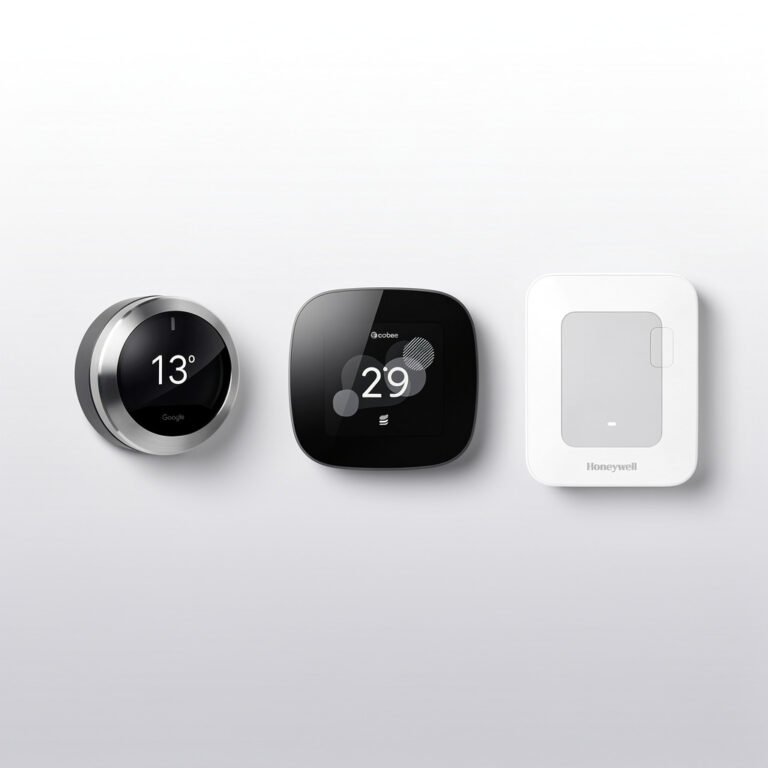
- Ecobee SmartThermostat: Includes room sensor for living room
- Google Nest Learning: Learns your living room schedule
- Place additional room sensors where you actually spend time
Smart Fan
Voice-controlled ceiling or floor fans for comfort:
- Hunter Signal ceiling fan: HomeKit/Alexa/Google compatible
- Big Ass Fans Haiku: Premium, whisper quiet
- Bond Bridge: $99 – Add smarts to existing RF fans
- Smart plug + box fan: Budget option for floor fans
Smart Blinds / Shades
Automate natural light and privacy:
- IKEA FYRTUR: $130+ – Affordable motorized
- Lutron Serena: Premium, excellent HomeKit support
- SwitchBot Blind Tilt: $70 – Add smarts to existing blinds
Automation ideas: Open blinds at sunrise, close when movie starts, adjust based on temperature.
Living Room Scenes and Automations
The magic of smart living rooms is in scenes—one command that sets multiple devices perfectly.
Essential Scenes to Create
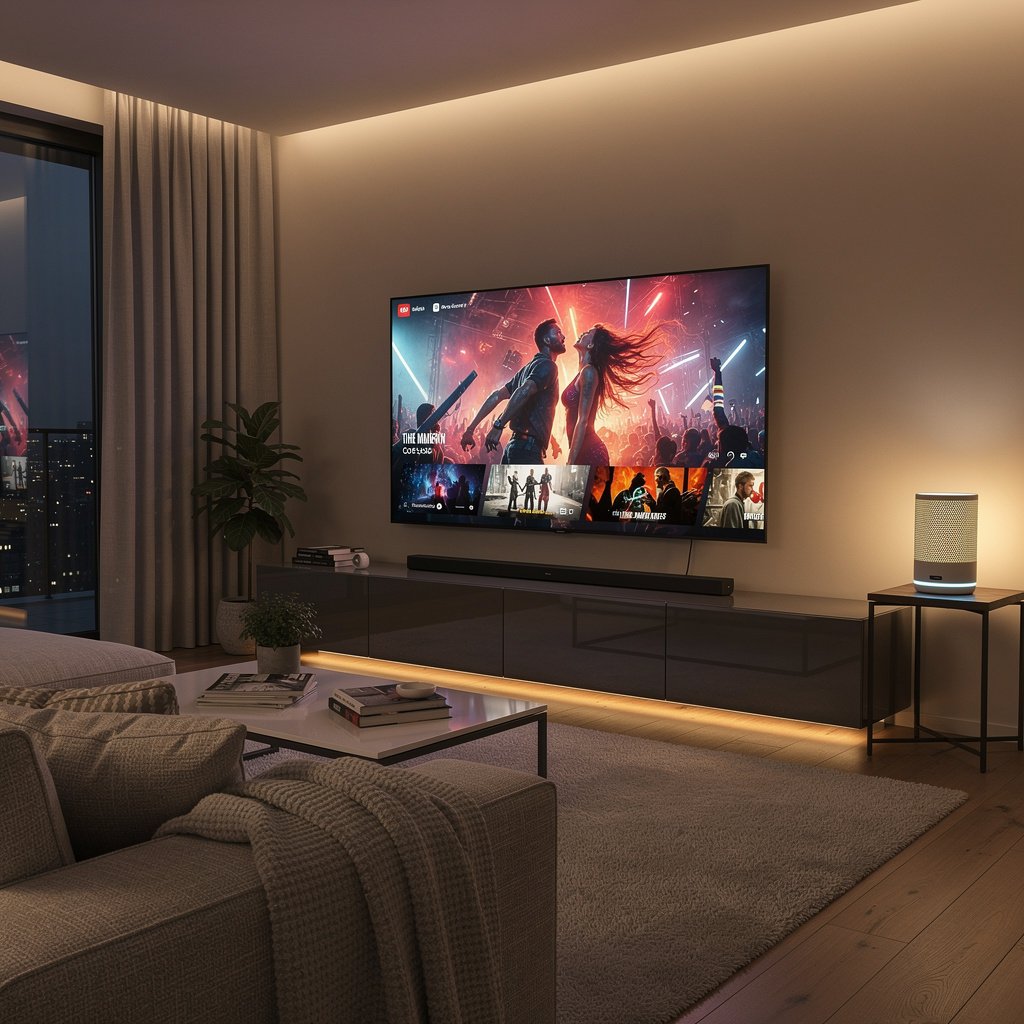
Movie Time:
- Dim overhead lights to 5%
- Turn on TV bias lighting (warm white, low)
- Turn off accent lamps
- Close blinds
- Optional: Set thermostat to 68°F
Evening Relaxation:
- Dim overhead lights to 40%
- Turn on accent lamps (warm white)
- Close blinds
- Optional: Play ambient music at low volume
Bright / Cleaning:
Recommended for You
🛒 Smart Home Starter Kit
As an Amazon Associate we earn from qualifying purchases.
- All lights to 100%, daylight color temperature
- Open blinds fully
Party Mode:
- Color-changing lights activated
- Music playing on smart speakers
- Bias lighting on color loop
Away / Vacation:
- Randomize lights on/off to simulate presence
- Close blinds at sunset
Automated Triggers
- Sunset: Automatically turn on living room lights
- TV turns on: Dim lights and activate bias lighting
- Motion sensor (evening): Turn on lights when entering
- Time-based: Gradually dim lights approaching bedtime
Sample Living Room Setup by Budget
Starter ($100-200)
- 1x Echo Dot or Google Nest Mini ($30-50)
- 2x Smart bulbs for main lighting ($30-50)
- 2x Smart plugs for lamps ($20)
- 1x Fire TV Stick or Chromecast ($30-50)
Total: ~$150
Mid-Range ($300-500)
- 1x Echo (4th Gen) or Nest Audio ($100)
- Philips Hue Starter Kit with bridge ($150)
- 1x Hue Play light bar for TV ($70)
- 2x Smart plugs ($30)
- Apple TV 4K or Fire TV Cube ($150)
Total: ~$500
Premium ($1000+)
- 1x HomePod or Sonos Era 300 ($250-350)
- Lutron Caseta dimmer switches throughout ($200-300)
- Philips Hue Gradient lightstrip for TV ($230)
- Philips Hue Play bars ($140)
- Apple TV 4K ($150)
- Sonos Beam soundbar ($450)
- Smart blinds ($300+)
Total: ~$1500+
Living Room Smart Home Tips
WiFi Considerations
Living rooms often have the most smart devices. Ensure your router can handle the load:
- Use a mesh WiFi system if your living room is far from the router
- Consider Zigbee/Z-Wave devices to reduce WiFi congestion
- Place a mesh satellite near the entertainment center
Cable Management
Smart devices add cables. Keep things tidy:
- Use cable raceways behind the TV
- Smart power strips with surge protection
- Velcro ties for organizing behind furniture
Guest Mode
Make it easy for guests to control the living room:
- Keep one physical light switch functional for guests
- Create a simple voice command they can use
- Consider a wall-mounted tablet as a control hub
Troubleshooting Common Issues
“Alexa can’t hear me over the TV”
- Move the speaker away from the TV/soundbar
- Use an Echo with better microphones (Echo 4th gen vs. Dot)
- Enable “Alexa, mute the TV” to lower volume before commands
“Lights turn on during movies”
- Disable sunset automations when TV is active
- Use motion sensor presence detection to pause automations
“Too many remotes/apps”
- Consolidate with Fire TV Cube or SofaBaton universal remote
- Create voice commands that control multiple devices
- Use scenes to minimize daily interactions
Next Steps
Start with the essentials: a voice controller, a few smart bulbs, and a streaming device. Live with it for a few weeks to understand your patterns before adding more. The best smart living room grows organically around how you actually use the space.
Ready to transform your living room? Start with lighting—it makes the biggest immediate impact for the lowest cost.
What’s the best voice controller for a smart living room?
For Alexa ecosystems, the Amazon Echo (4th Gen) is ideal at $100. Google Home users should opt for the Google Nest Audio ($100), while Apple households get the most from the HomePod Mini ($99). Prioritize placement at head height, away from the TV, for clear voice recognition.
Why is smart lighting essential for a modern living room?
Smart lighting enhances ambiance, reduces eye strain (via TV bias lighting), and adds flexible mood settings. Top picks include Philips Hue for ecosystem integration, LIFX for hub-free use, and Govee RGBIC for budget-friendly TV backlighting. Pair with dimmer switches like Lutron Caseta for seamless control.
How do I integrate a smart TV with my home automation?
Use a smart TV with built-in Alexa/Google Assistant or pair devices like the Apple TV 4K (for HomeKit) or Fire TV Stick 4K Max (for Alexa). Voice commands like “Hey Google, dim the lights and play Netflix” sync entertainment with ambient lighting and climate settings for a cohesive experience.
Where should I place my smart speaker for optimal performance?
Position your voice controller at head height (when seated) for clear voice pickup, and keep it away from the TV to avoid false triggers. Avoid corners or enclosed spaces. For multi-room setups, add satellite speakers like the Sonos Era 100 ($249) for balanced audio and cross-platform compatibility.
🔗 Related From Our Network
🔌 Editor’s Pick
Editor’s Pick: A smart home starter kit for effortless living room automation.
Make Your Home Smarter
Device reviews, automations, and the deals worth grabbing.
Enjoyed this article?
Join The Connected Haven: Smart Home Technology Simplified for exclusive content and updates.
Subscribe Free