

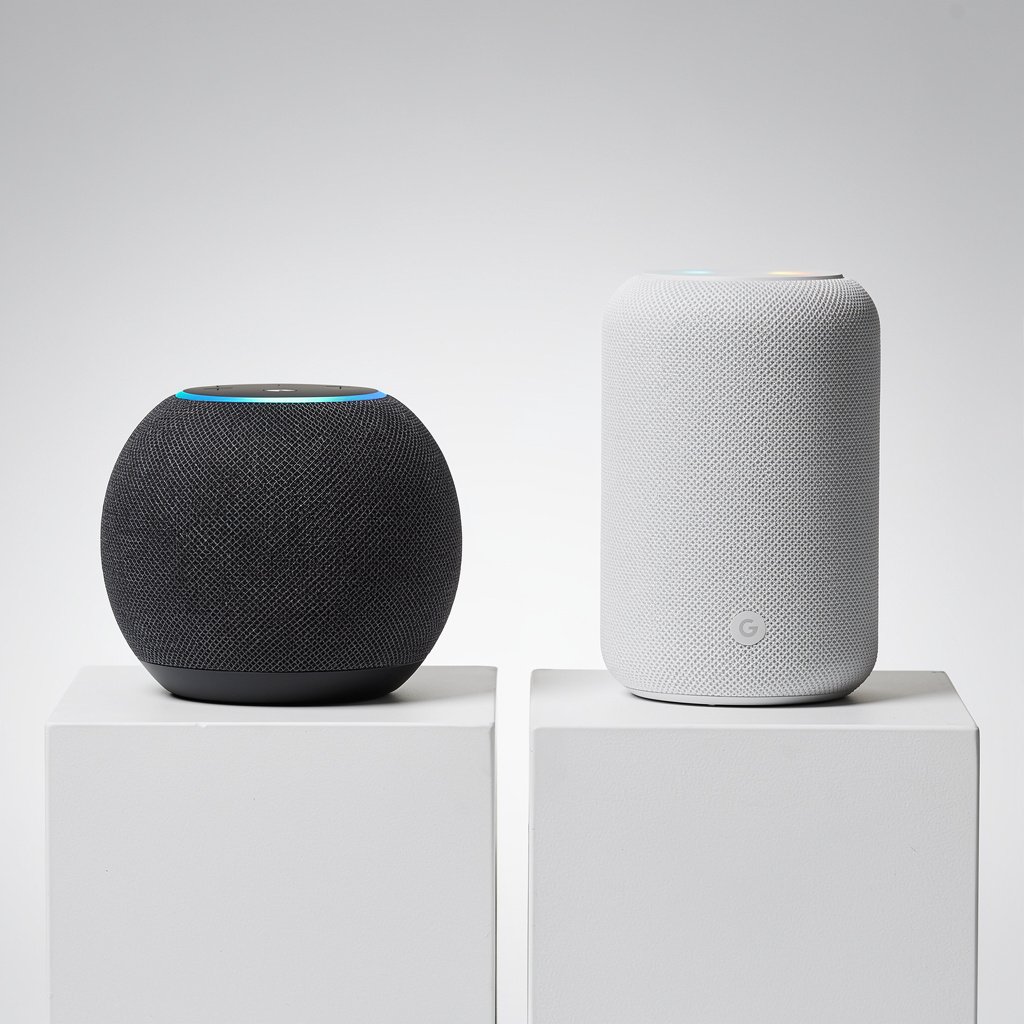
The smart speaker market has matured into a two-horse race between Amazon Alexa and Google Home. Both ecosystems offer powerful voice assistants, expanding device compatibility, and sophisticated home automation capabilities. But which one deserves a place in your home?
We've spent years testing both platforms across dozens of devices, routines, and real-world scenarios. This comprehensive guide will help you make the right choice for your smart home—whether you're building from scratch or expanding an existing setup.
Quick Verdict: Which Should You Choose?
The Short Answer: It depends on your existing tech ecosystem and priorities.
Choose Alexa if:
- You're an Amazon Prime member who shops frequently on Amazon
- You want the widest selection of compatible smart home devices
- You prefer more robust smart home automation and routines
- You're building an extensive multi-room audio system
- You value shopping convenience and hands-free purchasing
Choose Google Home if:
- You're deeply invested in Google services (Gmail, Calendar, YouTube)
- You prioritize natural conversation and search accuracy
- You have Android phones and Chromecast devices
- You value superior voice recognition and contextual understanding
- You want the best smart displays for video calls
The Honest Truth: Both are excellent, and for most people, the decision comes down to which ecosystem you're already using. If you have Amazon Prime, lean Alexa. If you live in Google's world, go with Google Home.
At-a-Glance Comparison
| Feature | Amazon Alexa | Google Home |
|---|---|---|
| Voice Quality | Clear, friendly, slightly robotic | Natural, conversational |
| Smart Home Devices | 140,000+ compatible devices | 50,000+ compatible devices |
| Best Speaker | Echo Studio ($199) | Nest Audio ($99) |
| Best Display | Echo Show 15 ($299) | Nest Hub Max ($229) |
| Matter Support | Yes | Yes |
| Multi-User Voice Recognition | Yes (up to 10) | Yes (up to 6) |
| Music Services | Amazon Music, Spotify, Apple Music, more | YouTube Music, Spotify, Apple Music, more |
| Video Streaming | Prime Video, Netflix (limited) | YouTube, Netflix, Disney+ |
| Natural Language | Good | Excellent |
| Search Accuracy | Good (powered by Bing/Amazon) | Excellent (powered by Google Search) |
| Privacy Controls | Mute button, deletion options | Mute button, deletion options |
| Price Range | $24.99 – $299.99 | $49.99 – $229.99 |
| Ecosystem Lock-in | Moderate | Moderate |
Voice Assistant Showdown
Natural Language Understanding
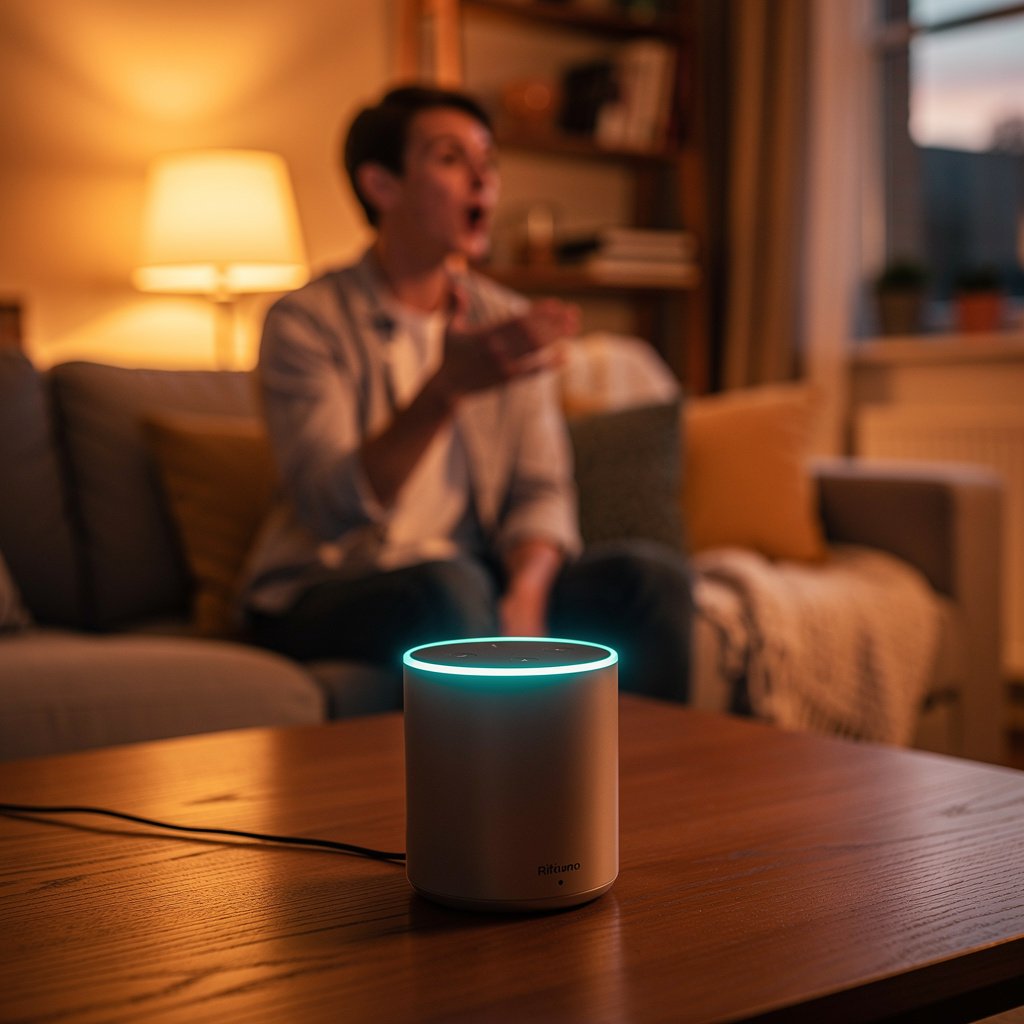
Winner: Google Home
Google Assistant consistently outperforms Alexa when it comes to understanding natural, conversational speech. You can speak to Google Home the way you'd talk to a person, with follow-up questions, context switching, and complex multi-part requests.
Example:
- You: “Hey Google, what's the weather?”
- Google: “It's 72 degrees and sunny.”
- You: “Will I need an umbrella later?”
- Google: “No, there's no rain in the forecast today.”
With Alexa, you'd typically need to re-invoke the wake word (“Alexa, will it rain today?”) for that follow-up question.
Google's advantage here comes from its decades of search engine experience. The same AI that processes billions of search queries daily powers Google Assistant, giving it an edge in understanding intent and context.
Response Accuracy
Winner: Google Home
When you ask factual questions, Google Home delivers more accurate, detailed answers thanks to its integration with Google Search. Alexa has improved significantly, but it still occasionally defaults to “I don't know” or provides less complete information.
Google excels at:
- General knowledge questions
- Real-time information (sports scores, stock prices, news)
- Definitions and explanations
- Unit conversions and calculations
- Local business information
Alexa performs better at:
- Shopping-related queries
- Product comparisons and reviews (Amazon-based)
- Package tracking
- Deal notifications
Personality and Voice
Winner: Tie (Personal Preference)
Alexa has a warm, friendly tone that many users find approachable. Amazon has invested heavily in making Alexa sound natural, with different voice options and even celebrity voices (like Samuel L. Jackson) available for purchase.
Google Assistant sounds more human and conversational, with less of the “robot” quality. It varies its responses to avoid sounding repetitive and can understand nuance better.
Both assistants support multiple languages and can recognize different family members' voices.
Multi-Language Support
Winner: Google Home
Google Assistant supports over 30 languages and can understand and respond in multiple languages within the same conversation—a feature called bilingual mode. This makes it ideal for multilingual households.
Alexa supports fewer languages (around 8-10 depending on the region) and doesn't handle language switching as smoothly.
Smart Home Control Comparison
Compatible Device Ecosystem
Winner: Amazon Alexa
Alexa's biggest advantage is its massive device compatibility. With over 140,000 compatible smart home devices from 13,000+ brands, Alexa works with nearly everything on the market.
Google Home is catching up, with compatibility for 50,000+ devices, but Alexa still leads in sheer quantity—particularly with niche brands and specialized devices.
Both platforms support:
- Major brands: Philips Hue, TP-Link, Ring, Nest, Ecobee, August
- Matter devices (the new universal standard)
- Zigbee devices (Alexa built-in, Google requires hub)
- Common categories: lights, thermostats, locks, cameras, sensors
Alexa has better support for:
- Budget smart home brands
- Specialized devices (pool controllers, garage openers, etc.)
- Custom skills and integrations
- Built-in Zigbee hub (in Echo 4th gen and newer)
Setup and Ease of Use
Winner: Tie
Both platforms make device setup straightforward:
Alexa setup:
1. Open the Alexa app
2. Tap Devices → Add Device
3. Select your device type
4. Follow on-screen instructions
5. Name your device and assign to a room
Google Home setup:
1. Open the Google Home app
2. Tap + → Set up device
3. Select your device
4. Follow on-screen instructions
5. Assign to a room
In our testing, both completed typical device additions in under 2 minutes. The edge goes to whichever app you're more familiar with.
Routines and Automation
Winner: Amazon Alexa
Alexa's routines are more powerful and flexible than Google's. You can create complex, multi-step automations triggered by voice, schedule, device state, location, or sensor detection.
Alexa routine capabilities:
- Multiple triggers: voice, schedule, device, sensor, location, alarm dismissal
- Conditional logic (“If this, then that”)
- Custom wait times between actions
- Extensive action options across all compatible devices
- Routine templates for common scenarios
Google Home routine capabilities:
- Triggers: voice, schedule, sunrise/sunset, device state
- Simpler structure (less conditional logic)
- Starter and stopper commands
- Household routines that can be managed by family members
Example use case:
An Alexa routine can trigger when you dismiss your morning alarm, wait 2 minutes, turn on bedroom lights gradually, start your coffee maker, read your calendar, give you the weather, and start your favorite morning playlist—all automatically.
Google can do similar automations, but with less granular control over timing and conditions.
Matter Support
Winner: Tie
Both Amazon and Google have embraced Matter, the new universal smart home standard designed to end ecosystem fragmentation. Matter devices work seamlessly with both Alexa and Google Home, as well as Apple HomeKit and Samsung SmartThings.
This is huge for future-proofing your smart home. As more Matter devices launch in 2025 and beyond, compatibility concerns will diminish significantly.
Speaker Hardware Face-Off
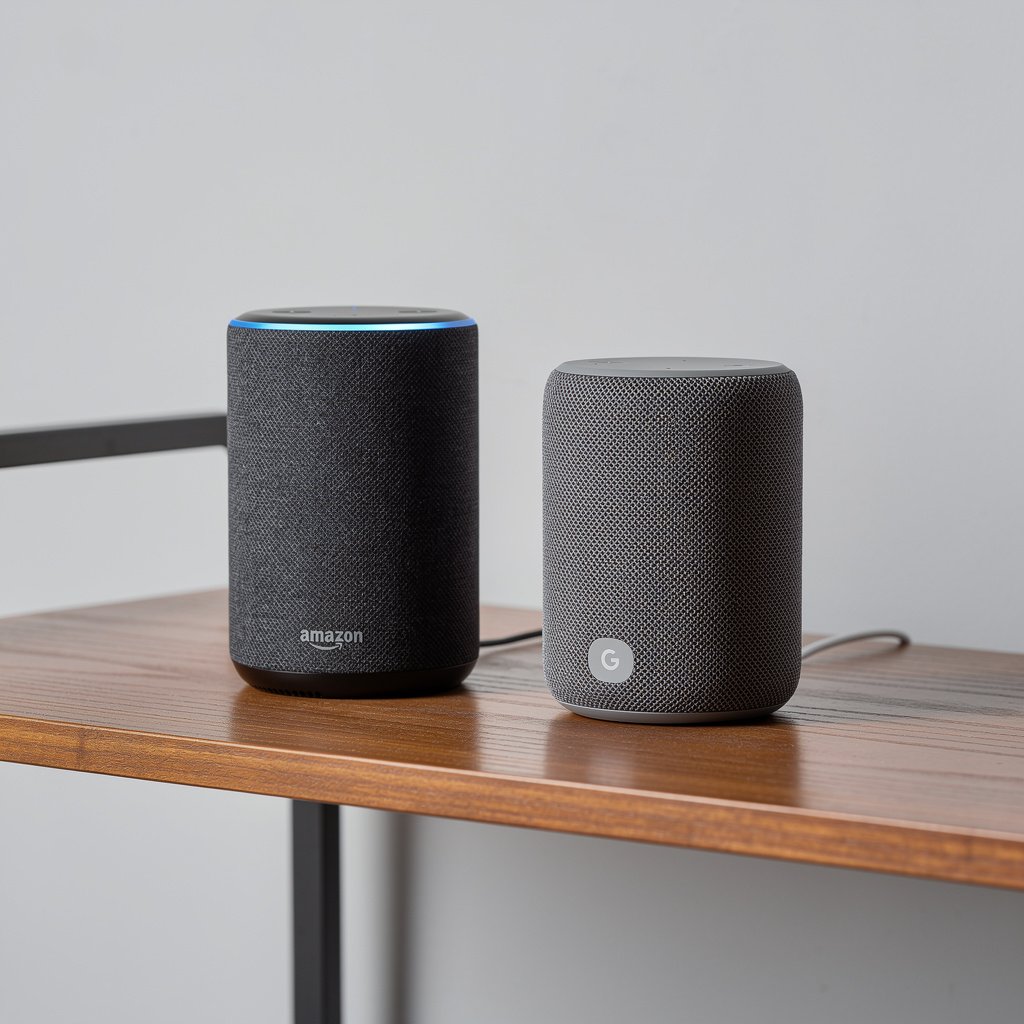
Echo vs Nest Speaker Lineup
Amazon Echo Lineup:
- Echo Pop ($24.99) – Compact, budget-friendly
- Echo Dot (5th Gen) ($49.99) – Best-selling compact speaker
- Echo Dot with Clock ($59.99) – Adds LED display
- Echo (4th Gen) ($99.99) – Full-size smart speaker with Zigbee hub
- Echo Studio ($199.99) – Premium sound with Dolby Atmos
Google Nest Lineup:
- Nest Mini ($49.99) – Compact speaker
- Nest Audio ($99.99) – Full-size speaker with excellent sound
- Nest Hub (2nd Gen) ($99.99) – 7″ smart display
- Nest Hub Max ($229.99) – 10″ smart display with camera
Sound Quality
Budget tier: Echo Dot edges out Nest Mini with slightly fuller sound
Mid-range: Nest Audio sounds better than Echo 4th Gen—richer bass and clearer highs
Premium: Echo Studio is the winner for serious audio, with spatial audio and room calibration
For most users, the Nest Audio offers the best sound quality per dollar. It's an impressive speaker that rivals dedicated Bluetooth speakers in the $150-200 range.
Echo Studio is in a class of its own for smart speakers, but at $199, it competes with entry-level audiophile speakers.
Design Aesthetics
Winner: Personal Preference
Amazon Echo style:
- Spherical design (4th gen and newer)
- Fabric covering in multiple colors
- Modern but playful
- LED ring indicator (top or bottom depending on model)
Google Nest style:
- Rounded, minimalist design
- Fabric covering in neutral tones
- Apple-esque simplicity
- LED light bar (front)
Google's design language is more understated and blends into modern, minimalist homes. Amazon's spheres make more of a statement and come in bolder color options.
Both look far better than the first-generation devices, which could be… let's say “functional.”
Multi-Room Audio
Winner: Amazon Alexa
Both platforms support multi-room audio, allowing you to play synchronized music across multiple speakers. However, Alexa's implementation is more mature and flexible.
Alexa advantages:
- Easier group management
- More reliable synchronization
- Can mix different Echo models in a group
- Better support for stereo pairing
Google advantages:
- Integration with Chromecast Audio devices
- Seamless YouTube Music casting
- Better for video content across displays
If you're building a whole-home audio system, Alexa is the safer bet.
Smart Display Battle
Echo Show vs Nest Hub
Both companies offer smart displays that combine voice assistants with touchscreens for video calls, recipes, smart home control, and media viewing.
Screen Quality
Winner: Google Nest Hub Max
The Nest Hub Max features a vibrant 10″ HD display with excellent color accuracy and viewing angles. The Nest Hub (7″) also punches above its weight with a crisp, bright screen.
Amazon's Echo Show 15 (15.6″) wins on size, but the Nest Hub Max has better overall picture quality. The Echo Show 8 and 5 are solid mid-range options.
Camera and Video Calls
Winner: Google Nest Hub Max
The Nest Hub Max includes a 6.5MP camera with auto-framing that follows you during video calls. It integrates beautifully with Google Meet and Duo, making it the best smart display for video calling.
Echo Show devices have cameras too, but Google's auto-framing technology is superior. The camera physically tracks you as you move, keeping you centered in the frame.
Privacy note: Both devices include physical camera shutters or the ability to disable the camera entirely.
Use Cases
Echo Show excels at:
- Amazon shopping and Prime Video
- Showing Ring doorbell notifications
- Recipe mode with step-by-step cooking
- Drop-in calls to other Echo devices
Nest Hub excels at:
- YouTube viewing
- Google Photos as a digital frame
- Video calls with family
- Visual answers from Google Search
Our Pick
For most people, we recommend the Nest Hub (7″, $99.99) as the best value smart display. It's compact, affordable, and does everything most users need.
If you want the premium experience with video calling, upgrade to the Nest Hub Max ($229.99).
Privacy and Security Comparison
Smart speakers raise legitimate privacy concerns. Both companies have faced scrutiny over how they handle voice recordings and data.
Data Collection Practices
What they collect:
- Voice recordings (unless you opt out)
- Usage patterns and device interactions
- Shopping and media preferences
- Smart home device data
What they do with it:
- Improve voice recognition
- Train AI models
- Personalize recommendations
- Target advertising (Google more than Amazon)
Both companies state they don't sell your data to third parties, but they do use it for their own business purposes.
Privacy Controls
Both platforms offer:
- Voice recording history review and deletion
- Auto-delete options (3, 18 months, or manual)
- Mute button to disable microphones
- Guest mode to prevent personalization
Alexa privacy features:
- “Alexa, delete what I just said” command
- Opt-out of human review of recordings
- Activity dashboard in the Alexa app
Google privacy features:
- “Hey Google, delete the last thing I said” command
- Incognito mode for searches
- Guest mode on smart displays
- Detailed activity controls in Google account settings
Which is More Private?
Winner: Slight edge to Amazon Alexa
While both collect significant data, Amazon has been slightly more transparent about its practices and offers more granular controls. Google's business model relies more heavily on advertising, which means greater incentive to use your data for targeting.
However, the difference is marginal. If privacy is your top concern, consider:
- Using the mute button regularly
- Enabling auto-delete for voice recordings
- Reviewing and adjusting privacy settings in both apps
- Or skipping smart speakers altogether and using Matter-compatible devices with a privacy-focused hub
Ecosystem Lock-In: What You're Signing Up For
Amazon Alexa Ecosystem
What you gain:
- Seamless Amazon shopping
- Prime Video and Music integration
- Ring and Blink device ecosystem
- Eero router integration
- Fire TV compatibility
What you lose (if you switch later):
- Purchased Alexa skills
- Custom routines (require recreation)
- Voice training data
- Amazon-exclusive device integrations
Google Home Ecosystem
What you gain:
- Deep Google service integration (Gmail, Calendar, Photos)
- YouTube and YouTube Music
- Chromecast everywhere
- Android phone integration
- Nest camera and thermostat ecosystem
What you lose (if you switch later):
- Routines and automation setups
- Voice match training
- Google-specific integrations
- Chromecast functionality
Can You Use Both?
Yes, and it's increasingly common.
Many smart home devices work with both Alexa and Google Home simultaneously. You can:
- Use Alexa in some rooms, Google in others
- Keep both assistants and use them for different tasks
- Gradually transition from one to another
- Use Matter devices that work with everything
Practical multi-platform approach:
- Primary assistant: Choose based on your ecosystem
- Secondary assistant: Add a few devices from the other platform for specific use cases
- Smart home devices: Prioritize Matter-compatible products for flexibility
The biggest downside is managing two apps and remembering which assistant controls which devices.
Best-For Scenarios: Making Your Decision
Best for Amazon Prime Members
Winner: Alexa
If you're already paying for Amazon Prime, Alexa offers tremendous value:
- Hands-free Amazon shopping with voice ordering
- Prime Music access on all Echo devices
- Prime Video streaming on Echo Show displays
- Package tracking notifications
- Deal notifications for wish list items
- Integration with Amazon Key for delivery management
The shopping integration alone can justify choosing Alexa if you order from Amazon weekly.
Best for YouTube and Google Services Users
Winner: Google Home
If YouTube is your go-to for entertainment and you live in Gmail, Google Calendar, and Google Photos:
- Native YouTube playback (Alexa uses a workaround)
- Calendar integration that actually works well
- Google Photos as a digital frame on Nest Hub
- Seamless Chromecast integration
- Better integration with Android phones
Google Assistant pulls information from your Google account intelligently, making it feel like a true personal assistant.
Best for Smart Home Enthusiasts
Winner: Alexa
If you want to build a comprehensive, automated smart home:
- 140,000+ compatible devices gives you more options
- More powerful routine and automation engine
- Built-in Zigbee hub (many Echo devices)
- Better integration with niche smart home brands
- More active third-party developer community
- Hunches feature that learns your patterns
Alexa's automation capabilities are simply more advanced, and the wider device compatibility means you won't hit compatibility walls.
Best for Android Users
Winner: Google Home
Android phone owners benefit from:
- Deeper phone integration
- Google Assistant already on your phone
- Unified experience across devices
- Better notification management
- Easier casting to displays
iPhone users can use either platform equally well—there's no iOS advantage for Alexa.
Best for Families
Winner: Google Home
For households with multiple people:
- Better voice recognition (up to 6 people)
- More natural conversation makes it easier for kids
- Excellent parental controls and content filtering
- Family Bell feature for reminders and alarms
- Broadcast messages to other Google devices
- Better video calling for keeping in touch with relatives
Alexa's family features are solid too, but Google's voice recognition and kid-friendly features edge ahead.
Best Sound Quality (Music-First Users)
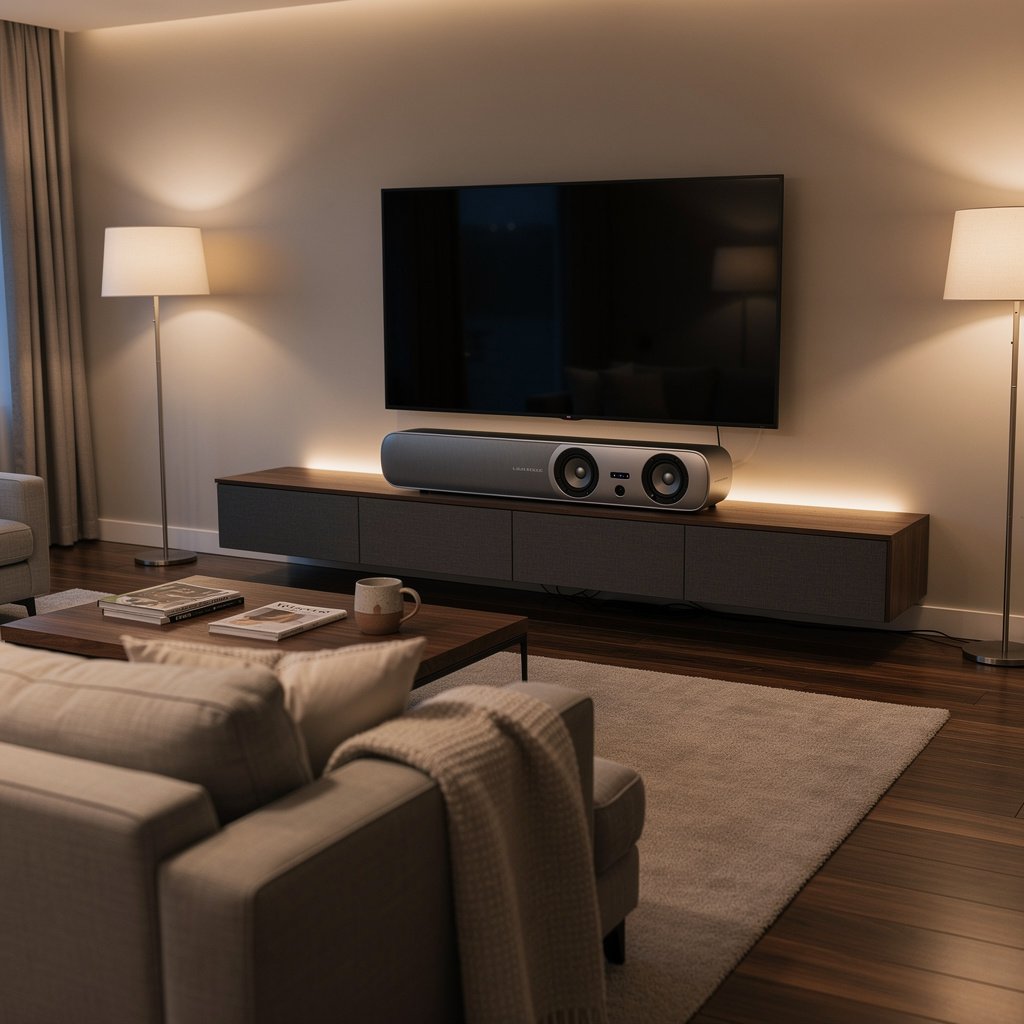
Winner: Depends on budget
- Budget ($25-50): Echo Dot sounds better than Nest Mini
- Mid-range ($100): Nest Audio sounds better than Echo 4th Gen
- Premium ($200): Echo Studio is unmatched in the smart speaker category
If sound quality is your priority, consider:
- Echo Studio for the best smart speaker sound
- Sonos speakers with Alexa or Google Assistant built-in (best of both worlds)
- Nest Audio for the best balance of price and performance
Our Final Recommendation
After years of testing both platforms, here's our honest take:
For Most People: Amazon Alexa
Alexa's wider device compatibility, more powerful automation, and seamless Amazon integration make it the better choice for most smart home builders. The Echo Dot is an incredibly affordable entry point, and the ecosystem scales beautifully as you add more devices.
Start with: Echo Dot (5th Gen) – $49.99
For Google Services Users: Google Home
If you're deeply invested in Google's ecosystem—especially YouTube, Gmail, and Android—Google Home will feel more natural and integrated. The superior voice recognition and search capabilities create a more impressive assistant experience.
Start with: Nest Audio – $99.99 (or Nest Mini – $49.99 for budget)
The Best Path Forward: Stay Flexible
Thanks to Matter, the question of “Alexa vs Google Home” matters less every year. Focus on choosing smart home devices that support Matter, and you'll be able to use both assistants—or switch between them—without losing functionality.
Our smart home building strategy:
1. Choose your primary assistant based on your existing ecosystem
2. Buy Matter-compatible devices whenever possible
3. Use the best hardware regardless of platform (Nest Hub for displays, Echo Studio for audio, etc.)
4. Don't stress the decision—both platforms are excellent
Frequently Asked Questions
Can I use Alexa and Google Home together in the same house?
Yes, absolutely. Many smart home enthusiasts use both platforms simultaneously. Most smart home devices support both assistants, so you can control your lights, thermostats, and other devices with either Alexa or Google Home. You'll need both apps installed, but the devices themselves can respond to either assistant. This approach lets you use each platform's strengths—Alexa for shopping and extensive automation, Google for search and YouTube.
Which has better privacy: Alexa or Google Home?
Both platforms collect voice data and usage information, but Amazon Alexa has a slight edge in privacy controls and transparency. Google's business model relies more on advertising, which means greater use of your data for targeting. However, both offer robust privacy controls including auto-delete options for voice recordings, mute buttons, and the ability to opt out of human review. For maximum privacy, regularly use the mute button, enable auto-delete for recordings, and review your privacy settings in both apps.
Do I need Amazon Prime for Alexa or YouTube Premium for Google Home?
No, neither subscription is required. Alexa works perfectly well without Prime, though you'll miss out on Prime Music, Prime Video on Echo Show displays, and voice shopping benefits. Similarly, Google Home works without YouTube Premium, though you'll hear ads on YouTube and YouTube Music. Both assistants provide full smart home control, weather, news, and basic features without any subscription.
Which smart speaker sounds better for music?
It depends on your budget. The Nest Audio ($99) sounds better than the Echo 4th Gen ($99), with richer bass and clearer highs. However, the Echo Studio ($199) is the best-sounding smart speaker overall, with spatial audio and room calibration. For budget options, the Echo Dot sounds slightly better than the Nest Mini. If sound quality is your top priority, consider adding Alexa or Google Assistant to a premium speaker like Sonos, which offers better audio than any native Echo or Nest device.
Can I switch from Alexa to Google Home (or vice versa) later?
Yes, but you'll need to rebuild your routines, automation, and preferences. Most smart home devices work with both platforms, so your physical devices will transition easily. However, custom routines, voice training data, and platform-specific integrations don't transfer. With the rise of Matter-compatible devices, switching is becoming easier. If you think you might switch later, prioritize Matter devices in your smart home build—they work with both Alexa and Google Home seamlessly.
Which is better for people who aren't tech-savvy?
Both platforms are beginner-friendly, but Google Home has a slight edge for non-tech users. Google Assistant's natural language understanding means you can speak more naturally without learning specific commands. The Google Home app is also slightly more intuitive for device setup and management. However, if the person is already an Amazon customer, Alexa's familiarity with the Amazon ecosystem might feel more natural. Either way, both assistants are designed to be conversational and easy to use—there's no wrong choice for beginners.
The Bottom Line: Choose Alexa if you want the most comprehensive smart home platform with maximum device compatibility and powerful automation. Choose Google Home if you prioritize natural conversation, search accuracy, and deep integration with Google services. Either way, you're getting a mature, capable smart home assistant that will serve you well for years to come.
Ready to get started? Check out our [Smart Home Setup Guide](#) or browse our [Best Smart Speakers](#) roundup to find the perfect device for your needs.


