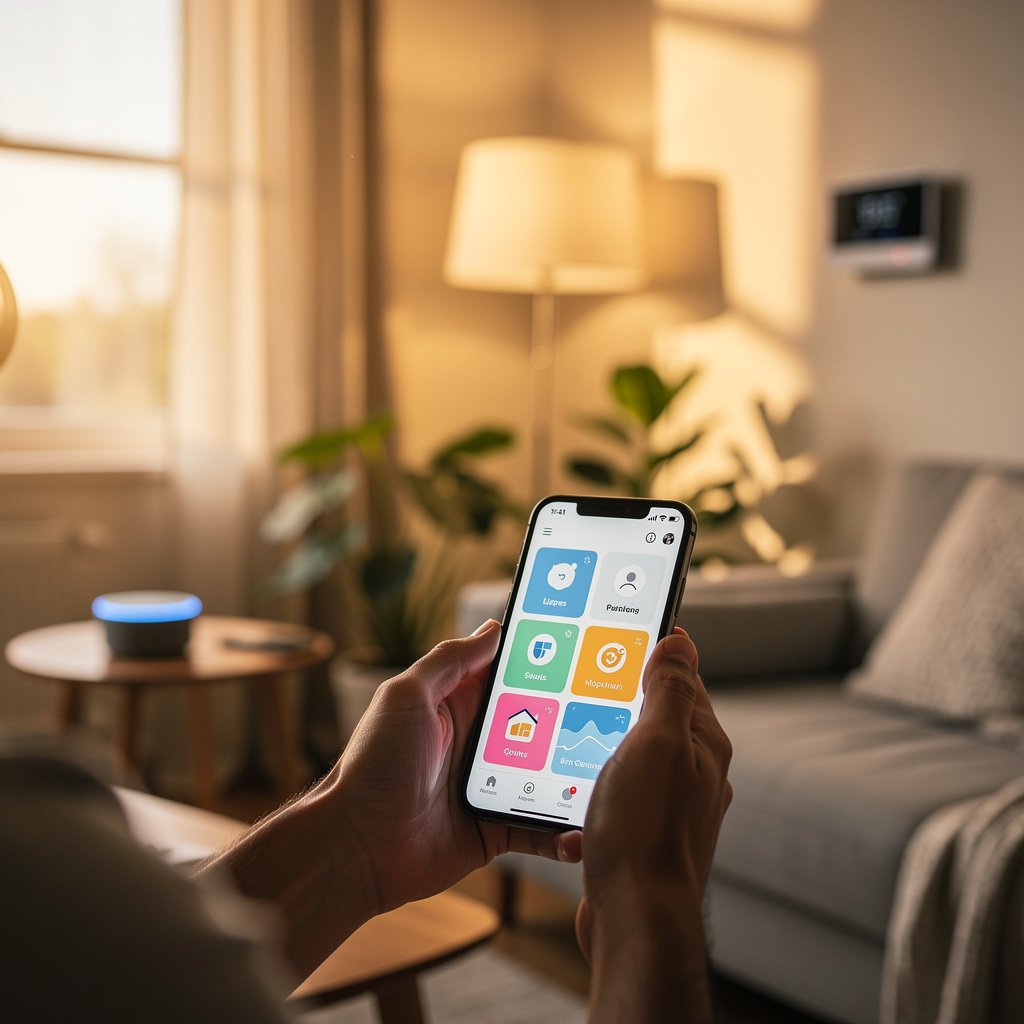
Welcome to the world of smart home technology. If you've been curious about voice-controlled lights, automated thermostats, or security cameras you can check from your phone, you're in the right place. The good news? Building a smart home is easier than you think, and you don't need to be tech-savvy to get started.
This complete guide will walk you through everything you need to know to transform your house into a connected, comfortable, and convenient smart home. We'll start with the basics, help you choose the right ecosystem, recommend your first devices, and give you a step-by-step plan to build your smart home at your own pace.
What Is a Smart Home?
A smart home is simply a house equipped with devices that can be controlled remotely, automated based on schedules or conditions, and often respond to voice commands. These devices connect to your home WiFi network and communicate with each other to make your daily life more convenient, comfortable, and secure.
The Real Benefits of a Smart Home
Beyond the “cool factor,” smart home technology offers tangible benefits that improve your daily life:
- Convenience: Control your lights, thermostat, and entertainment from anywhere using your phone or voice commands
- Energy Savings: Smart thermostats and lighting can reduce energy bills by 10-25% through intelligent scheduling and automation
- Enhanced Security: Monitor your home 24/7 with smart cameras, doorbell cameras, and smart locks
- Peace of Mind: Get instant notifications about water leaks, smoke, or unexpected activity while you're away
- Accessibility: Voice control and automation make homes more accessible for people with mobility challenges
- Increased Home Value: Smart home features are increasingly attractive to homebuyers
The best part? You don't need to automate everything at once. Start small, learn as you go, and expand your smart home at your own pace.
The 5 Pillars of Smart Home Technology
Every smart home is built on five fundamental categories. Understanding these pillars will help you prioritize which devices to add first based on your lifestyle and needs.
Pillar 1: Voice Control (Speakers & Assistants)
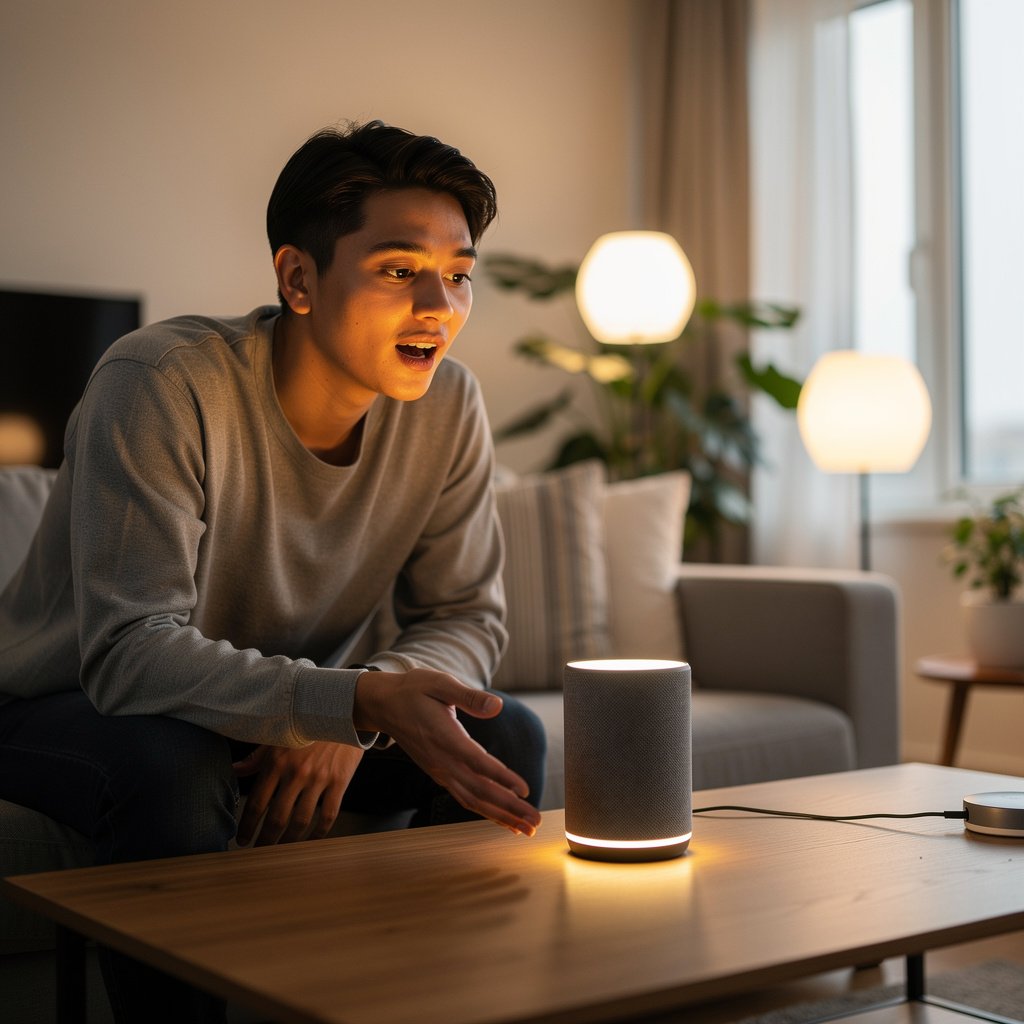
Smart speakers are the command center of your smart home. They respond to voice commands, control other devices, answer questions, play music, set timers, and much more.
Popular Options:
- Amazon Echo devices – Powered by Alexa, wide device compatibility, excellent value
- Google Nest speakers – Superior search capabilities, great for Google services users
- Apple HomePod – Best for Apple ecosystem users, premium audio quality
- Samsung SmartThings – Strong automation capabilities, good for Samsung device owners
Why Start Here: A smart speaker serves as the foundation for voice control and makes managing all your other devices effortless.
Pillar 2: Lighting & Ambiance
Smart lighting transforms how you illuminate your home. Beyond simple on/off control, smart bulbs let you adjust brightness, change colors, schedule lighting, and create the perfect ambiance for any occasion.
Smart Lighting Options:
- Smart Bulbs – Replace existing bulbs, easiest to install, color-changing options available
- Smart Switches – Control existing lights, requires basic electrical work, more permanent solution
- Smart Plugs – Convert any lamp into a smart lamp, no installation required
- LED Light Strips – Add accent lighting to entertainment centers, cabinets, or bedrooms
Real-World Use Cases:
- Automatically turn on lights when you arrive home after dark
- Gradually brighten bedroom lights as a gentle wake-up alarm
- Dim lights automatically for movie night
- Turn off all lights with a single voice command at bedtime
Pillar 3: Climate & Comfort
Smart thermostats learn your schedule, adjust temperatures automatically, and can be controlled from anywhere. They're often the single best investment for both comfort and energy savings.
Leading Smart Thermostats:
- Google Nest Learning Thermostat – Learns your preferences automatically, sleek design
- ecobee SmartThermostat – Built-in Alexa, includes remote sensors for multi-room temperature balancing
- Honeywell Home T9 – Excellent for traditional HVAC systems, reliable performance
Average Savings: Most smart thermostat users save 10-23% on heating and cooling costs annually.
Pillar 4: Security & Safety
Smart security devices give you eyes and ears on your home from anywhere, plus instant alerts when something unusual happens.
Essential Security Devices:
- Video Doorbell Cameras – See and speak to visitors from your phone, record package deliveries
- Indoor/Outdoor Security Cameras – Monitor key areas, motion detection, night vision
- Smart Locks – Lock/unlock remotely, grant temporary access to guests, eliminate keys
- Smart Sensors – Detect water leaks, smoke, carbon monoxide, door/window openings
Peace of Mind Benefits:
- Check on your home while traveling
- Verify kids arrived home safely from school
- Get instant alerts if a door opens unexpectedly
- Detect water leaks before they cause major damage
Pillar 5: Entertainment & Convenience
This category includes devices that add convenience and entertainment value to your daily routines.
Popular Devices:
- Smart TVs and Streaming Devices – Voice-controlled entertainment, content recommendations
- Smart Plugs – Control any device, monitor energy usage, schedule on/off times
- Robot Vacuums – Automated cleaning, scheduled or on-demand
- Smart Kitchen Appliances – Coffee makers, slow cookers, air fryers with remote control
Choosing Your Smart Home Ecosystem
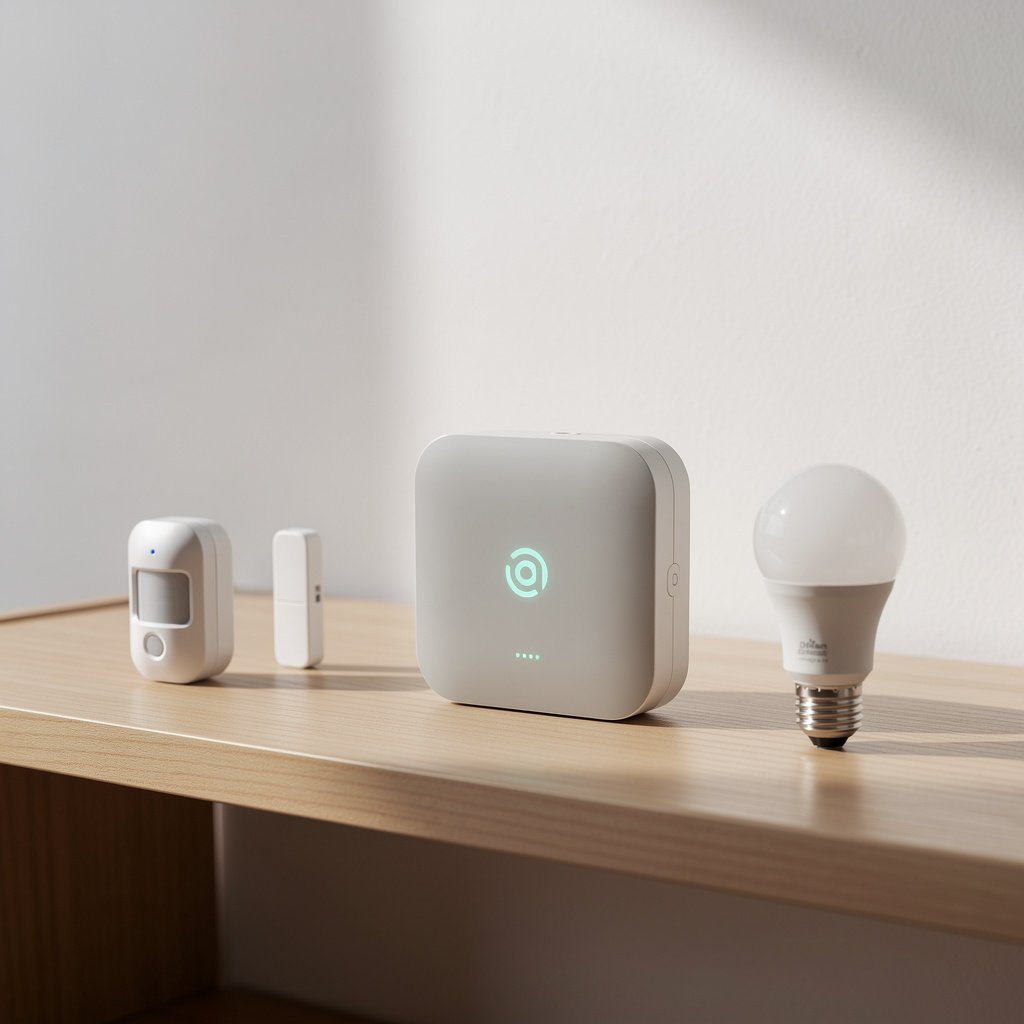
One of the most important early decisions is choosing your primary smart home ecosystem. While many devices work across multiple platforms, picking your “home base” will guide your purchasing decisions and ensure everything works together seamlessly.
The Four Major Ecosystems
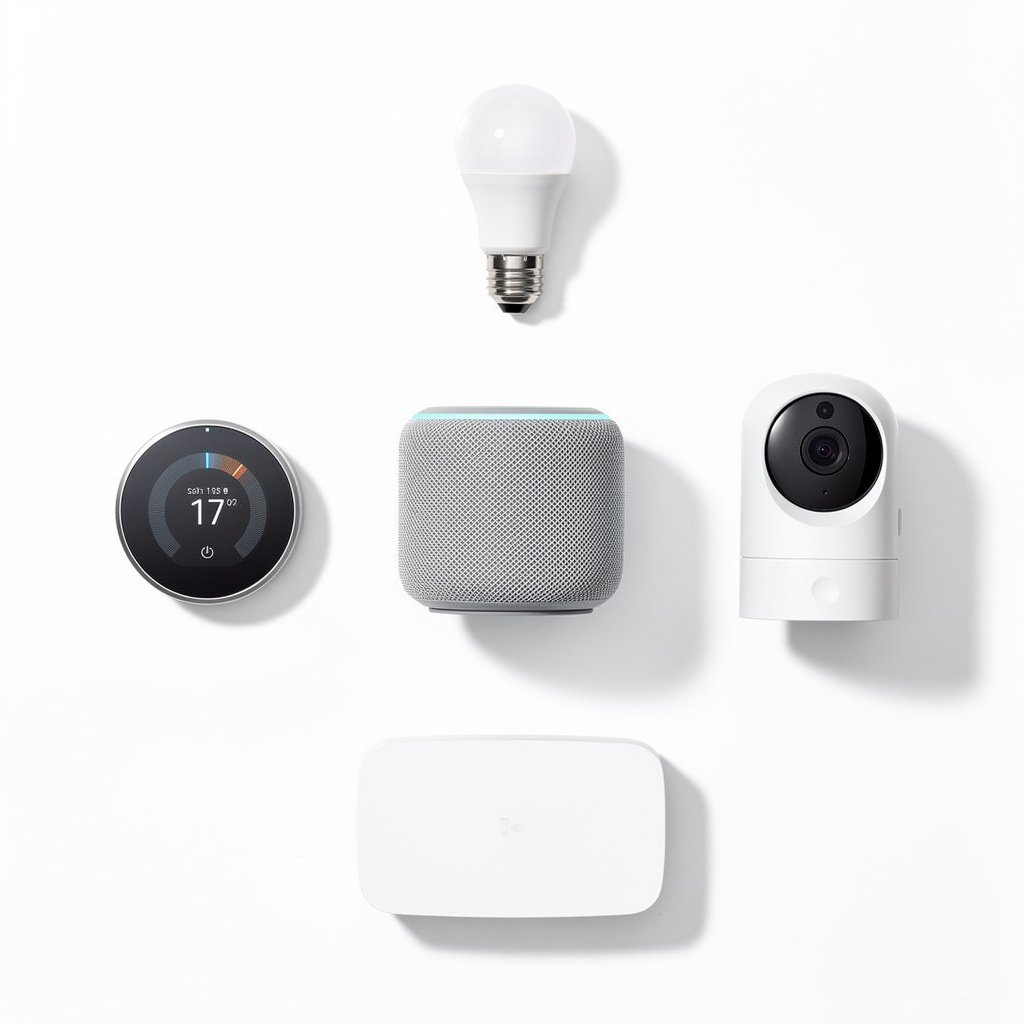
Amazon Alexa
Best For: Most users, especially those seeking affordability and device compatibility
Strengths: Widest device support (100,000+ compatible devices), affordable Echo speakers, excellent third-party integration, strong automation capabilities
Considerations: Privacy concerns for some users, voice recognition less accurate than Google
→ Complete Alexa Ecosystem Guide
Google Home
Best For: Android users, Google services users, those prioritizing voice recognition and search
Strengths: Superior natural language understanding, excellent search capabilities, seamless integration with Google services (Calendar, Photos, YouTube)
Considerations: Slightly fewer compatible devices than Alexa, premium speakers more expensive
→ Complete Google Home Ecosystem Guide
Apple HomeKit
Best For: iPhone/iPad users, privacy-conscious users, those already invested in Apple ecosystem
Strengths: Industry-leading privacy and security, seamless integration with iPhone/iPad, premium build quality, local control without cloud
Considerations: Fewer compatible devices, generally more expensive, requires Apple device for remote access
→ Complete Apple HomeKit Ecosystem Guide
Samsung SmartThings
Best For: Power users, those seeking advanced automation, Samsung device owners
Strengths: Most powerful automation capabilities, supports multiple protocols (Zigbee, Z-Wave, WiFi), works with Alexa and Google Assistant
Considerations: Steeper learning curve, requires SmartThings Hub for full functionality
→ Complete SmartThings Ecosystem Guide
Can't Decide? The Matter Protocol Changes Everything
The new Matter protocol is a game-changer for smart home beginners. Matter is an industry standard that ensures devices work across Alexa, Google Home, Apple HomeKit, and SmartThings without compatibility issues.
When shopping for new devices, look for the “Matter” certification. This gives you flexibility to switch ecosystems later or use multiple platforms simultaneously.
Your First Smart Home Devices: The Starter Kit
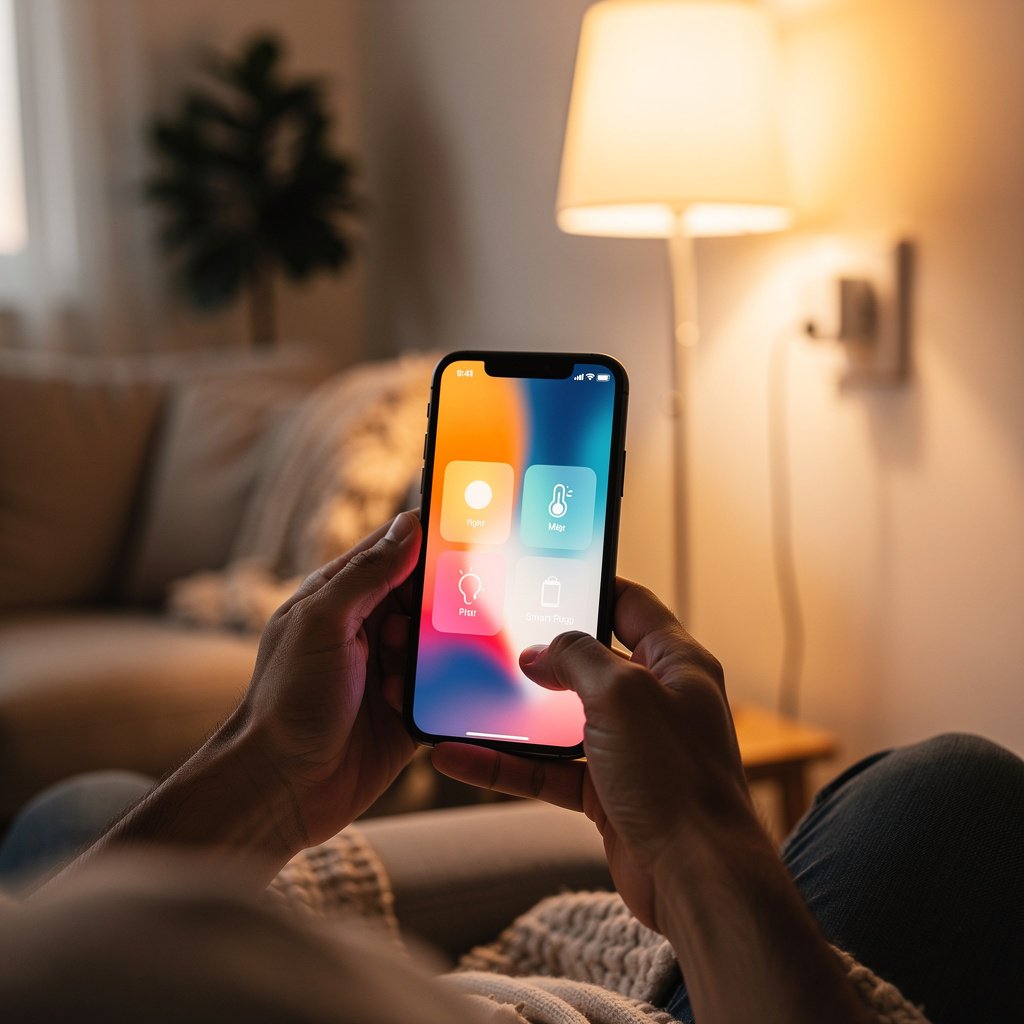
Ready to start building? Here's the perfect beginner setup that won't break the bank but will give you a taste of what smart home technology can do.
The Under-$150 Smart Home Starter Kit
Device #1: Smart Speaker ($50-100)
Our Recommendation: Amazon Echo Dot (4th Gen) or Google Nest Mini
Why This First: Serves as your control hub and introduces you to voice control
What You'll Do: Ask questions, set timers, play music, control other devices
Device #2: Smart Bulbs Starter Pack ($25-50)
Our Recommendation: Philips Hue White Starter Kit or Wyze Bulb Color (budget option)
Why You'll Love It: Instant gratification – see your first automation in action
Perfect For: Living room or bedroom lamps
Device #3: Smart Plug ($15-25)
Our Recommendation: TP-Link Kasa Smart Plug or Amazon Smart Plug
The Most Versatile Device: Turns any “dumb” device into a smart device
Use Cases: Coffee maker, fans, holiday lights, space heaters
Total Investment: $90-175
What You'll Learn: Voice control, basic automation, scheduling, remote control
The “Next Level” Add-Ons (When You're Ready)
- Video Doorbell Camera ($100-200): Ring Video Doorbell or Google Nest Doorbell
- Smart Thermostat ($130-250): Google Nest Thermostat or ecobee3 Lite
- Indoor Security Camera ($30-80): Wyze Cam v3 or Ring Indoor Cam
- Smart Lock ($150-300): August Smart Lock or Yale Assure Lock
Room-by-Room Smart Home Guide
Not sure where to start? Here's what to prioritize in each room based on real-world usage and impact.
Living Room Essentials
Priority 1: Smart Lighting
- 2-4 smart bulbs in primary lamps
- LED light strip behind TV for ambient lighting
- Smart plug for floor lamp
Priority 2: Entertainment Control
- Smart speaker for voice control
- Smart TV or streaming device (Roku, Fire TV, Chromecast)
- Universal remote or smart remote
Automation Ideas:
- “Movie mode” – Dim lights, close smart blinds, turn on TV
- “Good morning” – Gradually brighten lights, turn on news
- Auto-off at bedtime
Bedroom Essentials
Priority 1: Smart Lighting
- Smart bulbs in bedside lamps
- Smart light switch for overhead lighting
- Dimmable, warm-color bulbs for better sleep
Priority 2: Climate Control
- Smart thermostat or smart fan
- Smart plug for space heater (with automatic shutoff)
Automation Ideas:
- “Wake up” – Gradual light brightening + temperature adjustment
- “Bedtime” – Dim lights, lock doors, lower temperature
- “Reading mode” – Warm, dim lighting
Kitchen Essentials
Priority 1: Convenience Devices
- Smart plug for coffee maker (auto-brew every morning)
- Smart display (Echo Show, Google Nest Hub) for recipes and timers
- Smart lighting under cabinets
Priority 2: Safety Devices
- Smart smoke/CO detector
- Water leak sensor under sink
- Smart outlets with energy monitoring
Automation Ideas:
- Auto-start coffee maker at 6:30 AM on weekdays
- “Cooking mode” – Brighten task lighting
- Water leak alerts sent to phone
Entryway & Security Essentials
Priority 1: Security Devices
- Video doorbell camera
- Smart lock
- Motion sensor or contact sensor on front door
Priority 2: Convenience
- Smart lighting (welcome home lighting)
- Smart plug for seasonal decorations
Automation Ideas:
- “Arriving home” – Unlock door, turn on entryway lights
- “Leaving home” – Lock doors, turn off lights, arm cameras
- “Guest access” – Temporary door codes for visitors
Setting Up Your First Automation
Automation is where smart home technology goes from “neat” to “life-changing.” Here's how to create three essential routines that will simplify your daily life.
Automation #1: The “Good Morning” Routine
What Happens:
- Bedroom lights gradually brighten over 10 minutes (starting 6:30 AM)
- Thermostat increases to comfortable temperature
- Coffee maker starts brewing
- Smart speaker plays your favorite morning news or music
- Smart blinds open to let in natural light
How to Set It Up (Alexa Example):
- Open Alexa app → “Routines” → “+”
- Name it “Good Morning”
- Set trigger: Time-based (6:30 AM, weekdays only)
- Add actions for each device/command
- Test and adjust timing as needed
Automation #2: The “Leaving Home” Routine
What Happens:
- All lights turn off
- Thermostat adjusts to energy-saving mode
- Smart lock locks front door
- Security cameras activate motion recording
- Confirmation notification sent to phone
How to Set It Up:
- Choose trigger: Voice command (“Alexa, I'm leaving”) or location-based (phone leaves home WiFi)
- Add sequential actions for each device
- Enable notifications so you know routine completed
Automation #3: The “Bedtime” Routine
What Happens:
- Living room and kitchen lights turn off
- Bedroom lights dim to 20%
- Front door locks
- Thermostat lowers to sleeping temperature (68°F)
- Security system arms in “home” mode
- Smart speaker plays sleep sounds for 30 minutes
How to Set It Up:
- Trigger: Voice command (“Alexa, goodnight”) or scheduled time (10:30 PM)
- Add staggered actions (don't turn off all lights instantly)
- Include a 2-minute delay before locking doors (in case you need to go back out)
Common Beginner Mistakes to Avoid
Learn from others' mistakes. Here are seven common pitfalls new smart home users encounter, and how to avoid them.
Mistake #1: Buying Too Many Devices at Once
The Problem: Overwhelming yourself with setup, troubleshooting, and learning curves all at once.
The Fix: Start with 2-3 devices. Master them completely before adding more. Smart home building is a marathon, not a sprint.
Mistake #2: Ignoring Your WiFi Network
The Problem: Smart devices need strong, reliable WiFi. A poor network causes disconnections, slow responses, and frustration.
The Fix: Before buying devices, ensure you have a quality router covering your entire home. Consider upgrading to a mesh WiFi system if you have dead zones.
Mistake #3: Mixing Too Many Ecosystems
The Problem: Managing devices across multiple apps (Alexa, Google, SmartThings, individual brand apps) gets confusing quickly.
The Fix: Pick one primary ecosystem and stick with it for most devices. Use Matter-certified devices for maximum flexibility.
Mistake #4: Forgetting About Privacy & Security
The Problem: Using default passwords, not enabling two-factor authentication, buying devices from unknown brands with poor security.
The Fix: Change default passwords immediately, enable 2FA on all accounts, buy from reputable brands, regularly update device firmware, review privacy settings.
Mistake #5: Not Planning for Power Outages
The Problem: Smart home features stop working during power outages, including smart locks (potential lockout).
The Fix: Keep physical keys accessible, choose smart locks with battery backup and physical key override, consider UPS backup for critical devices like WiFi routers.
Mistake #6: Overlooking Compatibility Before Buying
The Problem: Buying a device that doesn't work with your chosen ecosystem or requires an additional hub you don't have.
The Fix: Always check compatibility before purchasing. Look for “Works with Alexa/Google/HomeKit” certification. Read the fine print about required hubs.
Mistake #7: Skipping the Manual
The Problem: Missing important features, safety information, or setup steps by ignoring documentation.
The Fix: At least skim the quick-start guide. Many devices have hidden features you'll miss otherwise. Join device-specific communities (Reddit, Facebook groups) to learn tips from experienced users.
Smart Home Glossary: Essential Terms Explained
Smart home technology comes with its own vocabulary. Here are the key terms you'll encounter:
Protocols & Connectivity
WiFi: The most common connection method. Devices connect directly to your home WiFi network. Simple setup but can crowd your network if you have many devices.
Bluetooth: Short-range wireless connection. Used for device setup or devices that don't need constant internet connection. Limited range (typically 30 feet).
Zigbee: Low-power wireless protocol designed for smart homes. Devices create a mesh network, extending range. Requires a Zigbee hub (built into many Echo devices and SmartThings hubs).
Z-Wave: Similar to Zigbee but uses different frequency. Also creates mesh network. Requires Z-Wave hub. Fewer device interference issues than Zigbee.
Matter: New universal standard that ensures devices work across all major ecosystems (Alexa, Google, Apple, SmartThings). The future of smart home compatibility.
Core Concepts
Hub: A central device that connects and controls multiple smart devices. Some hubs support multiple protocols (WiFi, Zigbee, Z-Wave). Examples: SmartThings Hub, Echo Plus, Philips Hue Bridge.
Ecosystem: A family of connected devices and services that work together seamlessly. The major ecosystems are Amazon Alexa, Google Home, Apple HomeKit, and Samsung SmartThings.
Automation: Actions that happen automatically based on triggers (time, device state, location, sensor reading) without manual intervention.
Routine: A series of actions triggered by a single command or condition. Example: “Bedtime routine” turns off lights, locks doors, and adjusts thermostat with one voice command.
Scene: A saved configuration of multiple device states that can be activated instantly. Example: “Movie scene” dims lights to 20%, closes blinds, and turns on TV.
Trigger: The condition that starts an automation. Common triggers: specific time, voice command, device state change, location, sensor detection.
Device Types
Smart Speaker: Voice-controlled speaker with built-in virtual assistant. Serves as control hub for voice commands and can play music, answer questions, control other devices.
Smart Display: Smart speaker with a touchscreen. Shows visual information, video feeds, recipes, calendars. Examples: Echo Show, Google Nest Hub.
Bridge: A device that connects smart devices using one protocol (like Zigbee) to your WiFi network so you can control them via app or voice. Example: Philips Hue Bridge.
Sensor: Detects environmental conditions or events and triggers actions. Types include motion sensors, contact sensors (doors/windows), temperature sensors, water leak sensors, and more.
Technical Terms
2.4GHz vs 5GHz WiFi: Most smart home devices only work with 2.4GHz WiFi networks (longer range, better wall penetration). 5GHz is faster but shorter range. Ensure your router broadcasts both.
Local Control: Device functions work even without internet connection. Important for security and reliability. HomeKit emphasizes local control; most WiFi devices require internet.
Cloud-Based: Device requires internet connection to function, as processing happens on manufacturer's servers. More vulnerable to outages but enables advanced features and remote access.
Firmware: The software running on your smart devices. Regular firmware updates fix bugs, add features, and patch security vulnerabilities. Enable automatic updates when possible.
IFTTT (If This Then That): A free service that creates custom automations between devices and services that don't natively integrate. Powerful but requires some technical understanding.
Your 30-Day Smart Home Plan
Ready to transform your home? Here's a realistic 30-day plan to build a functional smart home without overwhelm.
Week 1: Foundation (Days 1-7)
Day 1-2: Planning Phase
- Choose your primary ecosystem (Alexa, Google, Apple, SmartThings)
- Audit your WiFi network – test speeds and coverage
- Create a smart home wishlist prioritized by room/need
Day 3-4: First Purchases
- Buy your smart speaker
- Buy 2-3 smart bulbs or a starter kit
- Buy one smart plug
Day 5-7: Setup & Learn
- Set up smart speaker and download companion app
- Install smart bulbs and connect to ecosystem
- Plug in smart plug and connect a lamp or fan
- Practice basic voice commands
- Explore app interface and settings
Week 2: Basic Automation (Days 8-14)
Day 8-10: Create Your First Routines
- Set up “Good Morning” routine
- Set up “Bedtime” routine
- Create lighting schedules
Day 11-14: Optimize & Troubleshoot
- Adjust routine timing based on real-world use
- Fix any connectivity issues
- Learn advanced voice commands
- Update device firmware
Week 3: Expansion (Days 15-21)
Day 15-17: Add Priority Devices
- Install video doorbell camera or indoor security camera
- Add smart plug to coffee maker
- Install smart thermostat (or hire professional if needed)
Day 18-21: Integrate New Devices
- Set up camera notifications and zones
- Create coffee automation
- Program thermostat schedule
- Update routines to include new devices
Week 4: Refinement (Days 22-30)
Day 22-25: Advanced Automations
- Create “Leaving Home” routine
- Set up location-based triggers
- Create room-specific scenes
- Experiment with conditional automations
Day 26-28: Security & Privacy Review
- Change all default passwords
- Enable two-factor authentication
- Review device permissions and privacy settings
- Set up guest WiFi network for smart devices (optional but recommended)
Day 29-30: Plan Phase 2
- Evaluate what's working well and what needs adjustment
- Identify next priority devices or rooms
- Research specific products for Phase 2
- Set budget for next 30 days
Frequently Asked Questions
Do I need to replace my WiFi router to use smart home devices?
Not necessarily. If your current router provides strong coverage throughout your home and supports modern WiFi standards (802.11ac or WiFi 5 minimum), you're likely fine. However, if you have dead zones or an older router (5+ years), upgrading to a mesh WiFi system will dramatically improve your smart home experience. Most smart devices need 2.4GHz WiFi, so ensure your router broadcasts both 2.4GHz and 5GHz networks.
Can I use both Alexa and Google Home together?
Yes, you can, and many devices support both ecosystems simultaneously. However, for beginners, we recommend choosing one primary ecosystem to avoid confusion. You can always add the second ecosystem later. Many newer “Matter” certified devices work seamlessly with both Alexa and Google simultaneously.
Will smart home devices work if my internet goes down?
It depends on the device and how it's designed. Cloud-based devices (most WiFi devices) require internet to function. However, devices using local protocols like Zigbee or Z-Wave, or Apple HomeKit devices, may continue working locally even without internet. You won't have remote access during outages, but local control and automations may still function. This is one advantage of hub-based systems.
Are smart home devices safe from hackers?
When you follow security best practices, smart home devices are reasonably safe. Essential security steps: (1) Use strong, unique passwords for each account, (2) Enable two-factor authentication, (3) Buy from reputable brands, (4) Keep firmware updated, (5) Use a separate WiFi network for IoT devices if possible, (6) Review privacy settings regularly. Avoid unknown budget brands with poor security track records.
How much does it cost to make a home “smart”?
You can start with a functional basic setup for $100-200 (smart speaker + bulbs + smart plug). A well-equipped single room costs $300-500. A comprehensive whole-home setup with security, climate control, lighting, and entertainment typically ranges from $1,500-3,000. The beauty of smart home technology is that it's modular – you can build gradually over time, spreading costs across months or years.
Do smart thermostats really save money?
Yes. Independent studies show smart thermostats save 10-23% on heating and cooling costs annually. For an average household spending $1,500/year on HVAC, that's $150-350 in annual savings. Most smart thermostats pay for themselves within 1-2 years through energy savings alone. The exact savings depend on your current thermostat usage, local climate, and home insulation.
What happens to my smart home if a company goes out of business?
This is a legitimate concern. If a manufacturer shuts down their cloud servers, cloud-dependent devices may stop working. To protect yourself: (1) Buy from established, reputable brands, (2) Choose devices that support local control when possible, (3) Look for Matter-certified devices that work across multiple ecosystems, (4) Avoid putting all your eggs in one basket – diversify brands when possible. Hub-based systems like SmartThings offer more protection as they can often integrate devices even after manufacturer support ends.
Can I install smart home devices myself or do I need an electrician?
Most smart home devices are designed for DIY installation. Smart bulbs, plugs, speakers, cameras, and thermostats typically require no special skills – if you can screw in a light bulb, you can install most smart devices. Smart light switches and hardwired devices may require basic electrical knowledge. If you're uncomfortable working with electrical wiring, hire a licensed electrician. Smart locks and video doorbells are usually DIY-friendly but may require basic drilling. When in doubt, professional installation ensures safety and often includes setup assistance.
Resources to Continue Your Smart Home Journey
Now that you understand the fundamentals, here are helpful resources to guide your next steps:
Essential Buying Guides
- Best Smart Speakers for 2025 – Compare Echo, Google Nest, HomePod, and more
- Best Smart Bulbs – Philips Hue, LIFX, Wyze, and budget options
- Best Video Doorbell Cameras – Ring, Nest, Arlo comparisons
- Best Smart Thermostats – Nest, ecobee, Honeywell reviewed
- Best Smart Locks – Keyless entry options compared
Ecosystem Deep Dives
- The Complete Alexa Ecosystem Guide
- The Complete Google Home Ecosystem Guide
- The Complete Apple HomeKit Ecosystem Guide
- The Complete SmartThings Ecosystem Guide
Room-Specific Guides
- Smart Living Room Setup Guide
- Smart Bedroom Essentials
- Smart Kitchen Devices Worth Buying
- Complete Home Security Guide
Troubleshooting & Support
- Smart Home Troubleshooting Guide
- WiFi Optimization for Smart Homes
- Smart Home Security & Privacy Best Practices
Your Smart Home Journey Starts Now
Congratulations – you now have everything you need to start building your smart home with confidence.
Remember the key principles:
- Start small – Begin with 2-3 devices and expand gradually
- Choose one ecosystem – Stick with it for consistency and simplicity
- Prioritize WiFi – Your network is the foundation of everything
- Focus on value – Choose devices that solve real problems in your daily life
- Learn as you go – Every device teaches you something new
- Automate thoughtfully – The best automations are the ones you forget are even running
Smart home technology isn't about having the most gadgets – it's about creating a home that works for you, anticipates your needs, and simplifies your daily routines.
Your home. Smarter, safer, simpler.
Welcome to The Connected Haven. Your smart home journey starts here.
Have questions about getting started with your smart home? Join our community in the comments below, or reach out to our expert team. We're here to help you every step of the way.