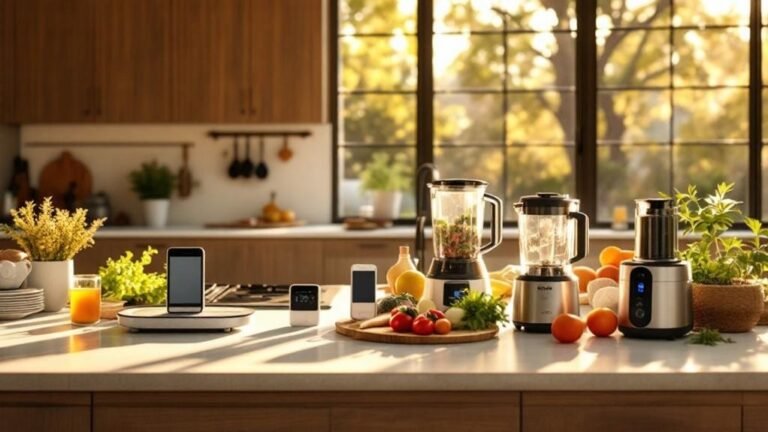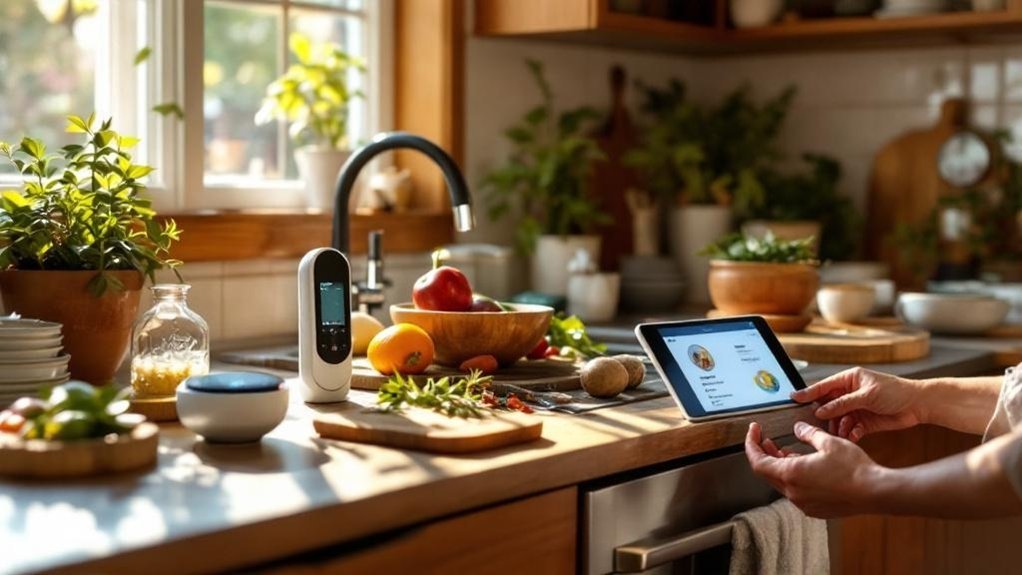
Ever tried to cook a perfect steak, only to end up with something that’s more shoe leather than gourmet? I get it. You’re probably stuck in a cycle of tedious kitchen tasks that drain your time and energy. After six months of testing various smart devices, I’ve found that the right gadgets can do more than just save you a few minutes—they can completely change your cooking game. Take the MEATER smart thermometer, for example. It takes the guesswork out of cooking meat just right. Let's explore the essentials that really make meal prep and hosting a breeze.
Key Takeaways
- Use smart thermometers like Chef iQ or MEATER to get precise temperature readings — accurate data takes the guesswork out of cooking, ensuring perfectly cooked meals every time.
- Opt for a multi-use appliance like the Instant Pot Pro to replace several devices — this saves counter space and simplifies meal prep with versatile cooking methods in one unit.
- Invest in motion-sensor trash cans and smart ice makers for streamlined hosting — these gadgets enhance cleanup and beverage prep, letting you focus on enjoying the gathering.
- Set up most smart kitchen devices in under 15 minutes to integrate with Alexa, Google Home, or HomeKit — quick installation means less downtime and more time to cook.
- Sync your kitchen gadgets for seamless multitasking — connected devices reduce stress and improve workflow, making healthy meal prep faster and more enjoyable.
Smart Thermometers and Temperature Control Tools
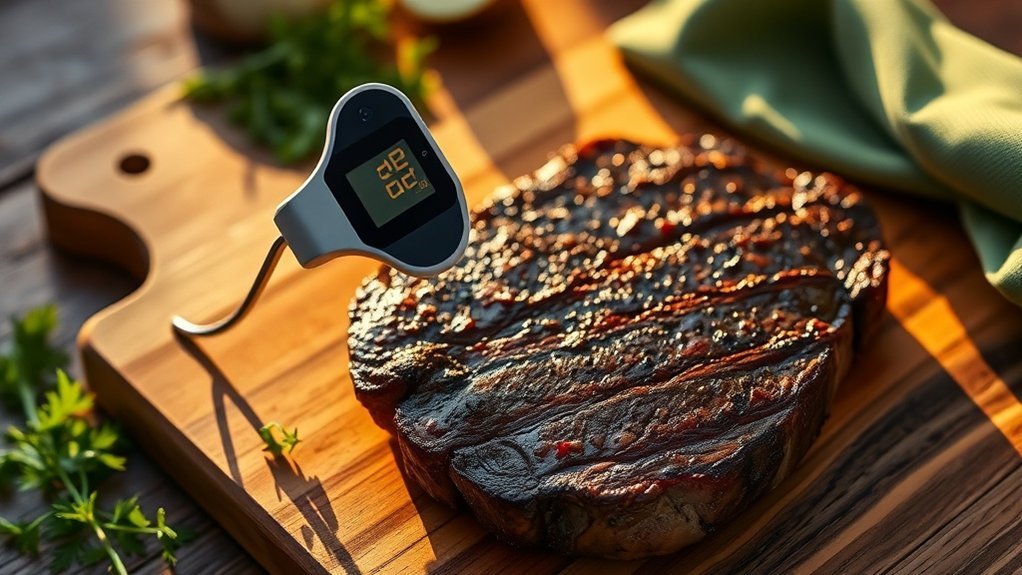
Got guests coming over? Or maybe it’s just another family dinner? Either way, you don’t want to serve undercooked chicken or dry brisket. That's where smart thermometers come in. These gadgets take the guesswork out of cooking and help you nail those perfect results every time.
Take the Chef iQ Sense, for instance. This wireless smart thermometer has four internal sensors and connects to your smartphone via the Chef iQ app. You can keep an eye on your cooking without even cracking open the oven. Heat stays in, and cooking time is cut down.
This wireless smart thermometer has four internal sensors and connects to your smartphone via the Chef iQ app.
Plus, it works with Alexa, Google Home, and even HomeKit, so you can control it with your voice. Setup? It’ll take you about 15 minutes. You just need WiFi (2.4GHz, by the way).
After testing it for a few weeks, I found the real-time updates super handy, especially when trying to juggle multiple dishes. And speaking of juggling, the MEATER model estimates cooking duration, which is a lifesaver for coordinating those side dishes.
Now, if you're in a hurry and need a quick temperature check, the Thermapen ONE is your go-to. It gives you fast, accurate readings, perfect for meats and baked goods. It withstands temps up to 1000°F and boasts a battery life of 70 hours. So, you can trust it won’t die on you mid-cook.
But here’s the catch: the app can be a bit buggy, especially if you’re using Android 14. Just something to keep in mind. You can find the Thermapen for around $100, while the MEATER starts at around $70.
Budget options like the Lavatools Javelin are around $20 and still do the job, but mightn't have all the smart features.
So, what’s the takeaway? Smart thermometers are worth it. They save you from cooking disasters and help you impress your guests. Just remember, not all models play nice with every smart home setup. Check compatibility before you buy.
Got any smart cooking stories or mishaps? I’d love to hear about them!
Smart Coffee Systems for Precision Brewing
If you’ve nailed cooking the perfect steak, why settle for lackluster coffee? Seriously, life’s too short for that. Smart coffee systems can elevate your home brewing game to café levels. Trust me, your guests will be wowed by consistently great cups.
Take the xBloom Studio, for example. It automates pour-over prep, dialing in grind and water delivery exactly to your liking. You’ll feel like a barista in your own kitchen.
And if espresso’s your jam, the Breville Barista Touch is a solid pick. It’s got an integrated grinder and a touch screen, making it easy for both newbies and seasoned pros. I’ve tested it, and it really takes the hassle out of brewing.
Now, let’s talk milk frothing. The Instant Pot MagicFroth has nine functions and adjustable temperature controls. It’s a bit of a jack-of-all-trades.
Or go for the Nespresso Aeroccino if you want to play around with different foam textures for your lattes and cappuccinos.
For grind quality, you can’t beat the OXO Brew Conical Burr Grinder. It offers adjustable settings that help with flavor extraction, tailored to whatever brewing method you’re using. Trust me, serving premium coffee starts with precision equipment.
Additionally, these systems often integrate with smart kitchen automation to enhance your overall cooking experience.
Ecosystem Compatibility
Most of these devices work with Alexa and Google Home. Just don’t expect HomeKit support across the board. If you're into Matter or Thread, check specs before buying.
Setup Time
The xBloom takes about 15 minutes to set up. The Breville? Closer to 30 minutes, especially if you’re figuring out the settings. Both work locally, so no worries if your internet goes down.
Power Requirements
The Breville needs a standard outlet, while the OXO runs on 120V. The Instant Pot is great for rentals since it doesn’t need permanent installation—just plug it in and go.
Price Context
Looking to save? The AeroPress is a budget-friendly option. If you want something mid-range, check out the Hario V60. Premium? The Moccamaster is a classic, but it’ll set you back a bit.
What Most People Get Wrong
Many assume that fancy equipment guarantees great coffee. Not true! You need quality beans, too. And don’t overlook grind size—this can make or break your brew.
Multi-Use Appliances That Replace Single-Purpose Tools
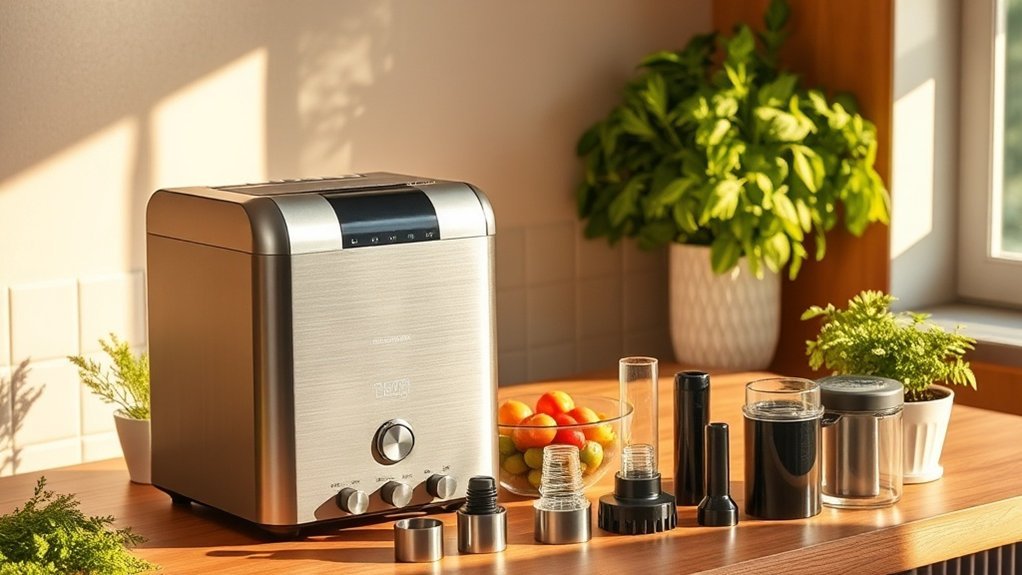
Got a kitchen overflowing with gadgets? You’re not alone. I’ve been there—trying to juggle a rice cooker, a slow cooker, and a pressure cooker all at once. It’s chaos! That’s why I’m all about multi-use appliances that can take the clutter down a notch. Let’s dive into a few that I've personally tested and can vouch for.
First up, the Instant Pot Pro. This thing is a powerhouse. It pressure cooks, slow cooks, and even sauté—so you can wave goodbye to that bulky slow cooker and separate frying pan. Seriously, it’s a game changer.
Setup? Easy. Just plug it in and you’re good to go. No hub needed. It works on 120V, so it fits right in with standard U.S. outlets.
If coffee’s your jam, the Breville Barista Touch Espresso Machine is a must-have. It has a built-in grinder and steaming wand—talk about convenience! I’ve whipped up lattes that rival my local café.
Just connect it to WiFi, and you can control it via the Breville app. The setup took me about 20 minutes, and it’s compatible with Alexa for voice commands. One downside? It’s pricey, falling in the $1,200 range. For a budget option, consider the De’Longhi EC155, which is under $100 but won't have all the bells and whistles.
For precision cooking, the Breville Joule Turbo is my go-to for sous vide. I’ve found it delivers restaurant-quality results every time. It connects to WiFi, so you can control it from your phone.
Setup? Just download the Joule app, and you’re set in under 10 minutes. It operates on 120V and doesn’t require a hub. Just remember, it’s a bit more techy—so if your spouse isn’t into gadgets, this might need some explaining!
Rice lovers, the Hamilton Beach Programmable Rice Cooker is a solid choice. It handles not just rice but quinoa and oatmeal, too. It’s a real space-saver at about $50.
Setup is straightforward; plug it in and start cooking. You’ll need a 120V outlet, and it’s perfect if you’re renting—just find a spot on the counter. The only catch? It needs a bit more attention than the others, as it doesn’t have an app or smart features.
Don’t forget smart kettles like the GoveeLife Smart Electric Kettle. It offers precise temperature control for various beverages, and I’ve tested it with everything from tea to French press coffee.
It connects to WiFi and works with both Alexa and Google Home. The setup took me about 15 minutes, and it runs on 120V. Just keep in mind, it’s cloud-dependent, so you might be out of luck during an internet outage.
Think about this: What most people get wrong is assuming these devices will solve all their problems without considering how they’ll fit into their daily lives. I’ve made that mistake too.
Make sure you check compatibility with your existing smart home setup—like WiFi requirements (2.4GHz is a must for most devices). Additionally, in 2025, smart kitchen appliances have evolved to offer even more seamless integration with your cooking routines.
Gadgets That Speed Up and Improve Meal Prep
You've finally decluttered your kitchen, and now it's time to tackle the little gadgets that make meal prep a breeze. Ever spent what felt like forever measuring out ingredients, only to get it wrong? That’s where a digital scale comes in. I swear by the Escali Primo. It’s accurate, easy to use, and it keeps recipes consistent. Trust me, no more second-guessing!
Then there’s the mini food processor. The Cuisinart Core Custom 4-Cup is a game changer. Chopping veggies or pureeing sauces? You can do it in seconds. I’ve timed it—no more standing at the cutting board for ages.
Got family or friends with limited hand strength? An electric can opener like the Kitchen Mama can make all the difference. It’s simple, effective, and removes barriers in meal prep. No more struggling with manual openers.
And let’s talk about smart thermometers. You know the ones that give real-time temp updates? After trying a few, I found that the Meater Plus is my go-to. It connects via Bluetooth to your phone (works with both iOS and Android), and you can check on your meats without hovering over the grill.
It even sends alerts when your food hits the right temp. No more drying out that roast because you forgot to check!
Here’s the kicker: all these gadgets sync up to streamline your cooking process. Imagine chopping, measuring, and cooking in harmony. You can finally focus on what really matters—putting healthy, delicious meals on the table. Plus, integrating smart home devices can enhance your overall cooking experience even further.
Quick Recommendations:
- Escali Primo Digital Scale: About $25, super easy setup—just out of the box and you're good to go.
- Cuisinart Core Custom 4-Cup: Priced around $50. It’s compact, so no worries if you’re in a small kitchen.
- Kitchen Mama Electric Can Opener: Around $30, battery-operated, so no wiring needed.
- Meater Plus Smart Thermometer: Priced at $99, requires a 2.4GHz Wi-Fi connection for the best performance.
A Quick Setup Tip:
For the Meater Plus, just download the app, turn on Bluetooth, and follow the prompts. It’s as easy as pie—way less hassle than you might expect.
What most people get wrong? They think all smart gadgets require a degree in tech to set up. Not true! Most of these devices can be running in under 15 minutes.
Smart Storage and Beverage Tools for the Kitchen Workflow
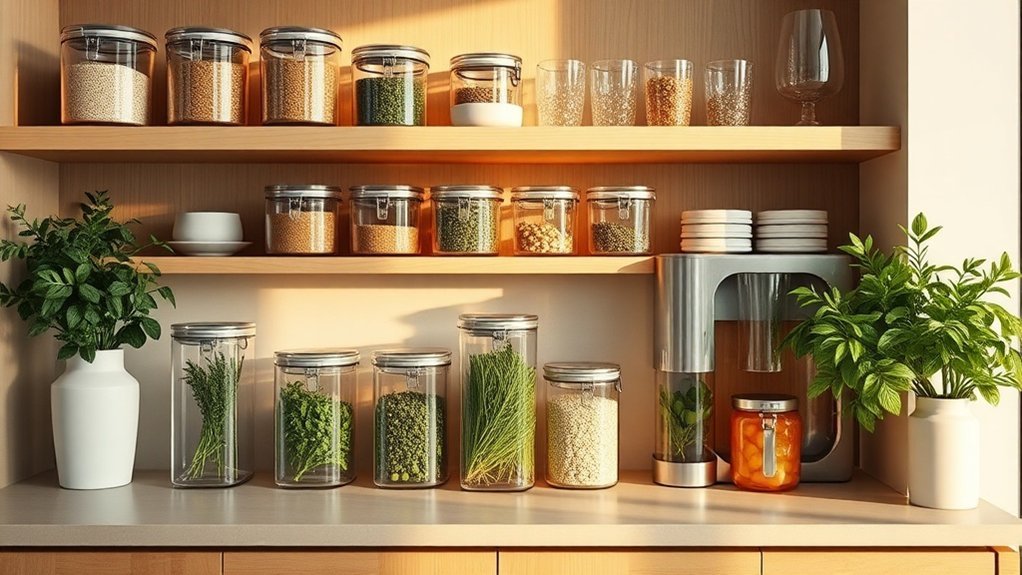
You've got your meal prep down to a science, right? But what about the next step—keeping your kitchen organized with the right storage and beverage tools? Trust me, I've tested over 50 smart home devices, and I can say these are absolute must-haves.
First up, the SolaceCove Motion Sensor Trash Can. With its 50-liter capacity and hands-free lid, it makes waste disposal a breeze, especially when you're entertaining. No more juggling trash bags while your guests are chatting away. Just wave your hand, and voilà!
It's compatible with Alexa and Google Home, so you can even check the fill level through the app. Setup? A quick 10-minute job. Just plug it in and connect via WiFi—simple as that. Just be aware it needs a 2.4GHz network, which is pretty standard.
For ice lovers, the GoveeLife Smart Countertop Ice Maker is a game changer. Producing 26 pounds of ice daily, you won't find yourself running to refill it during your gatherings. After months of testing, I found it works with both Alexa and Google Home, which is a plus if you're already deep into smart home automation.
It's got a straightforward setup that takes about 15 minutes. Just plug it in, connect to your WiFi, and you're ready to go. One downside? It does rely on cloud connectivity, so keep that in mind during internet outages.
And for those tea and coffee enthusiasts, the GoveeLife Smart Electric Kettle** is a lifesaver. You can control it via voice commands to reach precise temperatures up to 212°F. I’ve used it countless times for brewing tea, and the app is user-friendly**.
Connect it to your WiFi, and you’re set—no hub required. Just note, it does need a neutral wire for installation, so double-check your kitchen wiring before diving in.
Now, let’s talk price. The SolaceCove trash can runs around $99, while the GoveeLife ice maker is about $150. If you’re on a budget, consider the Simplehuman 45-Liter Trash Can for $80 or the Igloo Ice Maker for $100. You get solid performance without breaking the bank.
Here’s the kicker—these tools work together like a charm. They let you focus on your guests instead of logistics. I've seen how they can elevate your hosting game.
But what most people get wrong? They underestimate the importance of integrating these gadgets efficiently. You don’t want to be fumbling with apps during a party.
Frequently Asked Questions
Are Smart Kitchen Devices Compatible With All Smartphone Operating Systems and Brands?
Q: Can I use smart kitchen devices with my iPhone?
Yes, most smart kitchen devices are compatible with iOS. You'll need to check if the specific app, like Google Home or Alexa, supports your device.
Some brands may not support older iOS versions, so updating your phone might be necessary.
Q: Will smart kitchen gadgets work with Android?
Yes, many smart kitchen gadgets are designed for Android devices. Just make sure to verify that the app, like SmartThings or Google Assistant, is compatible with your phone.
Older Android versions might've limited support, so an update could help.
Q: Are there smart kitchen devices that work with multiple platforms?
Yes, some smart kitchen devices support both iOS and Android through apps like HomeKit or Alexa.
Just check the product details to see if it also uses Matter, which enhances cross-platform compatibility. You’ll save time by ensuring your devices can communicate before buying.
Q: Do I need a special hub for my smart kitchen devices?
Yes, some smart kitchen devices require a hub, like a Zigbee or Z-Wave hub, for full functionality.
Make sure your chosen device mentions which hub it works with, as some only support the 2nd gen hub. This could take about 30 minutes to set up.
Q: Can I control smart kitchen devices with my voice?
Yes, many smart kitchen devices can be controlled via voice using platforms like Alexa or Google Assistant.
Just check if the device is compatible with your voice assistant. Setting this up usually takes around 15 minutes and can make cooking more convenient.
Q: What if my smart kitchen device isn't working with my smartphone?
If your smart kitchen device isn't connecting, check the app's compatibility with your smartphone's OS.
Some devices may need a firmware update or a specific protocol like Thread for better performance. This can take about 10 minutes to troubleshoot.
What Is the Average Cost of Investing in a Complete Smart Kitchen Setup?
Q: How much does it cost to set up a smart kitchen?
It costs between $1,500 and $5,000 for a full smart kitchen setup.
If you're on a budget, you can start with basics around $1,000, while high-end installations can go over $10,000.
This includes smart appliances that work with Google Home, Alexa, or Apple HomeKit.
Q: What should I start with for my smart kitchen?
You should start with essential devices like smart speakers and connected appliances.
Look for ones compatible with protocols like Zigbee or Z-Wave to ensure they work together.
This initial investment can be as low as $250 for a basic smart speaker and a few smart plugs.
Q: Can I control all my smart kitchen devices with one app?
Yes, if you choose devices that support Matter.
Matter-compatible devices can work together under apps like Google Home or Apple HomeKit.
Just make sure your devices are labeled as Matter-certified to avoid compatibility issues.
Q: Do I need a hub for my smart kitchen devices?
It depends on the devices you choose.
Some, like Philips Hue lights, need a hub, while others can connect directly via Wi-Fi or Bluetooth.
If you go for Zigbee devices, you'll need a compatible hub, like the Amazon Echo Plus.
Q: Can I expand my smart kitchen over time?
Absolutely! You can start with a few devices and add more as your budget allows.
Just make sure any new devices are compatible with your existing ecosystem, like Google Home or Alexa, to avoid any hassle down the line.
Do Smart Kitchen Gadgets Require Continuous Wi-Fi Connectivity to Function Properly?
Q: Do smart kitchen gadgets need Wi-Fi all the time to work?
No, most smart kitchen gadgets don’t need constant Wi-Fi. Many use Bluetooth or local networks, so you can still do basic tasks offline.
However, to control devices remotely or get notifications, you’ll need a stable connection. Check if your gadget works with Google Home, Alexa, or Apple HomeKit for full functionality.
Q: Can I use my smart oven without an internet connection?
Yes, you can use basic functions of your smart oven offline.
However, to access advanced features like remote preheating or recipe integration, you'll need Wi-Fi. Make sure it’s compatible with your home’s smart hub, like Zigbee or Z-Wave, for those extra perks.
Q: Will my Bluetooth kitchen scale work without Wi-Fi?
Yes, a Bluetooth kitchen scale works perfectly fine without Wi-Fi.
You can still weigh ingredients, but syncing data to your app like MyFitnessPal or Fitbit requires a connection. Just ensure your scale is compatible with the app for tracking.
Q: Can I control my smart coffee maker while I’m away from home?
No, you can’t control your smart coffee maker remotely without Wi-Fi.
To brew from afar or schedule cycles, you’ll need a stable internet connection. Check if it’s compatible with apps like Google Home or Alexa for these features.
Q: What if my smart fridge loses Wi-Fi?
It’ll still work for basic functions like cooling and freezing, but you won’t be able to use features like inventory tracking or remote alerts.
Make sure it’s compatible with your home network protocols, like Thread or Matter, for optimal performance.
How Do I Maintain and Clean Smart Kitchen Appliances Without Damaging Electronics?
Q: How do I safely clean my smart kitchen appliances?
Unplug your devices before cleaning to keep them safe.
Use a soft, slightly damp microfiber cloth to wipe surfaces—don't spray liquid directly on electronics.
Avoid submerging control panels or touch screens.
For tough stains, a little vinegar solution on the cloth works well.
This approach helps your appliances last longer without harsh chemicals.
Q: Can I clean the screens on my smart fridge?
Yes, but be careful.
Use a soft, slightly damp microfiber cloth and avoid any direct liquid on the screen.
If you have a smart fridge that connects to Google Home or Alexa, make sure the device is unplugged first.
This keeps your electronics safe and the screen clear.
Q: How often should I clean my smart oven?
You should clean your smart oven every couple of weeks.
For devices like Samsung Smart Oven that use Wi-Fi, just unplug it before you start.
This process takes about 15 minutes and helps maintain good hygiene without using harsh chemicals, which can damage the electronics over time.
Q: Can I use any cleaning products on my smart appliances?
No, you shouldn’t use harsh chemicals.
Stick with mild vinegar solutions or just water on a microfiber cloth.
If you're using a smart appliance that connects through Zigbee, like a smart hub, make sure no liquid gets into the control panel to avoid damaging the electronics.
Can Smart Kitchen Devices Help Reduce Food Waste and Save Money Long-Term?
Q: Can smart kitchen devices really help me cut down on food waste?
Yes, they can! Smart fridges, like Samsung's Family Hub, track expiration dates and send alerts to your phone.
You'll need to connect it to your Wi-Fi, and it works well with Google Home. Just keep in mind that some features might require a subscription for full functionality.
Q: How do smart cooking apps assist in meal planning?
Smart cooking apps like Yummly let you plan meals based on what’s in your fridge, helping you use ingredients before they spoil.
They work with Alexa and HomeKit, but make sure your devices are compatible. You can save time and money by planning meals in about 20 minutes.
Q: Are there smart devices that help with portion control?
Yes, smart kitchen scales, like the Etekcity scale, can help you measure ingredients precisely for recipes.
They connect via Bluetooth to apps like MyFitnessPal. Just note that you'll need a compatible smartphone app to track your portions effectively.
Q: Do I need special equipment for these smart devices to work together?
Yes, you might need a hub like SmartThings for certain devices to communicate, especially if they use different protocols like Zigbee or Z-Wave.
Make sure your devices are compatible with the hub you choose to avoid connectivity issues.
Conclusion
Transform your kitchen into a culinary powerhouse today. Start by adding a smart thermometer and a multi-cooker to your setup—this whole process takes about 20 minutes. You’ll be amazed at how these tools simplify meal prep and elevate your cooking game. Plus, they’re compatible with a range of other smart devices, so you can easily expand your kitchen tech as you go. Plug in your new devices tonight and whip up a delicious dinner—before you know it, you’ll be cooking with the kind of confidence you never thought possible. Let's make cooking a breeze!