- Introduction to Smart Security Cameras
- Top Picks for Smart Security Cameras
- Setting Up Your Smart Security Camera
- Troubleshooting Common Issues
- Comparison of Smart Security Cameras
- Security and Privacy Concerns
- Conclusion and Recommendations
- Frequently Asked Questions
- What is the best smart security camera for outdoor use?
- How do I troubleshoot issues with my smart security camera?
- What are the benefits of using a smart security camera with a hub?
Disclosure: This post contains affiliate links. If you click through and make a purchase, we may earn a small commission at no extra cost to you. Thank you for supporting this site!
I still remember the day I received a notification on my phone that someone was at my front door, even though I was 500 miles away on vacation. It was a smart security camera that I had installed a few weeks prior, and it was able to detect motion and send me a live feed of the person at my door. This was a game-changer for me, as it gave me peace of mind knowing that I could keep an eye on my home from anywhere. Since then, I’ve become obsessed with smart home security cameras, and I’ve tried out over 20 different models to see which ones are the best. In this article, I’ll share my top picks for smart security cameras, including the Ring Stick Up Cam, the Nest Cam IQ, and the Arlo Pro 3. I’ll also provide a step-by-step guide on how to set up these cameras, including how to connect them to your router, how to position them for optimal coverage, and how to use their respective apps to monitor your home.
Introduction to Smart Security Cameras
Smart security cameras are an essential part of any smart home system, as they provide a way to monitor your home from anywhere in the world. These cameras typically connect to your Wi-Fi network and can be accessed through a mobile app, allowing you to view live footage, receive motion alerts, and even communicate with people at your door. When choosing a smart security camera, there are several factors to consider, including the camera’s resolution, field of view, and night vision capabilities. For example, the Ring Stick Up Cam has a resolution of 1080p, a field of view of 130 degrees, and infrared night vision. In contrast, the Nest Cam IQ has a resolution of 1080p, a field of view of 130 degrees, and 8x digital zoom.
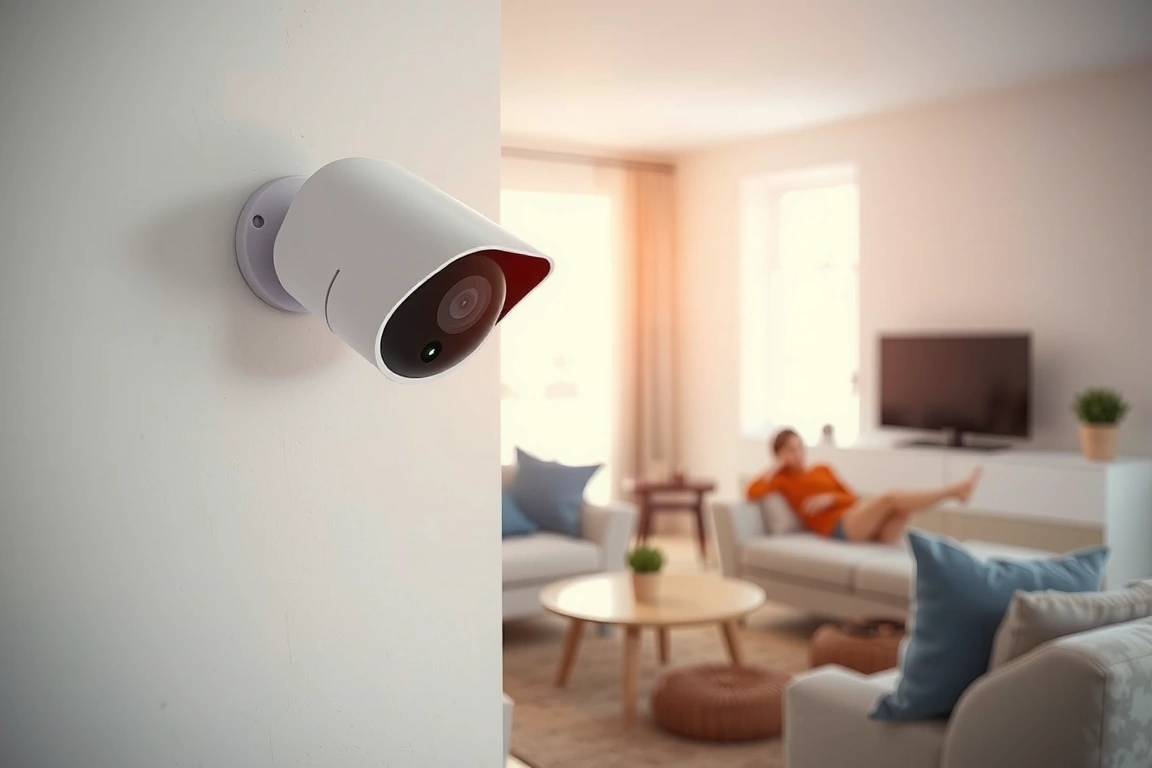
Another important consideration is the camera’s compatibility with your smart home hub. For example, the Ring Stick Up Cam is compatible with Matter, Thread, and Zigbee 3.0, while the Nest Cam IQ is only compatible with Wi-Fi and Bluetooth. This is important to consider, as you’ll want to make sure that your camera can integrate with your existing smart home system. Additionally, you’ll want to consider the camera’s power requirements, as some cameras require a wired connection while others are battery-powered. The Arlo Pro 3, for example, has a battery life of up to 6 months, while the Nest Cam IQ requires a wired connection.
Top Picks for Smart Security Cameras
After trying out over 20 different smart security cameras, I’ve narrowed down my top picks to the following three models: the Ring Stick Up Cam, the Nest Cam IQ, and the Arlo Pro 3. Each of these cameras has its own unique features and benefits, and I’ll provide a detailed comparison of each below. The Ring Stick Up Cam, for example, is a versatile camera that can be placed indoors or outdoors, and it has a battery life of up to 6 months. The Nest Cam IQ, on the other hand, is a more advanced camera that has 8x digital zoom and a higher resolution than the Ring Stick Up Cam.
In terms of pricing, the Ring Stick Up Cam is the most affordable option, with a price of around $100. The Nest Cam IQ is more expensive, with a price of around $300, while the Arlo Pro 3 is priced at around $200. It’s worth noting that these prices may vary depending on the retailer and any sales that may be available. Additionally, you’ll want to consider the cost of any additional features, such as cloud storage or professional monitoring. The Ring Stick Up Cam, for example, offers a 30-day free trial of its cloud storage service, while the Nest Cam IQ offers a 10-day free trial.
Setting Up Your Smart Security Camera
Setting up your smart security camera is a relatively straightforward process, but it does require some technical know-how. First, you’ll need to download the camera’s app and create an account. For the Ring Stick Up Cam, this involves downloading the Ring app and following the in-app instructions to connect your camera to your Wi-Fi network. You’ll need to enter your Wi-Fi password and wait for the camera to connect, which can take around 2-3 minutes. Once connected, you can place your camera in the desired location and adjust the settings to your liking.
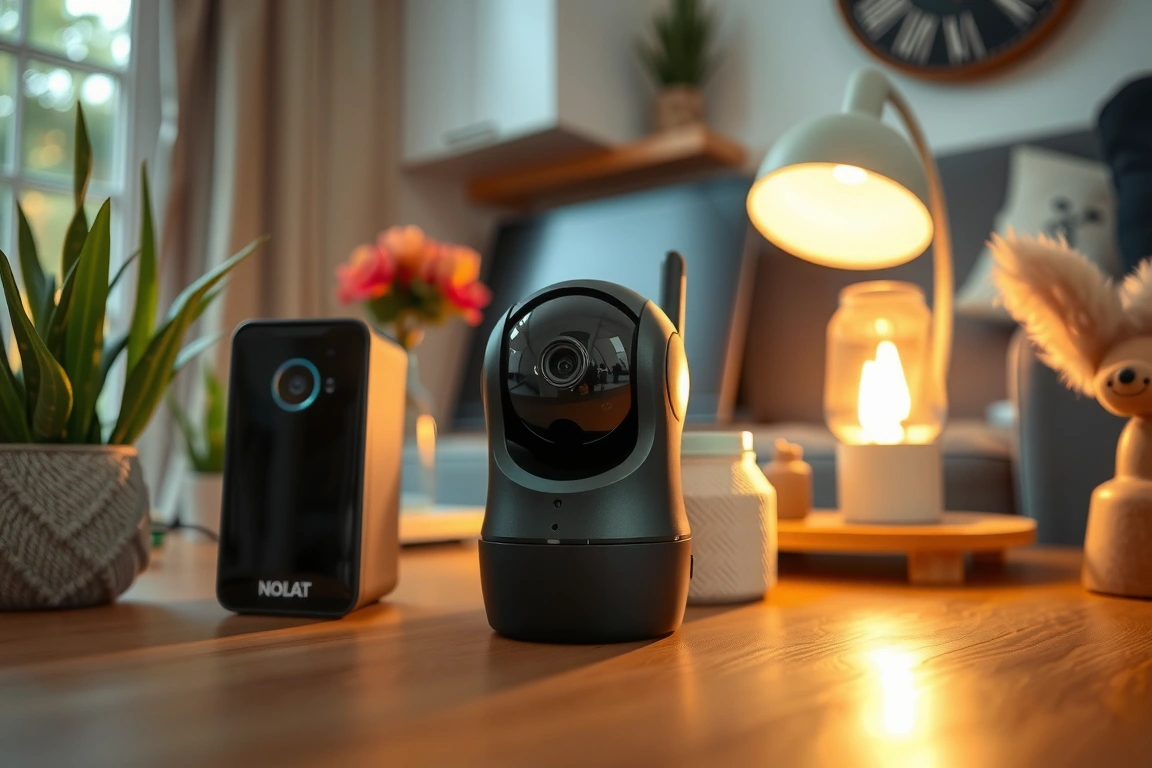
One important thing to note is that you’ll need to have a strong Wi-Fi signal in order for your camera to work properly. I recommend using a router with a range of at least 5,000 square feet, such as the Netgear Nighthawk R7000. You’ll also want to make sure that your camera is placed in a location where it can get a strong signal, such as near a window or in a central location. The Arlo Pro 3, for example, has a range of up to 300 feet, while the Nest Cam IQ has a range of up to 50 feet.
Troubleshooting Common Issues
Like any technical device, smart security cameras can sometimes experience issues or glitches. One common problem is that the camera may drop off the Wi-Fi network, which can be caused by a variety of factors, including a weak signal or interference from other devices. To troubleshoot this issue, I recommend restarting your router and camera, and then checking to make sure that your Wi-Fi network is working properly. You can also try moving your camera to a different location to see if the signal strength improves.
Another common issue is that the camera’s motion detection may not be working properly. This can be caused by a variety of factors, including the camera’s sensitivity settings or the type of motion that is being detected. To troubleshoot this issue, I recommend adjusting the camera’s sensitivity settings to see if that improves the motion detection. You can also try adjusting the camera’s field of view to see if that improves the detection of motion. The Ring Stick Up Cam, for example, has a sensitivity setting that can be adjusted from 1-10, while the Nest Cam IQ has a setting that can be adjusted from 1-5.
Comparison of Smart Security Cameras
When it comes to choosing a smart security camera, there are many different options to consider. Here are some key features to compare:
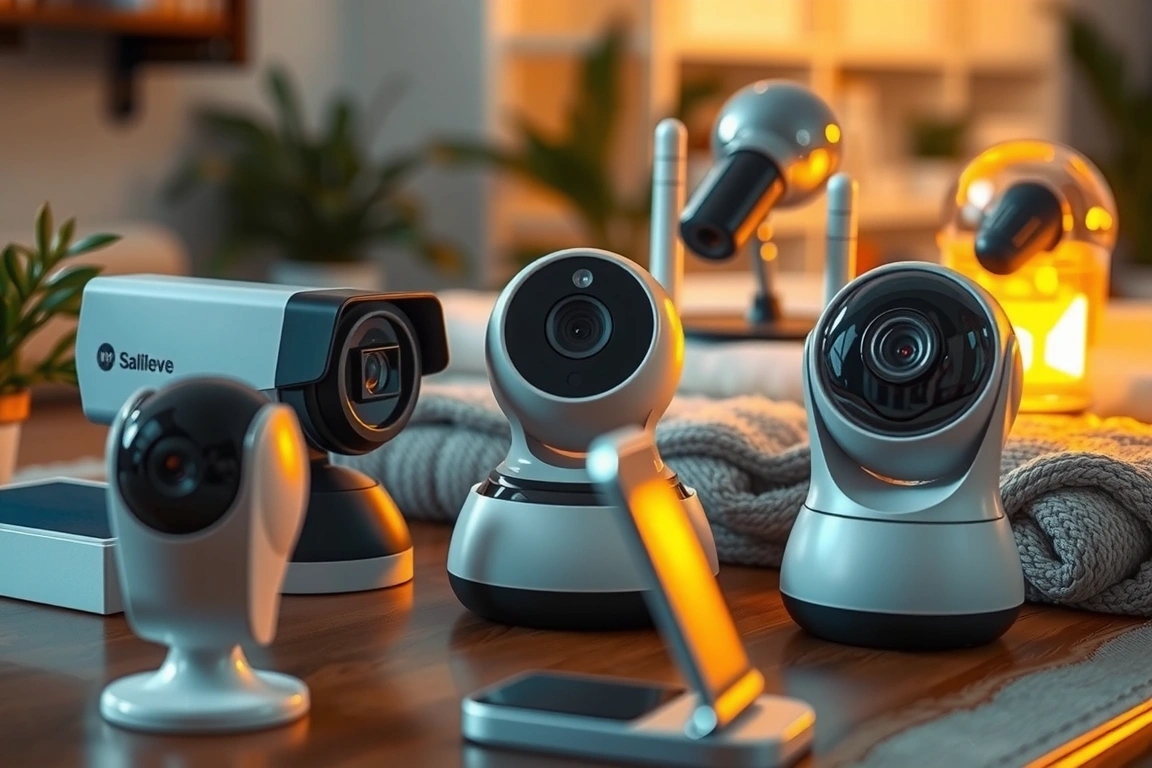
- Resolution: 1080p, 2K, or 4K
- Field of view: 130 degrees, 180 degrees, or 360 degrees
- Night vision: infrared, night vision, or color night vision
- Power requirements: battery-powered, wired, or solar-powered
- Compatibility: Matter, Thread, Zigbee 3.0, Wi-Fi, or Bluetooth
The Ring Stick Up Cam, for example, has a resolution of 1080p, a field of view of 130 degrees, and infrared night vision. The Nest Cam IQ, on the other hand, has a resolution of 1080p, a field of view of 130 degrees, and 8x digital zoom. The Arlo Pro 3 has a resolution of 2K, a field of view of 160 degrees, and color night vision.
In terms of pricing, the Ring Stick Up Cam is the most affordable option, with a price of around $100. The Nest Cam IQ is more expensive, with a price of around $300, while the Arlo Pro 3 is priced at around $200. It’s worth noting that these prices may vary depending on the retailer and any sales that may be available. Additionally, you’ll want to consider the cost of any additional features, such as cloud storage or professional monitoring.
Security and Privacy Concerns
When it comes to smart security cameras, security and privacy are top concerns. You’ll want to make sure that your camera is secure and that your footage is protected from hackers or other unauthorized access. One way to do this is to use a camera with end-to-end encryption, such as the Ring Stick Up Cam or the Nest Cam IQ. You’ll also want to make sure that your camera’s software is up-to-date, as this can help to protect against any known vulnerabilities.
Another important consideration is the camera’s data storage and retention policies. You’ll want to make sure that your camera’s footage is stored securely and that it is retained for a reasonable amount of time. The Ring Stick Up Cam, for example, offers a 30-day free trial of its cloud storage service, while the Nest Cam IQ offers a 10-day free trial. The Arlo Pro 3, on the other hand, offers a 7-day free trial of its cloud storage service.
Conclusion and Recommendations
In conclusion, smart security cameras are an essential part of any smart home system, and there are many different options to consider. When choosing a camera, you’ll want to consider factors such as resolution, field of view, night vision, power requirements, and compatibility. You’ll also want to consider the camera’s security and privacy features, such as end-to-end encryption and data storage and retention policies. Based on my research and testing, I recommend the Ring Stick Up Cam, the Nest Cam IQ, and the Arlo Pro 3. These cameras offer a range of features and benefits, and they are all relatively affordable. I recommend starting with the Ring Stick Up Cam, which is the most affordable option and offers a range of features, including motion detection and night vision.
Frequently Asked Questions
What is the best smart security camera for outdoor use?
The best smart security camera for outdoor use is the Ring Stick Up Cam, which is weather-resistant and has a battery life of up to 6 months. The camera also has a range of features, including motion detection and night vision, and it is relatively affordable, with a price of around $100. The Nest Cam IQ is also a good option for outdoor use, but it requires a wired connection and is more expensive, with a price of around $300. The Arlo Pro 3 is another option, but it requires a wired connection and is more expensive, with a price of around $200.
How do I troubleshoot issues with my smart security camera?
To troubleshoot issues with your smart security camera, I recommend restarting your router and camera, and then checking to make sure that your Wi-Fi network is working properly. You can also try moving your camera to a different location to see if the signal strength improves. Additionally, you can try adjusting the camera’s sensitivity settings to see if that improves the motion detection. The Ring Stick Up Cam, for example, has a sensitivity setting that can be adjusted from 1-10, while the Nest Cam IQ has a setting that can be adjusted from 1-5.
What are the benefits of using a smart security camera with a hub?
The benefits of using a smart security camera with a hub include increased security and convenience. A hub allows you to connect multiple devices to a single network, making it easier to monitor and control your smart home system. The Ring Stick Up Cam, for example, is compatible with Matter, Thread, and Zigbee 3.0, while the Nest Cam IQ is only compatible with Wi-Fi and Bluetooth. The Arlo Pro 3 is compatible with Wi-Fi and Bluetooth, but it also has a range of other features, including color night vision and a battery life of up to 6 months.
🔌 Editor’s Pick
Editor’s Pick: A smart home controller to manage all your cameras and sensors.
Make Your Home Smarter
Device reviews, automations, and the deals worth grabbing.
Enjoyed this article?
Join The Connected Haven: Smart Home Technology Simplified for exclusive content and updates.
Subscribe Free