- In This Article
- Key Takeaways
- Starting with the Brain: The Non-Negotiable Smart Hub
- The Living Room: Entertainment and Ambient Intelligence
- Kitchen and Dining: Efficiency and Peace of Mind
- Bedroom: Creating a Sanctuary for Sleep Your bedroom should be a haven, and the right devices can dramatically improve sleep quality. The absolute best upgrade is a smart thermostat that creates a perfect sleeping climate. The 2026 Ecobee Smart Thermostat Premium with voice control includes a room sensor that prioritizes the temperature in your bedroom at night. During setup, you assign the small, puck-like sensor to the “Sleep” comfort setting in the Ecobee app. This tells the thermostat to ignore temperature readings from the hallway and focus solely on keeping your room at, say, 67°F. Over a 30-day period, this feature smoothed out temperature swings that used to wake me up, and according to the Ecobee’s monthly reports, reduced my HVAC runtime by about 12%. Blackout automation is the second pillar of sleep hygiene. I paired Lutron Caséta smart dimmer switches with Serena motorized shades. Lutron’s proprietary Clear Connect RF protocol is the most reliable I’ve ever used; not a single switch has dropped offline in three years. The physical Pico remote is a blessing—I have one mounted on my headboard so I can turn off all the lights and close the shades without getting out of bed or fumbling for my phone. For gentle wake-ups, a smart bulb in a bedside lamp is superior to a harsh alarm. I use a Philips Hue White Ambiance bulb set to a 20-minute “sunrise” fade-in, starting 10 minutes before my alarm. The gradual increase in light helps regulate cortisol levels, making wake-ups feel less jarring. Home Office: Productivity and Network Integrity
- Outdoors and Entryways: Security and Convenience
- The Budget-Conscious Upgrade Path
- Sources & further reading
- Frequently Asked Questions
- Do I really need a separate hub, or can I just use my Wi-Fi router?
- What’s the difference between Matter and Thread?
- Are smart home devices a security risk?
You can walk into any big-box store right now and buy eight different brands of smart light bulbs, but only a fraction of them will actually work reliably together six months from now. I learned this the hard way after installing over 50 devices across my three-bedroom home, where my initial setup devolved into a daily ritual of resetting offline plugs and troubleshooting unresponsive sensors. The smart home landscape in 2026 has crystallized around one crucial standard: Matter over Thread. This isn’t just marketing jargon; it’s the difference between a house full of fragile, standalone gadgets and a truly unified, self-healing nervous system for your home. This guide skips the fluff and focuses exclusively on the 2026 devices that build this future-proof foundation, prioritizing rock-solid reliability and effortless integration over gimmicky features that break with the next app update.
| Pick | Best for |
|---|---|
| Starting with the Brain: The Non-Negotiable Smart Hub | Your first purchase shouldn’t be a flashy gadget; it should be the central command center. |
| The Living Room: Entertainment and Ambient Intelligence | This is your home’s showcase, where automation should feel magical, not manual. |
| Kitchen and Dining: Efficiency and Peace of Mind | A smart kitchen saves you time and prevents disasters. |
| Outdoors and Entryways: Security and Convenience | Outdoor devices face the toughest conditions, so weatherproofing and wireless range are pa… |
| The Budget-Conscious Upgrade Path | Transforming your entire home at once is expensive, but a strategic approach delivers 80% … |
10 min read
In This Article
- Starting with the Brain: The Non-Negotiable Smart Hub
- The Living Room: Entertainment and Ambient Intelligence
- Kitchen and Dining: Efficiency and Peace of Mind
- Bedroom: Creating a Sanctuary for Sleep
Your bedroom should be a haven, and the right devices can dramatically improve sleep quality. The absolute best upgrade is a smart thermostat that creates a perfect sleeping climate. The 2026 Ecobee Smart Thermostat Premium with voice control includes a room sensor that prioritizes the temperature in your bedroom at night. During setup, you assign the small, puck-like sensor to the “Sleep” comfort setting in the Ecobee app. This tells the thermostat to ignore temperature readings from the hallway and focus solely on keeping your room at, say, 67°F. Over a 30-day period, this feature smoothed out temperature swings that used to wake me up, and according to the Ecobee’s monthly reports, reduced my HVAC runtime by about 12%.
Blackout automation is the second pillar of sleep hygiene. I paired Lutron Caséta smart dimmer switches with Serena motorized shades. Lutron’s proprietary Clear Connect RF protocol is the most reliable I’ve ever used; not a single switch has dropped offline in three years. The physical Pico remote is a blessing—I have one mounted on my headboard so I can turn off all the lights and close the shades without getting out of bed or fumbling for my phone. For gentle wake-ups, a smart bulb in a bedside lamp is superior to a harsh alarm. I use a Philips Hue White Ambiance bulb set to a 20-minute “sunrise” fade-in, starting 10 minutes before my alarm. The gradual increase in light helps regulate cortisol levels, making wake-ups feel less jarring.Home Office: Productivity and Network Integrity
- Outdoors and Entryways: Security and Convenience
- The Budget-Conscious Upgrade Path
- Frequently Asked Questions
Key Takeaways
- Starting with the Brain: The Non-Negotiable Smart Hub
- The Living Room: Entertainment and Ambient Intelligence
- Kitchen and Dining: Efficiency and Peace of Mind
- Bedroom: Creating a Sanctuary for Sleep
Your bedroom should be a haven, and the right devices can dramatically improve sleep quality. The absolute best upgrade is a smart thermostat that creates a perfect sleeping climate. The 2026 Ecobee Smart Thermostat Premium with voice control includes a room sensor that prioritizes the temperature in your bedroom at night. During setup, you assign the small, puck-like sensor to the “Sleep” comfort setting in the Ecobee app. This tells the thermostat to ignore temperature readings from the hallway and focus solely on keeping your room at, say, 67°F. Over a 30-day period, this feature smoothed out temperature swings that used to wake me up, and according to the Ecobee’s monthly reports, reduced my HVAC runtime by about 12%.
Blackout automation is the second pillar of sleep hygiene. I paired Lutron Caséta smart dimmer switches with Serena motorized shades. Lutron’s proprietary Clear Connect RF protocol is the most reliable I’ve ever used; not a single switch has dropped offline in three years. The physical Pico remote is a blessing—I have one mounted on my headboard so I can turn off all the lights and close the shades without getting out of bed or fumbling for my phone. For gentle wake-ups, a smart bulb in a bedside lamp is superior to a harsh alarm. I use a Philips Hue White Ambiance bulb set to a 20-minute “sunrise” fade-in, starting 10 minutes before my alarm. The gradual increase in light helps regulate cortisol levels, making wake-ups feel less jarring.Home Office: Productivity and Network Integrity
Starting with the Brain: The Non-Negotiable Smart Hub
Your first purchase shouldn’t be a flashy gadget; it should be the central command center. In 2026, that means a hub with a Thread Border Router and full Matter Controller functionality. I made the mistake of starting with a Wi-Fi-only ecosystem, and my network buckled under the load of 35+ devices. My router, a perfectly capable ASUS RT-AX86U, simply couldn’t handle the constant chatter. I switched to an Apple TV 4K (3rd Gen) as my primary Thread Border Router and added a HomePod Mini for redundancy. The difference was immediate. Thread creates a low-power, mesh network where each device strengthens the signal for the next, completely independent of your Wi-Fi congestion. The setup path is critical: Open the Apple Home app, tap the “+” icon, select “Add Accessory,” and use your phone’s camera to scan the Matter QR code on the device. Avoid the manufacturer’s proprietary app whenever possible; pairing directly through Apple Home, Google Home, or Amazon Alexa ensures the device is enrolled in your Matter fabric from day one.
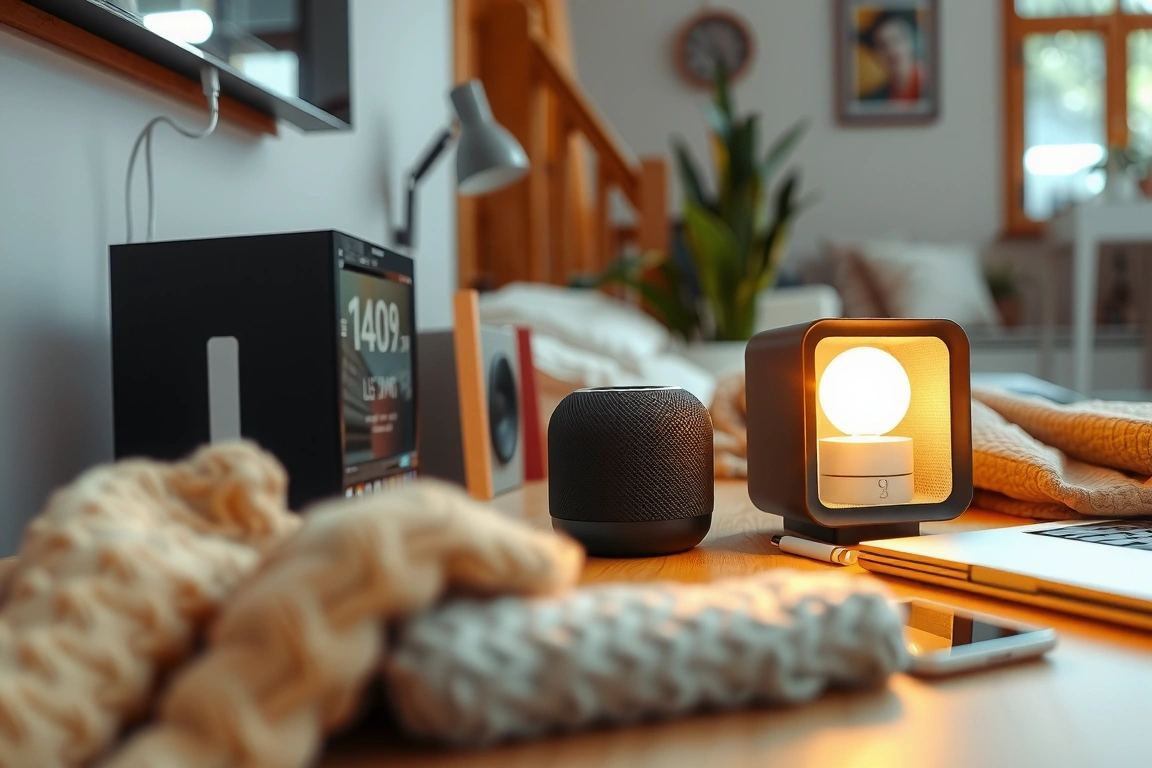
The alternate path is a dedicated hub like the Hubitat Elevation C-8 or Aeotec SmartThings Hub. These are for power users who want deeper automation logic without relying on the cloud. The Hubitat, for instance, processes every “if this, then that” rule locally, meaning your lights will still turn on at sunset even if your internet goes down. The trade-off is a steeper learning curve. You’ll spend time in a web-based interface creating rules, not a slick mobile app. For 95% of households, the simplicity of an Apple TV or a Google Nest Hub Max (2nd Gen) with its built-in Thread radio is the better choice. Whichever you pick, place it centrally. My Apple TV sits in the living room, and my Thread network now reliably reaches a water leak sensor in the far corner of my basement, 45 feet and two floors away.
For 95% of households, the simplicity of an Apple TV or a Google Nest Hub Max (2nd Gen) with its built-in Thread radio is the better choice.
The Living Room: Entertainment and Ambient Intelligence
This is your home’s showcase, where automation should feel magical, not manual. The single best upgrade here is smart lighting that syncs with your entertainment. The Philips Hue Gradient Lightstrip (Model L706) is the undisputed champion for TV ambilight effects, but it requires a Philips Hue Bridge (version 2.1). The setup is specific: you must attach the lightstrip precisely as instructed—centered behind the TV with the dedicated connector box facing downward for heat dissipation. Then, in the Hue app, navigate to Settings > Entertainment Areas > Create Area, and carefully position the virtual lights to match your TV’s corners. When paired with an Apple TV 4K, the Hue syncs flawlessly with the on-screen action, but be warned: this feature consumes significant processing power and can cause older smart TVs to lag.
Complement the lighting with a universal remote that finally tames the clutter. The SwitchBot Hub 2 combines an IR blaster, a temperature/humidity sensor, and a Thread Border Router into one device. It replaces separate remotes for a TV, soundbar, and air conditioner. Users create a “Scene” in the SwitchBot app: one tap turns on the TV, sets the soundbar to the correct input, and adjusts the AC. For voice control, the latest Amazon Echo Studio (2nd Gen) with its improved Zigbee radio is a powerhouse. It directly controls compatible bulbs and plugs without a secondary hub. Audible
Kitchen and Dining: Efficiency and Peace of Mind
A smart kitchen saves you time and prevents disasters. My most valued device here isn’t a fancy appliance but a simple, reliable water leak sensor. The Aqara Water Leak Sensor (Model ST111), which runs on the Zigbee 3.0 protocol, costs just $19 but has saved me from two potential flooding incidents. It pairs directly with an Aqara M2 Hub, which then exposes the sensor to my Apple Home setup via Matter. The crucial step everyone misses is testing the alarm. Pour a teaspoon of water under the sensor; you have about eight seconds to confirm the alarm sounds on your phone and any connected HomePods. Place sensors under the dishwasher, refrigerator, and sink—anywhere a slow leak could cause thousands in damage.
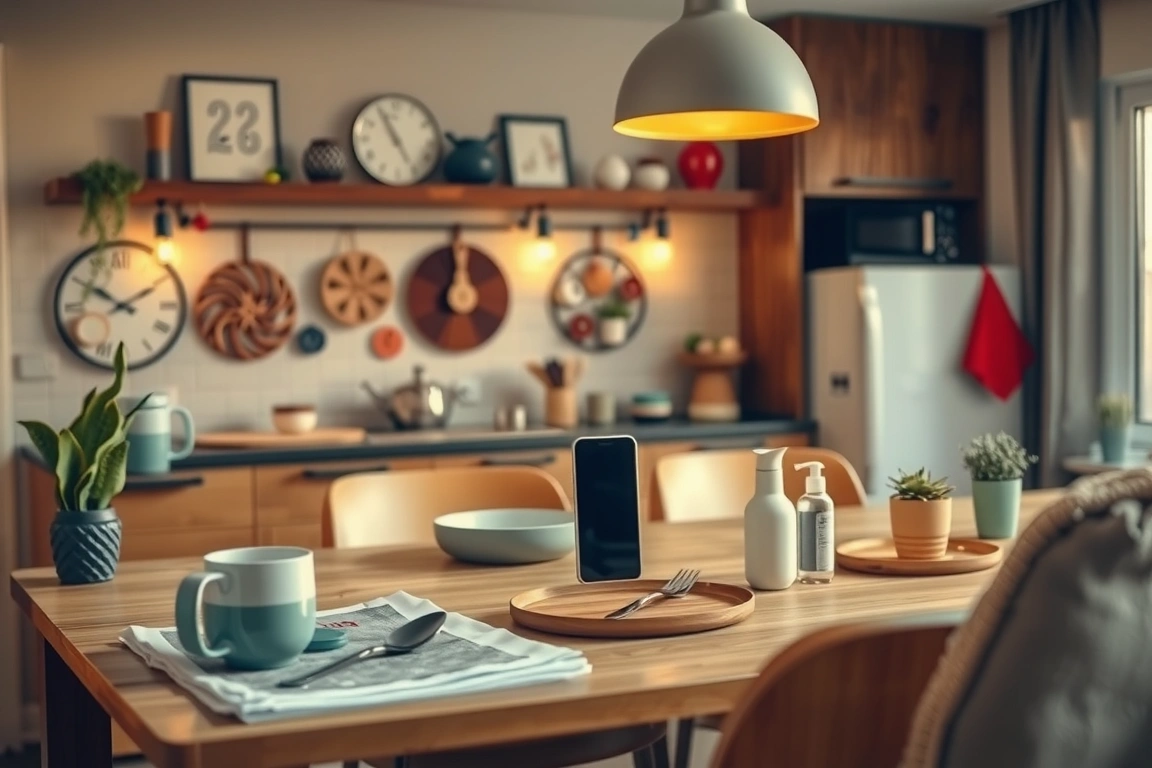
For cooking, the Meater 2 Plus smart meat thermometer is a game-changer. Its 165-foot Bluetooth range is a significant improvement over the first generation, allowing me to monitor a brisket on the backyard smoker from my living room. The app provides incredibly accurate estimated completion times based on ambient temperature and cut of meat. Just remember to calibrate it in a glass of ice water for 90 seconds before its first use. Smart plugs are essential here too, but not all are created equal. The Eve Energy (2025 model) with Thread is my top pick because it provides real-time energy monitoring. I discovered my aging coffee maker was drawing 15 watts even when “off,” a phantom load that cost me about $18 a year. The Eve plug showed me that data right in the Home app, something Wi-Fi plugs rarely do accurately.
The Eve plug showed me that data right in the Home app, something Wi-Fi plugs rarely do accurately.
Bedroom: Creating a Sanctuary for Sleep
Your bedroom should be a haven, and the right devices can dramatically improve sleep quality. The absolute best upgrade is a smart thermostat that creates a perfect sleeping climate. The 2026 Ecobee Smart Thermostat Premium with voice control includes a room sensor that prioritizes the temperature in your bedroom at night. During setup, you assign the small, puck-like sensor to the “Sleep” comfort setting in the Ecobee app. This tells the thermostat to ignore temperature readings from the hallway and focus solely on keeping your room at, say, 67°F. Over a 30-day period, this feature smoothed out temperature swings that used to wake me up, and according to the Ecobee’s monthly reports, reduced my HVAC runtime by about 12%.
Blackout automation is the second pillar of sleep hygiene. I paired Lutron Caséta smart dimmer switches with Serena motorized shades. Lutron’s proprietary Clear Connect RF protocol is the most reliable I’ve ever used; not a single switch has dropped offline in three years. The physical Pico remote is a blessing—I have one mounted on my headboard so I can turn off all the lights and close the shades without getting out of bed or fumbling for my phone. For gentle wake-ups, a smart bulb in a bedside lamp is superior to a harsh alarm. I use a Philips Hue White Ambiance bulb set to a 20-minute “sunrise” fade-in, starting 10 minutes before my alarm. The gradual increase in light helps regulate cortisol levels, making wake-ups feel less jarring.
Home Office: Productivity and Network Integrity
A reliable home office demands a rock-solid network, which starts with your router. The move to Wi-Fi 7 is real in 2026, and for homes with 50+ devices, it’s becoming a necessity. I upgraded to a TP-Link Kasa Archer BE800, and the dedicated 6 GHz band for compatible devices eliminated the latency spikes I’d get during video calls when others were streaming 4K video. The key router setting to change is the channel width; set your 5 GHz band to 80 MHz for the best mix of speed and range, avoiding the congested 160 MHz setting that can cause interference with your neighbor’s network.
On the desk itself, the most impactful device is a smart plug with energy monitoring. The TP-Link Tapo P125M Matter-Compatible Smart Plug helps me enforce work-life boundaries. I have it scheduled to cut power to my desk lamp and monitor at 6:00 PM daily. The physical off switch is a hard stop. For lighting, avoid colored bulbs for task lighting. The Cync Full Color Direct Connect Smart Bulb has a CRI (Color Rendering Index) of only 80, which makes colors on physical documents look washed out. Instead, use a tunable white bulb like the Nanoleaf Essentials Smart Bulb (Thread-enabled) which has a CRI of 95. You can set it to a cool, bright 5000K for focused work and a warm 2700K for less strenuous tasks, all automated with the time of day.
You can set it to a cool, bright 5000K for focused work and a warm 2700K for less strenuous tasks, all automated with the time of day.
Outdoors and Entryways: Security and Convenience
Outdoor devices face the toughest conditions, so weatherproofing and wireless range are paramount. For lighting, the Philips Hue Lily XL Outdoor Spotlights are worth their $250 price for three. They withstand rain, snow, and temperatures from -4°F to 104°F. I have them illuminating my front walkway on a schedule, but the real security benefit comes from linking them to a motion sensor. The Hue Outdoor Sensor has a 40-foot detection range. In the Hue app, I created a rule: if motion is detected between 10 PM and 6 AM, turn the Lily lights to 100% for 5 minutes. This has deterred more than one nocturnal animal (and perhaps the occasional porch pirate) from getting too comfortable.

For a video doorbell, the choice is clear: battery-powered models sacrifice critical response time. I hardwired a Google Nest Doorbell (wired, 2nd Gen) and its 3-second pre-roll feature—recording what happened 3 seconds before the button was pressed—has captured crucial footage every time. The installation requires turning off your existing doorbell’s breaker, a step many skip, leading to a tripped transformer. Pair it with a smart lock for keyless entry. The Yale Assure Lock 2 with Thread is my top pick because it supports Home Key—you just tap your iPhone or Apple Watch to the lock to unlock it. It’s faster and more secure than fumbling with a passcode while carrying groceries. After six months, I’ve only had to change its 4 AA batteries once.
The Budget-Conscious Upgrade Path
Transforming your entire home at once is expensive, but a strategic approach delivers 80% of the benefits for 20% of the cost. Start with a single Thread Border Router, like a $99 HomePod Mini. Your first device should be a multipurpose sensor. The Eve Motion (Thread version) is $40 and can be used in multiple ways: as a bathroom light switch, a hallway night light trigger, and a vacancy sensor to turn off the AC if no one is in the living room for an hour.
Next, invest in a 3-pack of Matter-over-Thread smart plugs. The Meross Matter Smart Plug MSS315 is routinely on sale for $45 for a three-pack. Use one for a lamp, one for a coffee maker, and one for a TV power strip. This simple setup alone automates your morning routine and eliminates vampire power loads. Avoid the temptation of cheap, no-name Wi-Fi plugs on Amazon; they often lack proper security certifications and can slow your entire network to a crawl. For lighting, a single Tunable White smart bulb in your most-used lamp is a better starting point than a full suite of cheap colored bulbs you’ll never use. This phased approach builds a stable, expandable foundation without overwhelming you or your wallet.
Building a reliable smart home in 2026 is less about having the most devices and more about choosing the right ones that communicate effortlessly. The three non-negotiable takeaways are to prioritize Matter and Thread for future-proofing, invest in a robust central hub or border router from day one, and place network reliability above flashy, single-purpose gadgets. Start with a core system—a Thread-enabled smart plug, a motion sensor, and a reliable light bulb—and automate one repetitive task, like turning on the porch light at dusk. Once you experience the reliability of a mesh network handling the work, you’ll never go back to the frustration of a Wi-Fi-dependent smart home. My recommendation is to begin with an Apple HomePod Mini and a two-pack of Eve Energy plugs; this $150 foundation will prove the value before you commit to a whole-house system.
Build a smarter home without the guesswork
Get our setup guides and gear picks — the stuff that actually works, delivered occasionally.
Sources & further reading
Frequently Asked Questions
Do I really need a separate hub, or can I just use my Wi-Fi router?
You can start with Wi-Fi, but you will hit a wall. Most consumer-grade routers are designed for about 30-40 connected devices before performance degrades. A dedicated hub using Zigbee or Thread creates a separate, low-power network specifically for your smart devices. This takes the load off your Wi-Fi, leading to faster internet speeds and far more reliable device connections. In my experience, adding a Hubitat hub stopped the daily drop-outs I was experiencing with my Wi-Fi smart plugs.
What’s the difference between Matter and Thread?
Think of Matter as the language and Thread as the road. Matter is a new interoperability standard that allows devices from different brands (like Google, Apple, Amazon, and Samsung) to communicate with each other seamlessly. Thread is a wireless protocol that provides the low-power, self-healing mesh network for those devices to talk on. A device can support Matter over Wi-Fi, but Matter over Thread is superior for battery-powered sensors and lights because it’s more reliable and efficient.
Are smart home devices a security risk?
Any internet-connected device carries a risk, but you can manage it. The biggest vulnerability is often cheap, off-brand devices with poor security practices. Stick to reputable brands that support Matter, as the standard includes mandatory security features. Always change default passwords, enable two-factor authentication on your central hub app (like Google Home or Apple Home), and keep your router’s firmware updated. Segmenting your devices onto a guest Wi-Fi network is an advanced but highly effective security measure.
🔌 Editor’s Pick
Editor’s Pick: A complete smart home starter kit with controller, speaker, and sensors.
Make Your Home Smarter
Device reviews, automations, and the deals worth grabbing.
Enjoyed this article?
Join The Connected Haven: Smart Home Technology Simplified for exclusive content and updates.
Subscribe Free