- In This Article
- Key Takeaways
- The Renters’ Smart Home Foundation: Hubs and Hopes
- Smart Lighting: Bulbs vs. Plugs for Temporary Control
- Affordable Security: Peace of Mind Without Drilling Holes
- Climate and Comfort: Smart Thermostats and Air Quality
- Voice Control Central: The Smart Speaker Decision
- The Automation Engine: Making Your Gadgets Talk to Each Other
- Hidden Costs and Pitfalls: What the Box Doesn’t Tell You
- Sources & further reading
- Frequently Asked Questions
- Can my landlord legally prevent me from using smart home devices?
- Will these devices work if my internet goes down?
- How do I ensure my smart home is secure from hackers?
- Related Articles
Renting throws a unique wrench into building a smart home. You can’t rewire light switches or install built-in security systems without risking your security deposit. I learned this the hard way after wiring my current home with over 50 devices; the process for my previous rented apartment was a completely different beast. But that’s the beauty of the 2026 smart home market: the best gadgets for renters are wireless, affordable (most under $80), and often require nothing more than a power outlet and a 2.4GHz WiFi signal. Forget permanent installations; this is about smart plugs, portable cameras, and wireless sensors that pack a serious automation punch without leaving a mark.
| Pick | Best for |
|---|---|
| The Renters’ Smart Home Foundation: Hubs and Hopes | Your first decision isn’t a gadget, it’s a strategy. |
| Smart Lighting: Bulbs vs. Plugs for Temporary Control | You can’t change the light switches, so you change the bulbs or the source of power. |
| Affordable Security: Peace of Mind Without Drilling Holes | Renters deserve security, but permanent camera mounts are a no-go. |
| Climate and Comfort: Smart Thermostats and Air Quality | This is the trickiest category for renters, as most landlords won’t let you replace the ce… |
| Voice Control Central: The Smart Speaker Decision | Your smart speaker is your command center. |
| The Automation Engine: Making Your Gadgets Talk to Each Other | Individual smart devices are convenient, but automations are where you save real time and … |
9 min read
In This Article
- The Renters’ Smart Home Foundation: Hubs and Hopes
- Smart Lighting: Bulbs vs. Plugs for Temporary Control
- Affordable Security: Peace of Mind Without Drilling Holes
- Climate and Comfort: Smart Thermostats and Air Quality
- Voice Control Central: The Smart Speaker Decision
- The Automation Engine: Making Your Gadgets Talk to Each Other
- Hidden Costs and Pitfalls: What the Box Doesn’t Tell You
- Frequently Asked Questions
Key Takeaways
- The Renters’ Smart Home Foundation: Hubs and Hopes
- Smart Lighting: Bulbs vs. Plugs for Temporary Control
- Affordable Security: Peace of Mind Without Drilling Holes
- Climate and Comfort: Smart Thermostats and Air Quality
The Renters’ Smart Home Foundation: Hubs and Hopes
Your first decision isn’t a gadget, it’s a strategy. Do you invest in a hub? For a small studio apartment, you might get away with a pure WiFi setup. But if you’re in a 900-square-foot apartment with thick plaster walls, a hub using Zigbee 3.0 or Thread creates a more reliable mesh network that doesn’t clog your WiFi. I started my rental setup with a $40 Amazon Echo (4th Gen) that has a built-in Zigbee hub. This single device gave me a voice assistant and a stable backbone for sensors and smart bulbs, a two-for-one deal that saved me both money and an extra power outlet. The alternative is betting on Matter-over-Thread, which is promising but in 2026, device selection is still growing. A Google Nest Hub (2nd Gen) or an Apple HomePod Mini are solid Thread border router options if you’re heavily invested in those ecosystems.
The pitfall most beginners hit is router compatibility. These devices are notoriously fussy about your internet setup. If your ISP-provided router combines 2.4GHz and 5GHz networks into a single SSID (like “HomeWiFi”), many smart gadgets will fail to connect. You must log into your router’s admin panel—usually by typing 192.168.1.1 into a browser—and split the bands into two separate networks, e.g., “HomeWiFi_2.4” and “HomeWiFi_5”. Connect all your smart devices exclusively to the 2.4GHz network. This one configuration change, which takes about five minutes, prevents 90% of initial setup headaches.
This one configuration change, which takes about five minutes, prevents 90% of initial setup headaches.
Smart Lighting: Bulbs vs. Plugs for Temporary Control
You can’t change the light switches, so you change the bulbs or the source of power. Smart bulbs are fantastic for lamps and overhead fixtures with pull chains. The Philips Wiz Smart Bulb (around $15 each) is my top pick for renters because it’s WiFi-based, requires no hub, and the app is remarkably intuitive. You get 16 million colors, schedules, and it integrates with both Google Assistant and Alexa. The downside? If someone flicks the physical wall switch off, the bulb is dead until you turn it back on. I solved this in my office by putting a small piece of tape over the switch to remind guests.
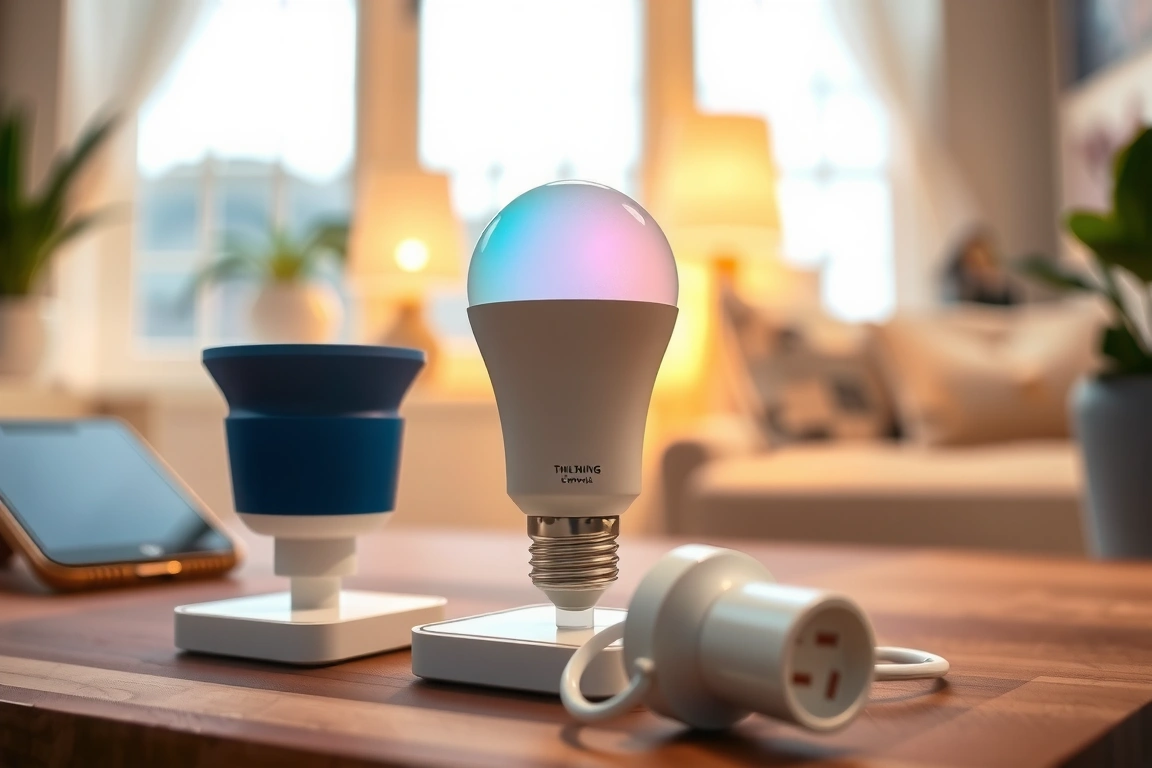
For appliances and lamps plugged into outlets, a smart plug is the ultimate renter-friendly tool. The TP-Link Kasa Smart Plug Mini (KP125) is a workhorse I’ve used for three years; it’s consistently under $20 and rock-solid. The form factor is tiny, so it doesn’t block the second outlet on a wall plate. Setup is straightforward: In the Kasa Smart app, you tap the ‘+’ icon, select ‘Device’, choose ‘Smart Plug’, and follow the prompts to connect to your 2.4GHz network. I use them to schedule my coffee maker to turn on at 7:00 AM and to cut power to my entertainment center at night, saving an estimated $5-$7 on my monthly electricity bill by eliminating vampire drain.
- Best for Lamps & Ambiance: Philips Wiz Smart Bulb ($15) – Color, no hub needed.
- Best for Appliances & Schedules: TP-Link Kasa Smart Plug Mini ($20) – Reliable, energy monitoring.
- Best for a Unified System: Philips Hue White Ambiance Bulb ($50 for 2-pack) – Requires a Hue Bridge but offers unparalleled reliability and automation depth.
Affordable Security: Peace of Mind Without Drilling Holes
Renters deserve security, but permanent camera mounts are a no-go. The solution is portable indoor cameras and contact sensors. The Wyze Cam v4 is the undisputed champion here, retailing for just $36. Its 2K resolution and color night vision are stunning for the price, and it operates on 2.4GHz WiFi. The key feature for renters is the flexible mounting options; it comes with a small metal plate that can be attached to a window with suction cups or set on a shelf. I use one pointed at my front door, and the person detection alerts are accurate about 95% of the time. Just remember to disable the status light from the app’s settings for a more discreet presence.

For doors and windows, Aqara’s Contact Sensor is my top recommendation. At about $20 per sensor, they are incredibly affordable and, when paired with an Aqara Hub (around $50) or a compatible Zigbee hub like the one in the Echo, create a robust security network. The sensors use adhesive strips that hold firmly but can be removed with a bit of isopropyl alcohol without damaging the paint. The real magic is in the automation: I have my sensor set so that when my front door opens after sunset, my Wiz smart bulb in the hallway turns on at 30% brightness. This kind of simple automation makes a rental feel truly intelligent.
This kind of simple automation makes a rental feel truly intelligent.
Climate and Comfort: Smart Thermostats and Air Quality
This is the trickiest category for renters, as most landlords won’t let you replace the central thermostat. However, if you have individual unit control, the Mysa Smart Thermostat for baseboard heaters is a game-changer, though it’s a permanent install. For purely renter-friendly options, focus on portable climate control. A smart plug can turn a standard space heater or air conditioner on and off on a schedule, but caution is paramount: only use plugs rated for high-wattage appliances (the Kasa KP125 handles 15A/1875W). A safer bet is a smart air purifier like the Levoit Core 300S ($130), which connects via WiFi and allows you to schedule cleaning cycles and monitor your apartment’s air quality from your phone.
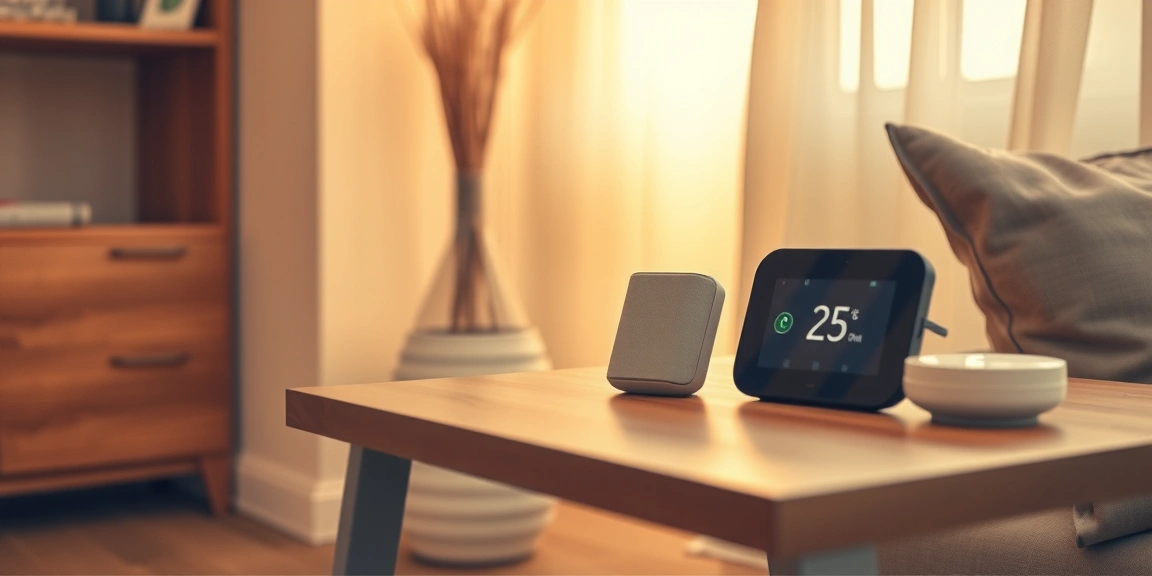
A more universal gadget is a smart thermostat for a single room. The Govee Thermometer Hygrometer H5179 ($30) isn’t a controller, but it’s a brilliantly simple monitoring tool. It connects via Bluetooth and WiFi, displaying temperature and humidity on a small screen and in the Govee Home app. I have one in my bedroom and have set up an automation: if the humidity drops below 40%, I get a notification to turn on my humidifier. It’s a low-cost way to gain awareness of your environment and make manual adjustments for comfort and health.
Voice Control Central: The Smart Speaker Decision
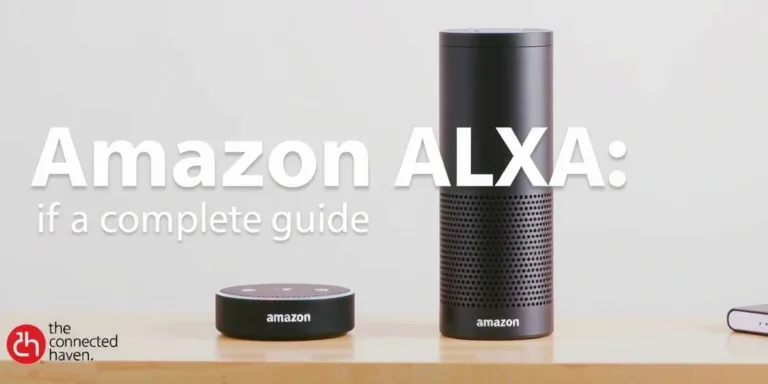
Your smart speaker is your command center. For under $100, you have two excellent choices: the Amazon Echo Dot (5th Gen) with clock ($60) or the Google Nest Audio ($100). I prefer the Echo Dot for renters on a budget because of its built-in Zigbee hub, as mentioned earlier. This eliminates the need for a separate device. The setup is foolproof: plug it in, open the Alexa app, go to Devices > ‘+’ > Add Device > Amazon Echo > Echo Dot, and follow the audio prompts. The clock display is a bonus for a bedside table, showing the time, temperature, or timers.
The Google Nest Audio offers superior sound quality for music, making it a better choice if your smart home is also your primary entertainment system. Its integration with Google Assistant feels more intuitive for query-based requests (“Hey Google, how long will it take to get to work?”). However, it lacks a built-in hub for Zigbee or Z-Wave, meaning you’ll need to rely on WiFi devices or invest in a separate hub like a SmartThings Station later. Neither is a bad choice; it comes down to whether you value multi-functional utility (Echo) or audio fidelity and AI smarts (Google).
Neither is a bad choice; it comes down to whether you value multi-functional utility (Echo) or audio fidelity and AI smarts (Google).
The Automation Engine: Making Your Gadgets Talk to Each Other
Individual smart devices are convenient, but automations are where you save real time and energy. Most of this can be done within a single app like Alexa or Google Home. For example, a simple “Routine” in the Alexa app can combine multiple actions. To create a “Good Morning” routine, you would: Open Alexa App > More > Routines > ‘+’ > Name it “Good Morning” > When this happens (choose Voice, then say “Good Morning”) > Add action (Smart Home, control your smart plug to turn on the coffee maker) > Add another action (Smart Home, set your Wiz bulb to 100% bright).
For more advanced, multi-brand automations, a platform like IFTTT (If This Then That) is powerful. I have a simple applet that uses the Govee hygrometer: “If the humidity reading from Govee drops below 40%, then send a notification to my phone.” This level of cross-platform control is free for basic applets and unlocks the true potential of a mixed-device smart home. The key is to start small. Don’t try to build a complex “Goodbye” scene that locks doors, turns off lights, and arms security on day one. Master a two-step automation first, then build from there.
Hidden Costs and Pitfalls: What the Box Doesn’t Tell You
The sticker price is only part of the story. Always account for the ecosystem tax. A Philips Hue bulb might seem expensive, but you’re paying for the rock-solid reliability of the Zigbee protocol and the extensive Hue ecosystem. A cheaper WiFi bulb might work fine for a year, then start losing connection and require constant resetting. I had a generic brand bulb that would drop off my network every 48 hours like clockwork; the fix was disabling a “Power Saving” mode buried three menus deep in its obscure companion app—a hassle I never have with my Hue or Wiz bulbs.
Another hidden cost is subscription services. While the Wyze Cam is cheap, features like person detection video clips longer than 12 seconds require a Cam Plus subscription ($2.99/month). The Aqara hub offers some free alerts, but more advanced home security monitoring is a paid service. Factor in an extra $30-$50 per year if you want the full feature set from your security devices. My advice? Start with the free tiers. You can always subscribe later if you find a feature indispensable. The goal is to build a system that adds value, not monthly bills.
Building a smart home as a renter in 2026 is less about permanent fixtures and more about intelligent, portable solutions. The three biggest takeaways are to choose your connectivity strategy wisely (WiFi for simplicity, a hub for reliability), prioritize devices that use non-marking adhesives or simple plugs, and start with one or two devices to master the automation basics before expanding. Based on my experience, the most impactful starting kit is an Echo Dot with clock, two Kasa smart plugs, and a Wyze Cam. This combination gives you voice control, appliance scheduling, and basic security for under $150, transforming your rented space into a responsive, modern haven without a single hole in the wall.
Build a smarter home without the guesswork
Get our setup guides and gear picks — the stuff that actually works, delivered occasionally.
Sources & further reading
Frequently Asked Questions
Can my landlord legally prevent me from using smart home devices?
Generally, landlords cannot prohibit devices that don’t modify the property, like smart plugs or portable cameras. However, anything that involves drilling holes, replacing fixtures (like thermostats), or tampering with wiring may require written permission. Always review your lease agreement; clauses about “material alterations” are the key thing to look for. When in doubt, ask. Most landlords are amenable to non-invasive tech, especially if you explain it’s temporary and improves security.
Will these devices work if my internet goes down?
This is a critical limitation. Most cloud-dependent devices, like WiFi smart plugs and cameras, will become unresponsive if your internet fails. However, devices that use a local protocol like Zigbee or Z-Wave with a hub will often continue to work for automations that don’t require an external internet connection. For example, an Aqara door sensor connected to an Echo hub will still turn on a Zigbee smart bulb locally. Internet outages highlight the advantage of having a local hub-based system for core functions.
How do I ensure my smart home is secure from hackers?
Smart home security starts with your WiFi network. Always change the default password on your router and use a strong, unique password for it and your smart home accounts. Enable two-factor authentication (2FA) on every app that offers it, like Amazon Alexa and Google Home. Create a separate guest network for your IoT devices to isolate them from your computers and phones. Finally, regularly check for and install firmware updates for your router and smart devices, as these often include critical security patches.
Make Your Home Smarter
Device reviews, automations, and the deals worth grabbing.
Enjoyed this article?
Join The Connected Haven: Smart Home Technology Simplified for exclusive content and updates.
Subscribe Free